
Sony BRAVIA KDL-20S2020: Using the Favourite list To Do this
Using the Favourite list To Do this: Sony BRAVIA KDL-20S2020
Table of contents
- Trademark information Introduction Notice for Digital TV function
- Table of Contents
- Start-up Guide 1: Checking the 2: Connecting an aerial/ accessories VCR
- 3: Bundling the cables 4: Preventing the TV from toppling over 5: Selecting the language and country/region
- 6: Auto-tuning the TV
- Safety information
- GB
- GB
- Precautions
- Overview of the remote
- Overview of the TV buttons and indicators
- Watching TV
- To access Text Picture Freeze PIP in PC Mode (Picture in Picture) To change the screen mode manually to suit the broadcast GB
- Checking the Digital Electronic Programme Guide To Do this
- To Do this
- Using the Favourite list To Do this
- Viewing pictures from connected equipment
- Navigating through menus
- Picture Adjustment menu
- Sound Adjustment menu
- TV Speakers
- Features menu
- Timer
- Set-up menu
- Manual Programme Preset
- Skip
- Digital Set-up menu Digital Tuning
- Digital Set-up
- Using Optional Equipment Connecting optional equipment Connecting to the TV (side)
- Connecting to the TV (rear)
- Additional Information Specifications
- Troubleshooting Picture
- Sound Channels General
010COV.book Page 17 Monday, June 12, 2006 3:29 PM
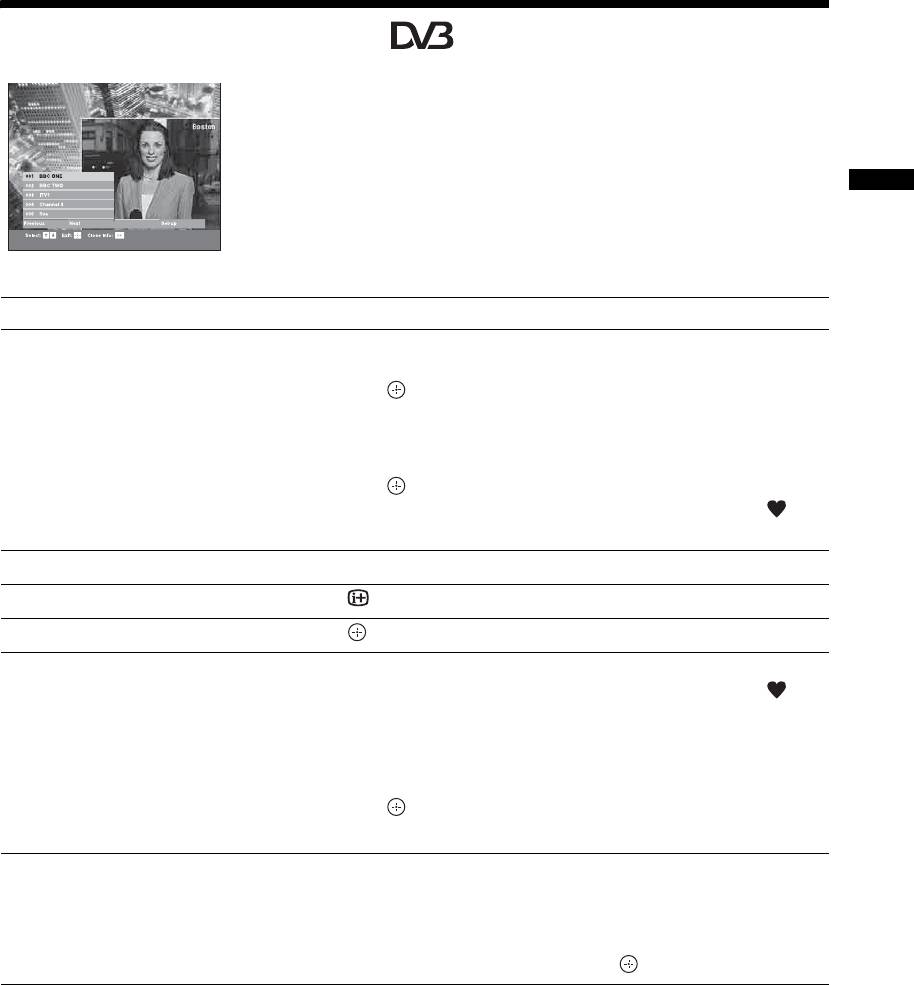
Using the Favourite list
The Favourite feature allows you to select programs
from a list of up to 8 channels you specify. To display
the Favourite list, see “Navigating through menus”
(page 19).
Watching TV
Favourite list
To Do this
Create your Favourite list for the first time A message appears asking if you want to add channels to the Favourite list
when you select “Digital Favourites” in the “MENU” for the first time.
1 Press to select “Yes”.
2 Press
F/f to select the channel you want to add.
If you know the channel number, you can use the number buttons to
directly select a channel.
3 Press .
Channels that are stored in the Favourite list are indicated by a
symbol.
Turn off the Favourite list Press RETURN.
See brief details on current programmes Press while selecting a channel. Press again to cancel.
Watch a channel Press while selecting a channel.
Add or remove channels in the Favourite
1 Press the blue button.
list
Channels that are stored in the Favourite list are indicated by a
symbol.
2 Press F/f to select the channel you want to add or remove.
If you know the channel number, you can use the number buttons to
directly select a channel.
3 Press .
4 Press the blue button to return to the Favourite list.
Remove all channels from the Favourite list
1 Press the blue button.
2 Press the yellow button.
A display appears to confirm that you want to delete all channels from the
Favourite list.
3 Press G to select “Yes”, then press to confirm.
17
GB
2-685-333-41(0)
KDL-20S2020
