
Sony BRAVIA KDL-20S2020: Troubleshooting Picture
Troubleshooting Picture: Sony BRAVIA KDL-20S2020
Table of contents
- Trademark information Introduction Notice for Digital TV function
- Table of Contents
- Start-up Guide 1: Checking the 2: Connecting an aerial/ accessories VCR
- 3: Bundling the cables 4: Preventing the TV from toppling over 5: Selecting the language and country/region
- 6: Auto-tuning the TV
- Safety information
- GB
- GB
- Precautions
- Overview of the remote
- Overview of the TV buttons and indicators
- Watching TV
- To access Text Picture Freeze PIP in PC Mode (Picture in Picture) To change the screen mode manually to suit the broadcast GB
- Checking the Digital Electronic Programme Guide To Do this
- To Do this
- Using the Favourite list To Do this
- Viewing pictures from connected equipment
- Navigating through menus
- Picture Adjustment menu
- Sound Adjustment menu
- TV Speakers
- Features menu
- Timer
- Set-up menu
- Manual Programme Preset
- Skip
- Digital Set-up menu Digital Tuning
- Digital Set-up
- Using Optional Equipment Connecting optional equipment Connecting to the TV (side)
- Connecting to the TV (rear)
- Additional Information Specifications
- Troubleshooting Picture
- Sound Channels General
010COV.book Page 33 Monday, June 12, 2006 3:29 PM
Troubleshooting
Check whether the 1 (standby) indicator is flashing in red.
When it is flashing
The self-diagnosis function is activated.
1 Measure how long the 1 (standby) indicator flashes and stops flashing.
For example, the indicator flashes for two seconds, stops flashing for one second, and flashes for two seconds.
2 Press 1 on the TV (top side) to switch it off, disconnect the mains lead, and inform your dealer or
Sony service centre of how the indicator flashes (duration and interval).
When it is not flashing
1 Check the items in the tables below.
2 If the problem still persists, have your TV serviced by qualified service personnel.
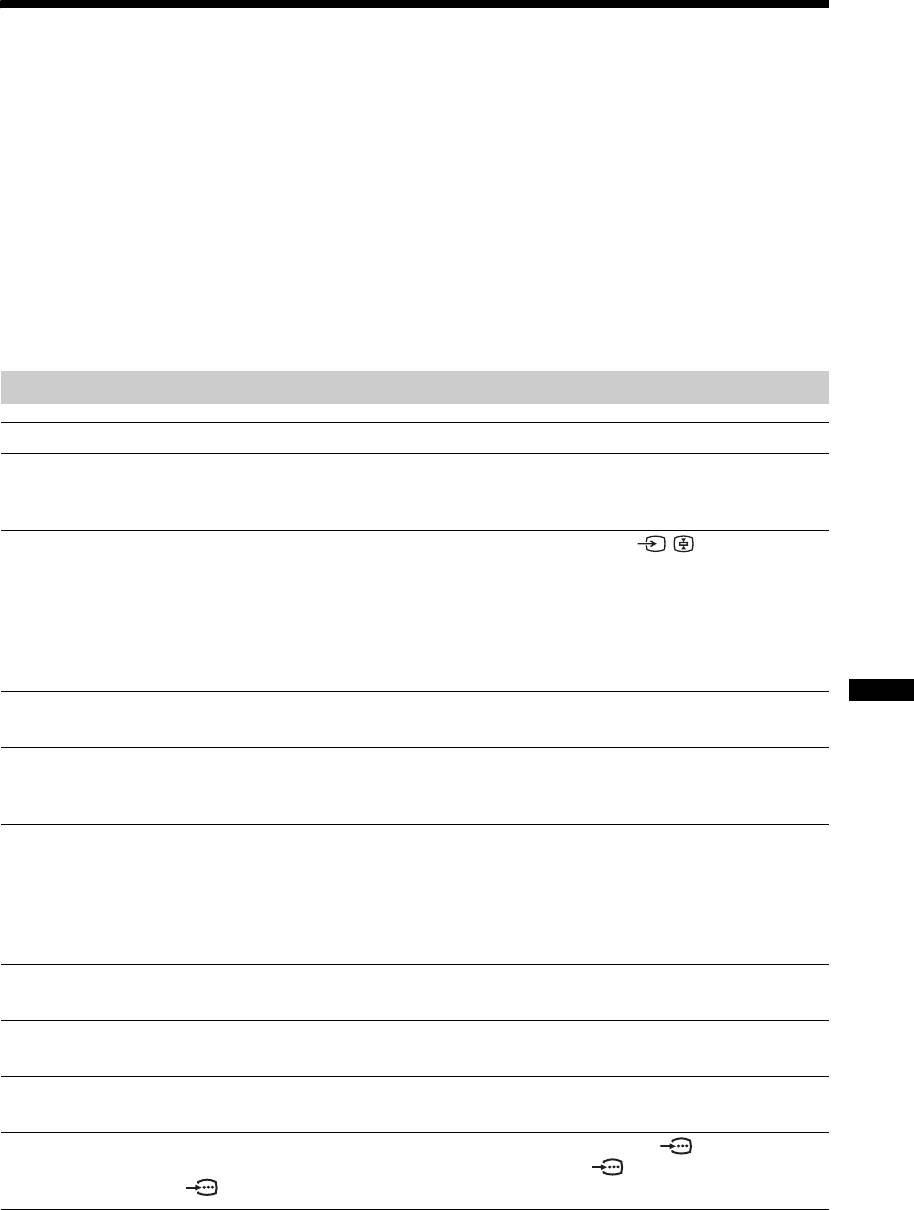
Picture
Problem Cause/Remedy
No picture (screen is dark) and
• Check the aerial connection.
no sound
• Connect the TV to the mains, and press 1 on the TV (top side).
•If the 1 (standby) indicator lights up in red, press "/1.
No picture or no menu
• Check that the optional equipment is on and press / repeatedly until
information from equipment
the correct input symbol is displayed on the screen.
connected to the scarts or
• Check the connection between the optional equipment and the TV.
HDMI IN socket
• When connecting any equipment to the HDMI IN 6 socket or when
changing the resolution, some dots can appear blinking on the screen for a
few seconds. HDMI signal decoding is in progress and it does not indicate a
malfunction.
Double images or ghosting
• Check aerial/cable connections.
Additional Information
• Check the aerial location and direction.
Only snow and noise appear
• Check if the aerial is broken or bent.
on the screen
• Check if the aerial has reached the end of its serviceable life (three to five
years in normal use, one to two years at the seaside).
Distorted picture (dotted lines
• Keep the TV away from electrical noise sources such as cars, motorcycles,
or stripes)
hair-dryers or optical equipment.
• When installing optional equipment, leave some space between the optional
equipment and the TV.
• Make sure that the aerial is connected using the supplied coaxial cable.
• Keep the aerial cable away from other connecting cables.
Picture noise when viewing a
• Select “Manual Programme Preset” in the “Set-Up” menu and adjust “AFT”
TV channel
(Automatic Fine Tuning) to obtain better picture reception (page 26).
Some tiny black points and/or
• The picture of a display unit is composed of pixels. Tiny black points and/or
bright points on the screen
bright points (pixels) on the screen do not indicate a malfunction.
No colour on programmes
• Select “Reset” in the “Picture Adjustment” menu to return to the factory
settings (page 20).
No colour or irregular colour
• Check the connection of the Y, PB/CB, PR/CR jacks of 3.
when viewing a signal from the
• Make sure that the Y, P
B/CB, PR/CR jacks of 3 are firmly seated in their
Y, P
B/CB, PR/CR jacks of 3
respective sockets.
33
GB
2-685-333-41(0)
KDL-20S2020
