
Sony SU-B461S: CAUTION PRECAUTIONS
CAUTION PRECAUTIONS: Sony SU-B461S
Table of contents
- NOTICE FOR CUSTOMERS IN THE UNITED KINGDOM CAUTION On Safety WARNING
- AC power cord (mains lead) NOTE ON AC adapter (mains adaptor)
- CAUTION PRECAUTIONS
- Step 1: Checking the parts
- Step 2: 2 Installing the TV 1 3
- 4 6 7 5
- 8 Step 3: Safety measures to prevent toppling over
- Step 4: Connecting the TV and Player
- Step 5: Step 6: Connecting the AC Performing the TV power cord (mains lead) settings
- Troubleshooting Specifications Indicator
- HDMI section General
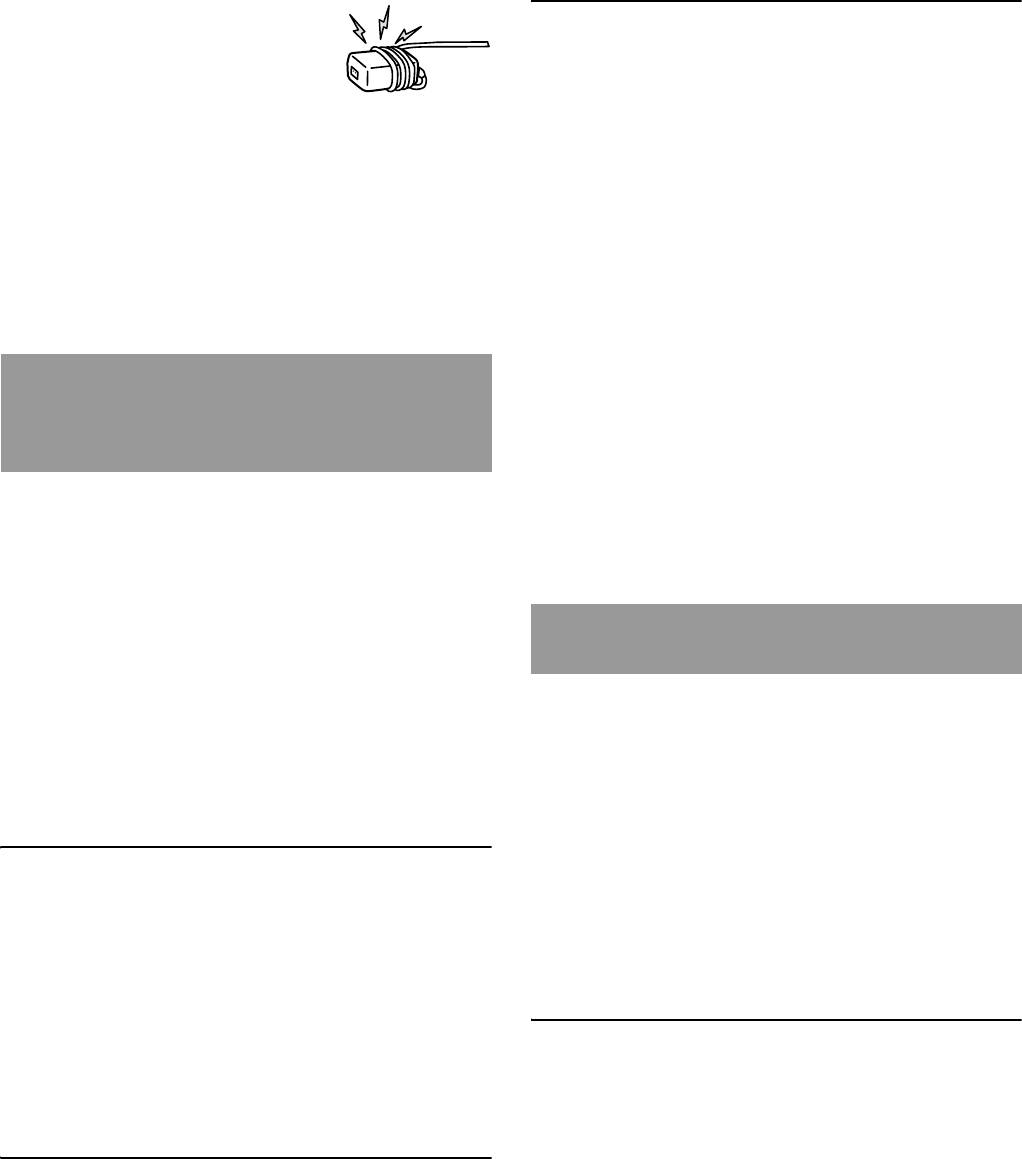
• Do not coil the AC power cord (mains
lead) around the AC adapter (mains
Be sure that two or more persons do
adaptor). The core wire may be cut
the installation work.
and/or it may cause a malfunction of
Be sure that two or more persons install the TV on the TV
the TV.
Stand. If one person does the installation work alone, this
• Do not touch the AC adapter (mains adaptor) with wet
may result in an accident or injury.
hands.
• If you notice an abnormality in the AC adapter (mains
adaptor), disconnect it from the AC power outlet (mains
Do not modify the TV Stand.
socket) immediately.
It may fall and cause injury.
• The set is not disconnected from the AC (mains) source as
long as it is connected to the AC power outlet (mains
Be sure to install the TV securely
socket), even if the set itself has been turned off.
following the instructions.
Tighten the screws securely. If the TV is not installed
securely, it may fall and cause injury.
CAUTION
If the following precautions are not observed,
injury or property damage may occur.
Be careful not to injure your hands
or fingers while assembling.
• Do not move the TV Stand with holding the Neck section.
Do not install any equipment other
• Be careful not to hurt your fingers or hands when
than the specified product.
installing the TV.
This TV Stand is designed for use with the specified product
only. If you install equipment other than specified, it may fall
or break, and cause injury. Illustrations used in this manual
PRECAUTIONS
show of the KDL-40NX72x, unless otherwise stated.
Be sure to secure the TV.
On power sources
Secure the TV to the TV Stand using the supplied screws. If
• If you are not going to use the TV Stand for a long time, be
the TV is not installed securely, it may fall, or the TV Stand
sure to disconnect the TV Stand from the wall outlet
may topple over, and cause injury.
(mains). To disconnect the AC power cord (mains lead),
grasp the plug itself; never pull the cord.
• AC power cord (mains lead) must be changed only at the
Notes on installation
qualified service shop.
Do not allow the TV Stand to be installed at an angle or
On operation
incline. To avoid this, observe the following precautions.
Before connecting other components, be sure to turn off and
– If you install the TV Stand on a soft surface such as a
unplug the TV Stand.
mat or a carpet, lay a board over the designated location
beforehand.
– Do not install the TV Stand in a place subject to direct
Copyrights
sunlight or near a heater.
– Do not install the TV Stand in a hot or humid place, or
This TV Stand incorporates Dolby
*
Digital and Pro Logic
outdoors.
Surround and the DTS
**
Digital Surround System.
* Manufactured under license from Dolby Laboratories.
Dolby, Pro Logic, and the double-D symbol are trademarks of
Note on use
Dolby Laboratories.
** Manufactured under license under U.S. Patent #’s:
Cleaning
5,451,942; 5,956,674; 5,974,380; 5,978,762; 6,487,535 & other
To keep the TV Stand clean, occasionally wipe it with a dry
U.S. and worldwide patents issued & pending. DTS and the
soft cloth. Stubborn stains may be removed by wiping with a
Symbol are registered trademarks & DTS Digital Surround and
the DTS logos are trademarks of DTS, Inc. Product includes
cloth slightly dampened with mild soap. Be sure to dry the
software. © DTS, Inc. All Rights Reserved.
area afterwards with a dry soft cloth. Do not use chemicals,
such as thinner or benzine, as they damage the finish of the
This TV Stand incorporates High-Definition Multimedia
TV Stand.
Interface (HDMI™) technology.
HDMI, the HDMI Logo, and High-Definition Multimedia
Interface are trademarks or registered trademarks of HDMI
Licensing LLC in the United States and other countries.
4 (GB)
