
Sony CDX-M600R: Locating a station by programme type
Locating a station by programme type: Sony CDX-M600R
Table of contents
- Welcome ! Precautions
- Notes on CDs
- Table of Contents
- Location of controls
- Location of controls
- The corresponding buttons of the unit control the same functions as those on the card remote commander.
- Turning the unit on/off Getting Started Resetting the unit Security release settings
- How to use the menu Setting the clock
- CD Player CD/MD Unit (optional) Listening to a CD
- Locating a specific track Locating a specific point in a track Automatically scrolling a disc name Locating a disc
- Playing tracks repeatedly Playing tracks in random — Repeat Play order — Shuffle Play
- Labelling a CD — Disc Memo
- Locating a disc by name
- Selecting specific tracks for playback
- Memorising only the Radio desired stations Memorising stations automatically
- Receiving the memorised stations
- RDS Overview of the RDS Retuning the same function programme automatically Displaying the station name
- Listening to a regional programme Local link function
- Listening to traffic announcements
- Presetting the RDS stations with the AF and TA data
- Locating a station by programme type
- Setting the clock DAB automatically Overview of DAB
- Basic operations of DAB
- Presetting DAB services Presetting DAB services automatically — BTM manually
- Listening to a DAB programme
- Settings on the audio Locating a DAB service by reception programme type (PTY)
- DSP (CDX-M700R only) Setting the equalizer
- Selecting the listening Selecting a soundstage position menu
- Adjusting the balance Adjusting the front and rear fader
- Adjusting the volume of the subwoofer(s) Listening to each programme source in its registered DSO
- Using the rotary Other Functions commander Labelling the rotary commander
- By rotating the control Other operations (the SEEK/AMS control) By pushing in and rotating the control (the PRESET/DISC control)
- Changing the operative direction Adjusting the sound characteristics (CDX-M600R only) Attenuating the sound
- Changing the sound and display settings
- Boosting the bass sound Selecting the spectrum analyser
- Additional Adjusting the sound and Information frequency of the equalizer preamplifier Maintenance
- Dismounting the unit
- If the front panel does not open because of a blown fuse
- Specifications
- Troubleshooting guide General CD/MD playback
- Radio reception RDS
- Error displays (when an optional CD/MD unit is connected)
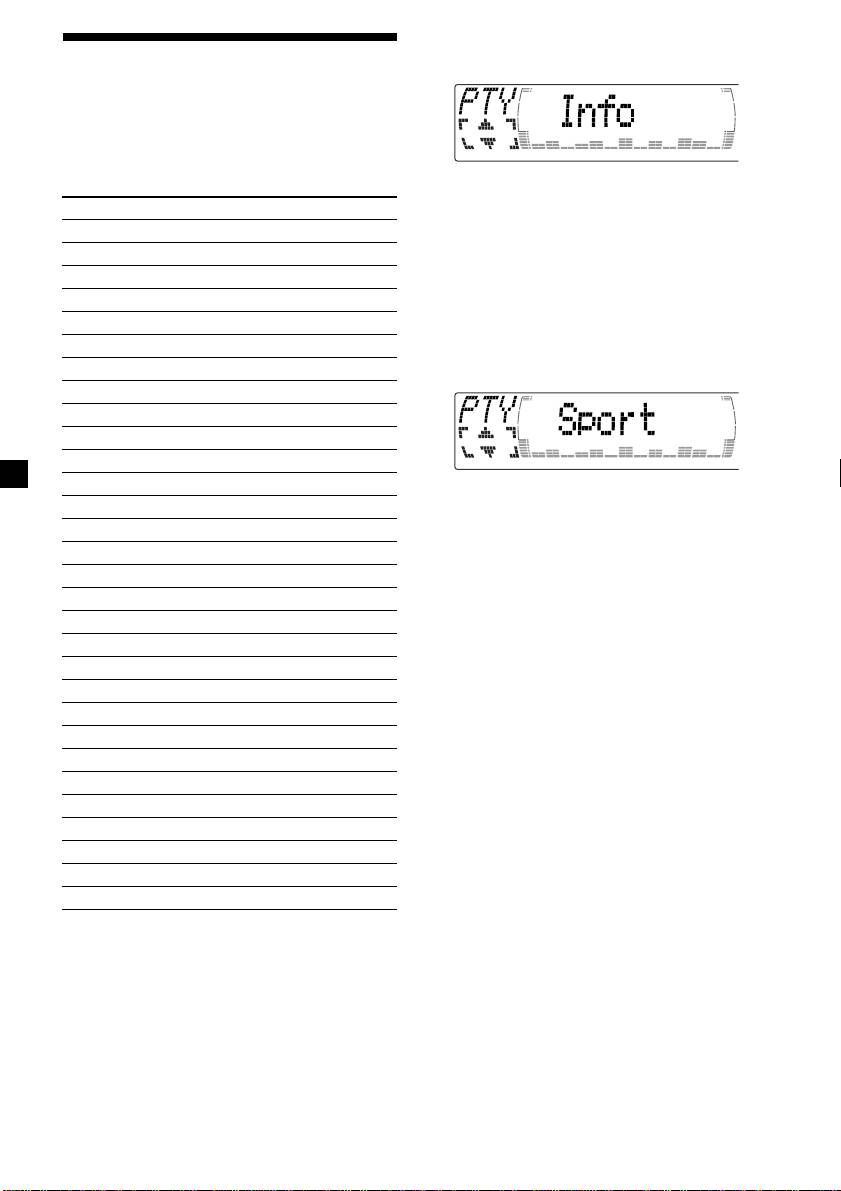
1 Press (DSPL/PTY) during FM reception
Locating a station by
until “PTY” appears.
programme type
You can locate the station you want by
selecting one of the programme types shown
below.
The current programme type name appears
if the station is transmitting the PTY data.
Programme types Display
“- - - - -” appears if the received station is
News News
not an RDS station, or if the RDS data has
Current Affairs Affairs
not been received.
Information Info
Sports Sport
2 Press M or m repeatedly until the desired
programme type appears.
Education Educate
The programme types appear in the order
Drama Drama
shown in the table. Note that you cannot
Culture Culture
select “None” (Not specified) for searching.
Science Science
Varied Varied
Popular Music Pop M
Rock Music Rock M
Easy Listening Easy M
Light Classical Light M
3 Press (ENTER).
The unit starts searching for a station
Classical Classics
broadcasting the selected programme type.
Other Music Type Other M
Weather Weather
Finance Finance
Children’s Programmes Children
Social Affairs Social A
Religion Religion
Phone In Phone IN
Travel Travel
Leisure Leisure
Jazz Music Jazz
Country Music Country
National Music Nation M
Oldies Music Oldies
Folk Music Folk M
Documentary Document
Not specified None
Note
You cannot use this function in some countries
where no PTY (Programme Type selection) data is
available.
22

