
Sony CDP-XE520: Playing in Random Order
Playing in Random Order: Sony CDP-XE520
Table of contents
- WARNING Precautions
- TABLE OF CONTENTS
- Unpacking Hooking Up the System
- Getting Started Where do I go next?
- Playing a CD
- Playing CDs Using the Display
- Checking the information of CD TEXT discs
- Locating a Specific Track or a Particular Point in a Track
- Playing Tracks Repeatedly
- Playing in Random Order
- Creating Your Own Programme
- Playing CDs Creating a programme using the remote (CDP-XE520 and CDP-XE320 only) Checking the track order Changing the track order
- Recording From CDs Recording Your Own Programme Recording a CD by Specifying Tape Length (Time Edit)
- Fading In or Out
- Recording From CDs Changing the fading time (CDP-XE520 only) Fading out at the specified time
- Recording From CDs Additional Information Adjusting the Recording Level Notes on CDs
- Additional Information Troubleshooting Specifications
- Index
Playing CDs
Repeating a Specific Portion (A˜B Repeat)
(CDP-XE520 only)
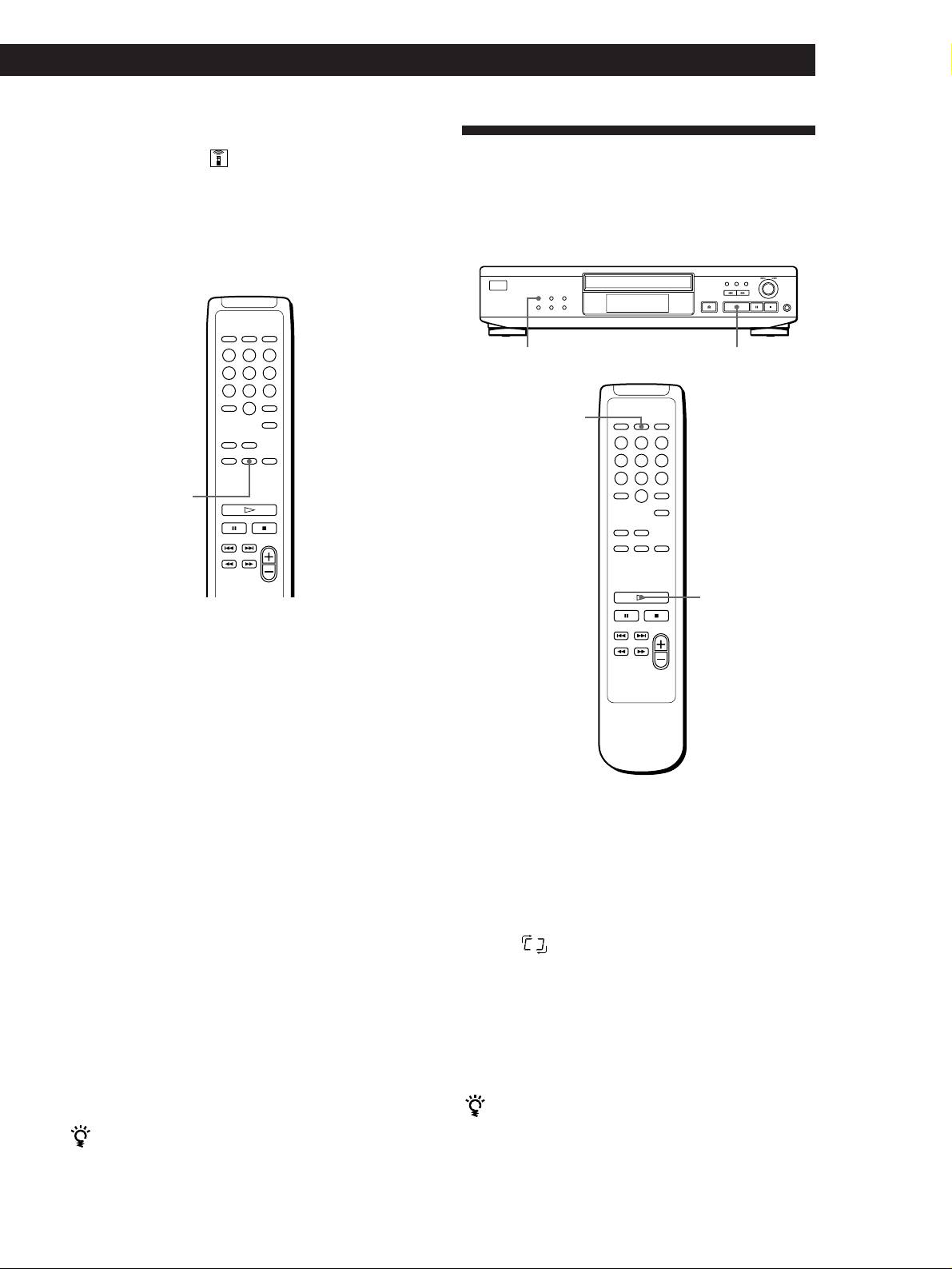
Playing in Random Order
You can play a specific portion in a track repeatedly.
(Shuffle Play)
This might be useful when you want to memorize
You can have the player “shuffle” tracks and play in a
lyrics.
random order.
Note that you cannot repeat a portion extending to two
tracks.
·PLAY MODE
SHUFFLE
A – B
·
1 While playing a disc, press A – B on the remote
when you find the starting point (point A) to be
played repeatedly.
“A-” of “REPEAT A-” flashes in the display.
2 When you reach the ending point (point B), press
A – B again.
“REPEAT A-B” appears. The player plays this
specific portion repeatedly.
1 Press PLAY MODE repeatedly until “SHUFFLE”
To cancel A˜B Repeat
appears in the display.
Press REPEAT.
When using the remote, press SHUFFLE
(CDP-XE520 and CDP-XE320 only).
Setting a new starting point
You can move the repeating portion ahead by
2 Press · to start Shuffle Play.
changing the starting point.
The
indication appears while the player is
1 Press A – B while the player is repeating the
“shuffling” the tracks.
specific portion.
The ending point B becomes the new starting point
A. “A-” of “REPEAT A-” flashes in the display.
To cancel Shuffle Play
Press PLAY MODE twice.
2 When you reach the ending point (point B), press
When using the remote, press CONTINUE (CDP-XE520 and
A – B again.
CDP-XE320 only).
“REPEAT A-B” appears. The player repeats
between the new starting and ending points.
You can start Shuffle Play while playing
Press PLAY MODE repeatedly until “SHUFFLE” appears
When you want to restart from the starting point A
in the display. When using the remote, press SHUFFLE
Press · during A˜B Repeat.
(CDP-XE520 and CDP-XE320 only). Shuffle Play starts
from the current track.
GB
11
