
Sony KDL-40R480B: Do not allow the AC power cord or the connecting cable to be pinched.
Do not allow the AC power cord or the connecting cable to be pinched.: Sony KDL-40R480B
Table of contents
- Installation Information for Using Sony Wall-Mount Bracket (SU-WL450)
- On Safety
- Do not allow the AC power cord or the connecting cable to be pinched.
- Installing the TV onto the wall
- Deciding on the installation location 1 Decide on the installation location.
- 2 Select Wall mounting style. It is selectable as shown below. 3 Fit Base Adaptor by using Screw (PSW 4x10) to Base (20) when selecting 2-a.
- Installing the Base on the wall 4 Decide the positions of the screws for installing the Base (20) .
- 2 Attach the Attachment parts for Preparing for the installation Wall-Mount Bracket. Check the of the TV Attachment parts by referring to 1 Detach the Table-Top Stand “Supplied with SU-WL450” in from the TV. “Checking the parts” on page
- 3 Bundle the AC Adapter using Installing the TV on the wall the cable holders (supplied with the TV). Make sure that the 1 Connect the necessary cable(s) label is facing outwards when to the TV. bundling AC adapter. 2 Install the TV onto the Base.
- Confirming the completion of the installation Other information 3 Preventing the bottom of the TV from shifting.
- Specifications
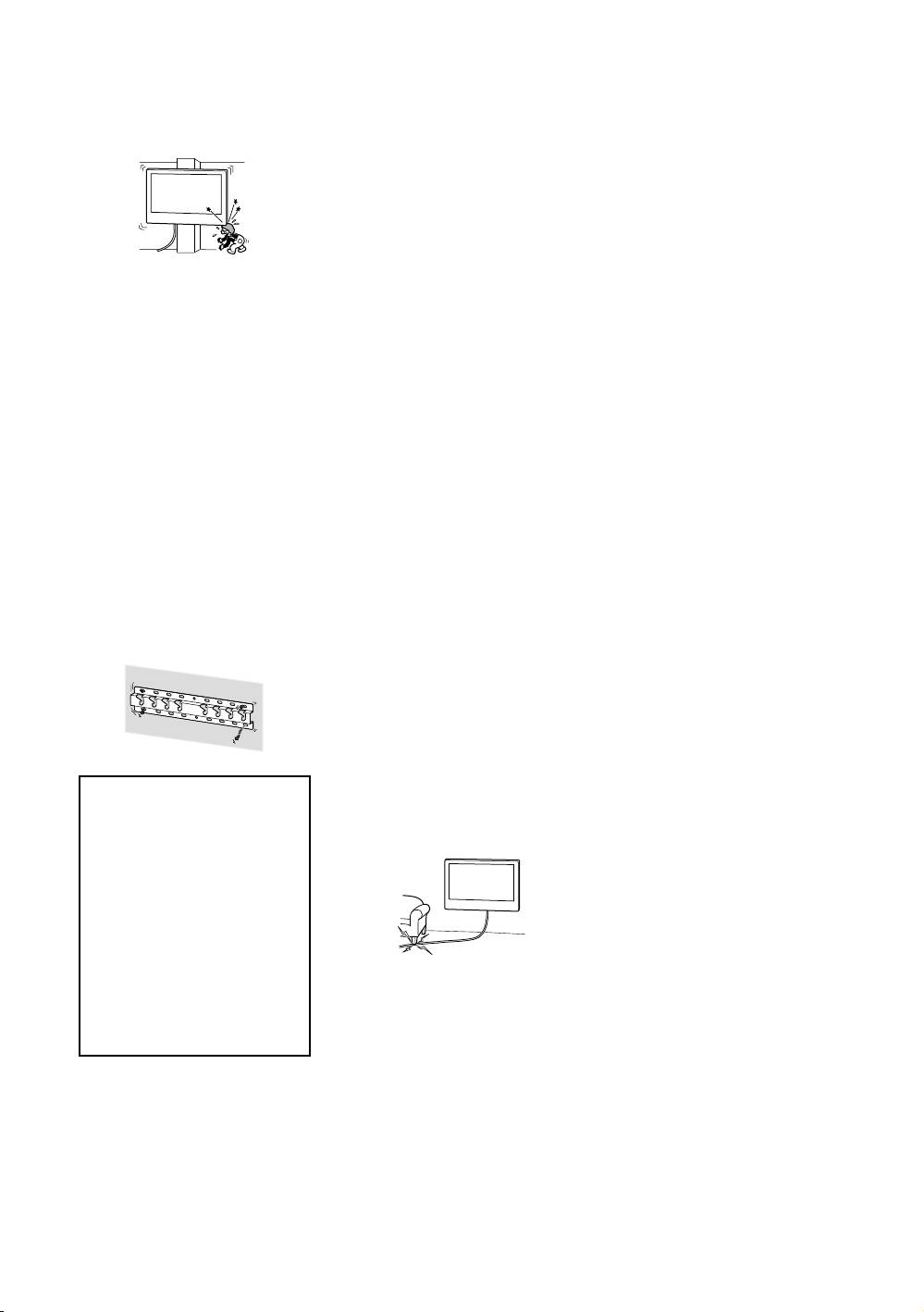
Do not install the Wall-Mount Bracket on wall
Be sure to assemble the
surfaces such as a pillar, where the corners
or the sides of the TV protrude away from
bracket properly
the wall surface. If a person or object
following the instructed
happens to hit the protruded corner or side
of the TV, it may cause injury or property
procedure explained in
damage.
this instruction manual.
If any of the screws are loose or fall out, the
TV may fall and cause bodily injury to
someone or damage to the TV.
Be sure to tighten the
screws securely in the
designated position.
Do not install the TV over
If you fail to do so, the TV may fall and cause
bodily injury to someone or damage to the
or under an air-
TV.
conditioner.
If the TV is exposed to water leaks or air
Be careful not to subject
current from an air conditioner for a long
the TV to shock during
time, it may cause a fire, an electric shock or
a malfunction of the TV.
installation.
If the TV is exposed to shock, it may fall or
Be sure to install the
break apart. This may cause injury.
Wall-Mount Bracket
Be sure to install the TV
securely to the wall
on a wall that is both
following the instructions
perpendicular and flat.
in this instruction
If you fail to do so, the TV may fall and cause
manual.
injury.
If any of the screws are loose or fall out, the
Wall-Mount Bracket may fall and cause injury
After proper installation
or property damage. Be sure to use the
of the TV, secure the
appropriate screws for the material of the
wall and install the unit securely using four
cables properly.
or more screws of 8 mm diameter (or
If people or objects get tangled with cables,
equivalent).
this may result in injury or damage to the TV.
Do not allow the AC
power cord or the
connecting cable to be
pinched.
If the AC power cord or the connecting cable
is pinched between the unit and the wall or
Be sure to use the
is bent or twisted by force, the internal
conductors may become exposed and cause
supplied screws and
a short circuit or an electrical break. This may
attachment parts
cause a fire or an electric shock.
properly following the
instructions given in
this instruction
manual. If you use
substitute items, the
TV may fall and cause
bodily injury to
The screws needed to
someone or damage to
secure the Wall-Mount
the TV.
Bracket to the wall are
not supplied.
Use the appropriate screws for the wall
material and structure when mounting the
Wall-Mount Bracket.
− 4 (GB) −
