
Sony CDX-L550: RDS Overview of RDS
RDS Overview of RDS: Sony CDX-L550
Table of contents
- Welcome!
- Table of Contents
- Location of controls
- Precautions
- Notes on discs
- Detaching the front panel Getting Started Resetting the unit
- Setting the clock
- Display items CD Player Playing a disc
- Playing tracks repeatedly Radio Storing stations automatically Playing tracks in random order
- Receiving the stored stations Storing only the desired stations
- RDS Overview of RDS
- Automatic retuning for best reception results
- Receiving traffic Presetting RDS stations with announcements AF and TA setting
- Tuning in stations by programme type
- Setting the clock Other Functions automatically Using the rotary commander
- By rotating the control Changing the operative direction By pushing in and rotating the control
- Adjusting the sound Changing the sound and characteristics display settings Quickly attenuating the sound
- Selecting the sound position
- Setting the equalizer
- Additional Information Maintenance Removing the unit
- Specifications
- Troubleshooting
- Error displays/Messages
RDS services
RDS data offers you other conveniences, such as:
RDS
• Automatic retuning of a programme, helpful
during long-distance drives. — AF t page 13
• Receiving traffic announcements, even
when enjoying another programme/source. —
TA t page 14
Overview of RDS
• Selecting stations by the type of programme
it broadcasts. — PTY t page 15
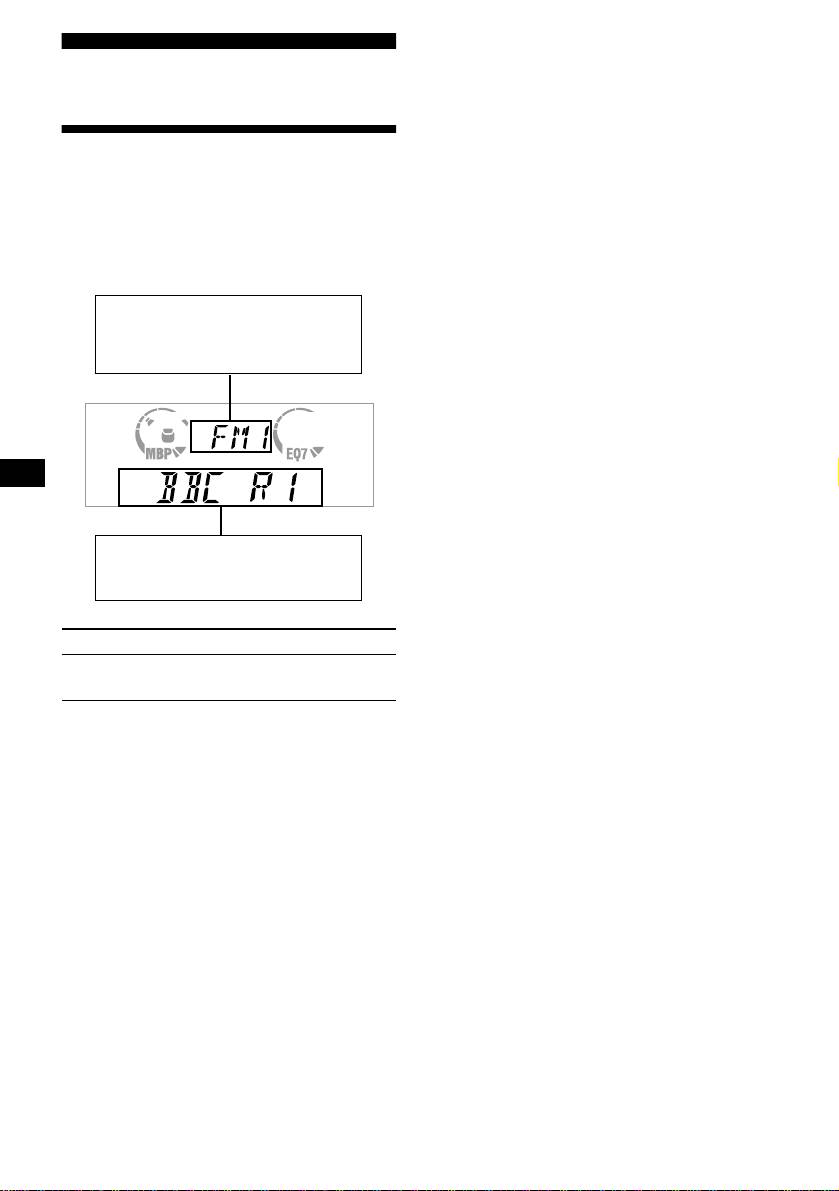
FM stations with Radio Data System (RDS)
• Automatic clock time setting. — CT t page
service send inaudible digital information along
16
with the regular radio programme signal. For
example, one of the following will be displayed
Notes
upon receiving a station with RDS capability.
• Depending on the country or region, not all of the
RDS functions are available.
• RDS may not work properly if the signal strength is
Displayable items
weak or if the station you are tuned to is not
• Music source
transmitting RDS data.
• Clock
• Function
Displayable items
•
Station name (frequency)
• Programme type
To Press
Switch display
(PTY/DSPL)
item
12

