
Sony CDX-CA850: Tuning in stations by programme type
Tuning in stations by programme type: Sony CDX-CA850
Table of contents
- Welcome !
- Table of Contents
- Location of controls Card remote commander RM-X113
- Main unit
- Precautions Notes on discs
- Getting Started Resetting the unit
- Detaching the front panel
- Setting the clock CD Player CD/MD Unit (optional) Playing a disc
- Playing tracks repeatedly Display items Playing tracks in random order
- Labelling a CD
- Locating a disc by name Selecting specific tracks for playback
- Radio Storing stations automatically
- Receiving the stored stations Storing only the desired stations
- Tuning in a station through a RDS list Overview of RDS
- Automatic retuning for best reception results
- Receiving traffic Presetting RDS stations with announcements AF and TA setting
- Tuning in stations by programme type
- Setting the clock DAB (optional) automatically Overview of DAB
- Basic operations of DAB
- Presetting DAB services Presetting DAB services automatically manually
- Tuning in DAB programme through a list
- Locating a DAB service by programme type (PTY) Switching multi-channel audio and DRC
- By pressing buttons Other Functions Using the rotary commander Inserting the supplied lithium battery
- By rotating the control Changing the operative direction By pushing in and rotating the control
- Adjusting the sound Changing the sound and characteristics display settings Quickly attenuating the sound
- Setting the equalizer Adjusting the equalizer curve
- Selecting the spectrum analyzer Setting the Dynamic Soundstage Organizer (DSO)
- Labelling a Motion Display Additional Information Maintenance
- Removing the unit
- Specifications
- CD/MD playback Troubleshooting General Radio reception
- Error displays/Messages Error displays RDS Messages
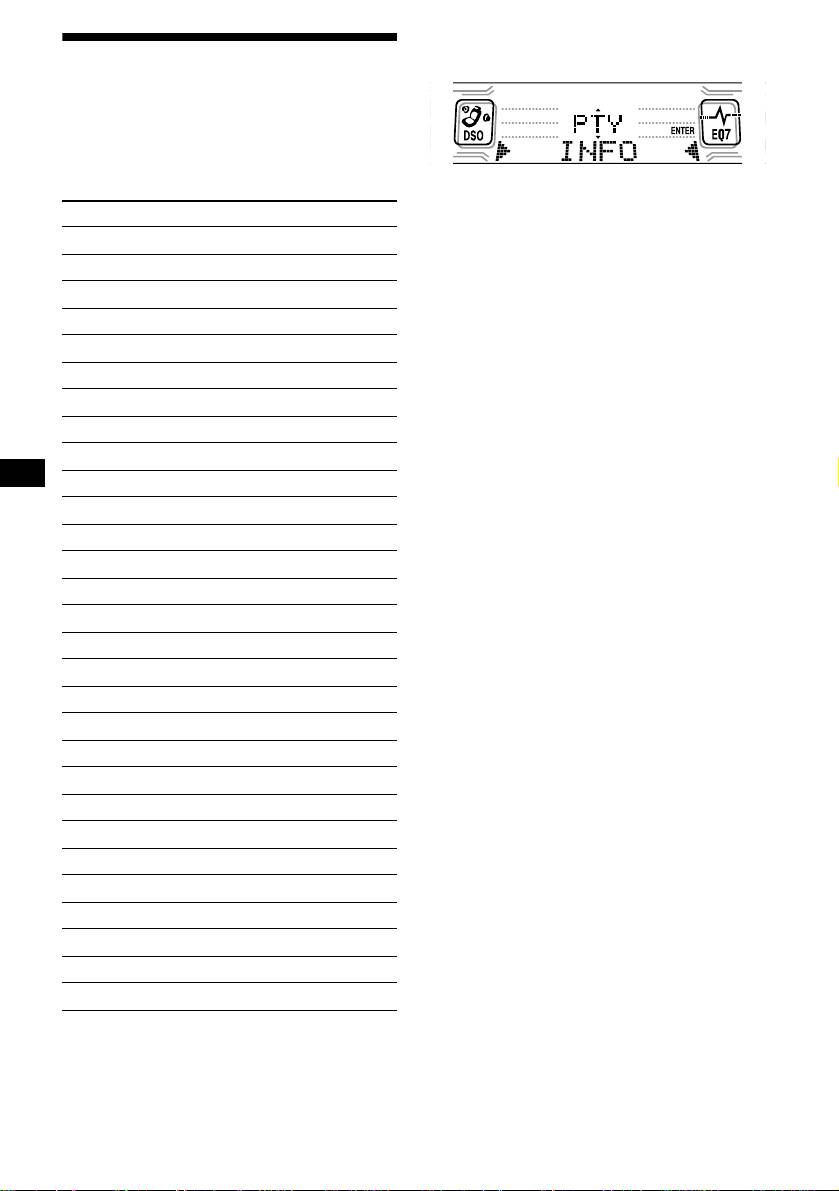
1 Press (DSPL/PTY) during FM reception
until “PTY” appears.
Tuning in stations by
programme type
— PTY
You can tune in a station by selecting the type of
programme you would like to listen to.
The current programme type name appears if
the station is transmitting the PTY data.
Programme types Display
“--------” appears if the received station is not
News News
an RDS station, or if the RDS data is not
received.
Current Affairs Affairs
2 Press (DISC) repeatedly until the
Information Info
desired programme type appears.
Sports Sport
The programme types appear in the order
shown in the table.
Education Educate
“--------” appears if the programme type is not
Drama Drama
specified in the RDS data.
Culture Culture
3 Press (ENTER).
The unit starts searching for a station
Science Science
broadcasting the selected programme type.
Varied Va ri ed
Popular Music Pop M
Rock Music Rock M
Easy Listening Easy M
Light Classical Light M
Classical Classics
Other Music Type Other M
Weather Weather
Finance Finance
Children’s Programmes Children
Social Affairs Social A
Religion Religion
Phone In Phone In
Travel Travel
Leisure Leisure
Jazz Music Jazz
Country Music Country
National Music Nation M
Oldies Music Oldies
Folk Music Folk M
Documentary Document
Note
You cannot use this function in some countries where
no PTY (Programme Type selection) data is available.
18


