
Sony TA-FE520R: To receive the Enhanced Other Networks (EON) programmes (TA-
To receive the Enhanced Other Networks (EON) programmes (TA-: Sony TA-FE520R
Table of contents
- WARNING Precautions
- TABLE OF CONTENTS Unpacking
- Hookup Overview Audio Component Hookups
- Speaker System Hookups
- Mains Lead Hookups
- Listening to the Music
- To receive the Enhanced Other Networks (EON) programmes (TA-
- Recording
- Troubleshooting Specifications
- Rear Panel Descriptions Remote Button Descriptions
Basic Operations
To receive the Enhanced Other Networks (EON) programmes (TA-
z What is the Enhanced
Other Networks (EON)?
FE520R only)
One convenient RDS service
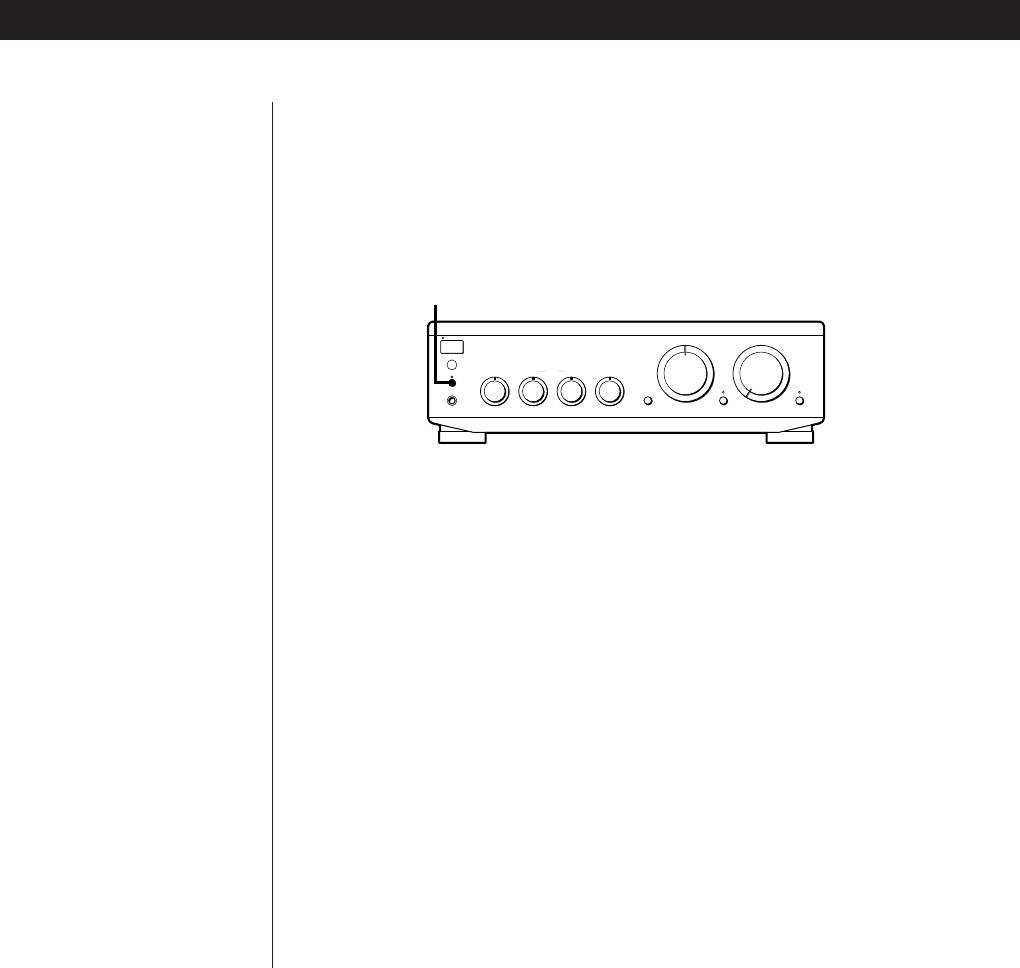
When your ampifier is connected to a Sony tuner with the EON CONTROL
is ”Enhanced Other
system, the amplifier switches to any EON programme that is broadcast in
Networks” (or ”EON”).
your EON area, and switches back to the last selected programme source
This allows the unit to
when the programme ends.
automatically switch to a
programme type of your
choice when one starts in
EON LINK
your broadcast area.
S
T
A
N
D
B
Y
INPUT SELECTOR
CD
VOLUME
AUX
TUNER
g
TAPE2/MD
PHONO
O
E
N
L
I
N
K
SPEAKERS
ON
BASS
•
TREBLETONE
•
BALANCE
OFF
•
TAPE1/DAT
P
H
O
N
E
S
ØON øOFF
LOUDNESS
SOURCE DIRECT TAPE MONITOR
–10 +10
–10 +10
LEFT RIGHT
010
1 Make sure that the amplifier and the tuner are connected through the
EON CONTROL terminals (see page 5).
2 Press EON LINK so that the indicator lights up.
Whenever an EON programme starts on the radio frequency that your
tuner is set to, you will receive it.
To cancel EON reception
Press EON LINK again so that the indicator goes off.
Notes
•If you select another programme source while receiving an EON programme, EON
reception ends. However, as long as the EON LINK indicator lights up, you can
receive EON programmes automatically.
•Make sure to cancel EON reception before starting to record since an EON
programme may interfere with your recording.
•If you activate the Tape Monitor function (see page 9) while the EON LINK indicator
is lit, the indicator goes off and you cannot receive EON programmes. If this
happens, deactivate the Tape Monitor function so that the indicator lights up again.
EN
8
