
Sony TA-FE520R: Recording
Recording: Sony TA-FE520R
Table of contents
Basic Operations
Recording
1
S
T
A
N
D
B
Y
INPUT SELECTOR
VOLUME
CD
AUX
TUNER
g
TAPE2/MD
PHONO
EON LINK
SPEAKERS
BASS
TREBLETONE
BALANCE
OFF
ON
•
•
•
TAPE1/DAT
LOUDNESS
SOURCE DIRECT TAPE MONITOR
PHONES
ØON øOFF
010
–
10
+
10
–
10
+
10
LEFT RIGHT
3
z You can record the same
Press 1/u to turn on the amplifier.
Basic Operations
source on two recording
1
components at the same
time
Turn on the programme source you want to record.
z You can monitor the
2
recorded sound (Tape
Monitor function) (TA-
FE520R only)
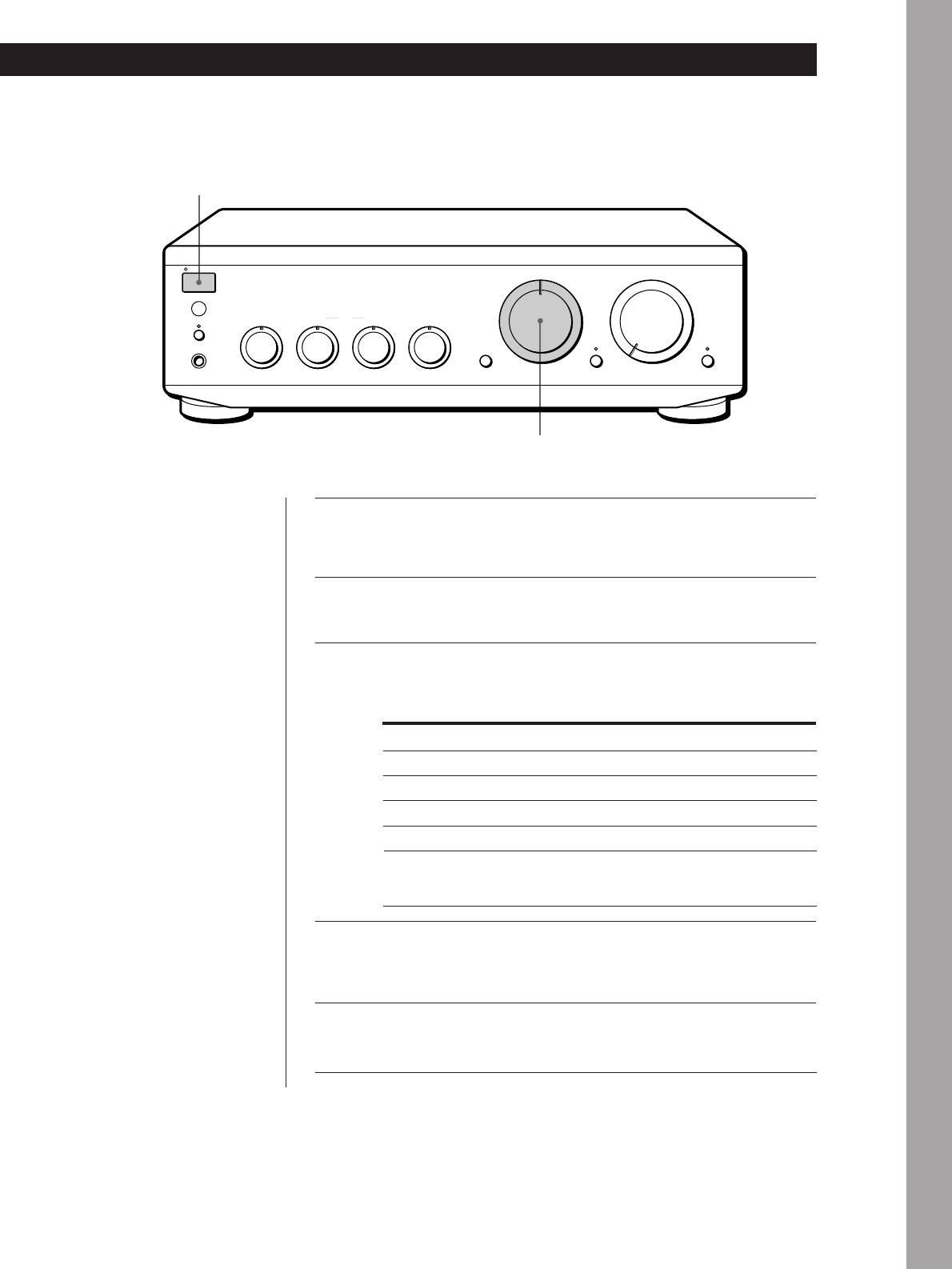
Select the programme source that you want to record by
You can monitor the
3
turning INPUT SELECTOR.
recorded sound if the tape
deck you are recording on
has separate playback and
To record a
Set INPUT SELECTOR to
recording heads.
To monitor the sound, press
Record
PHONO
TAPE1 MONITOR.
Radio broadcast
TUNER
Note that you can monitor
the only sound being
Compact disc
CD
recorded from the TAPE1/
Source connected to AUX
AUX
DAT jacks.
Source connected to:
—TAPE1/DAT
TAPE1/DAT
—TAPE2/MD
TAPE2/MD
Prepare the recording component for recording, then start
4
recording.
Start playing the programme source.
5
EN
9
