
Sony CDX-CA650X: Welcome!
Welcome!: Sony CDX-CA650X
Table of contents
- Welcome!
- Table of Contents
- Location of controls
- Card remote commander RM-X114
- Precautions Notes on discs
- Getting Started Resetting the unit
- Detaching the front panel
- Setting the clock CD Player CD/MD Unit (optional) Playing a disc
- Display items
- Playing tracks repeatedly Labelling a CD Playing tracks in random order
- Locating a disc by name
- Selecting specific tracks for playback
- Receiving the stored stations Radio Storing stations automatically
- Storing only the desired Tuning in a station through a stations list
- Automatic retuning for best RDS reception results Overview of RDS
- Receiving traffic announcements
- Presetting RDS stations with Tuning in stations by AF and TA setting programme type
- Setting the clock automatically
- Other Functions Using the rotary commander
- Adjusting the sound characteristics Quickly attenuating the sound
- Changing the sound and display settings
- Selecting the sound position Setting the equalizer
- Additional Information Maintenance
- Removing the unit
- Specifications
- CD/MD playback Troubleshooting General Radio reception
- Error displays/Messages Error displays RDS Messages
Welcome!
Thank you for purchasing this Sony Compact
Disc Player. You can enjoy its various features
even more with:
• Optional CD/MD units (both changers and
1
players)*
.
• CD TEXT information (displayed when a CD
2
TEXT disc*
is played on a connected optional
CD unit with the CD TEXT function).
• Optional controller accessories
Rotary commander RM-X4S
Card remote commander RM-X114
*1 This unit works with Sony products only.
*2 A CD TEXT disc is an audio CD that includes
information such as the disc name, artist name,
and track names. This information is recorded on
the disc.
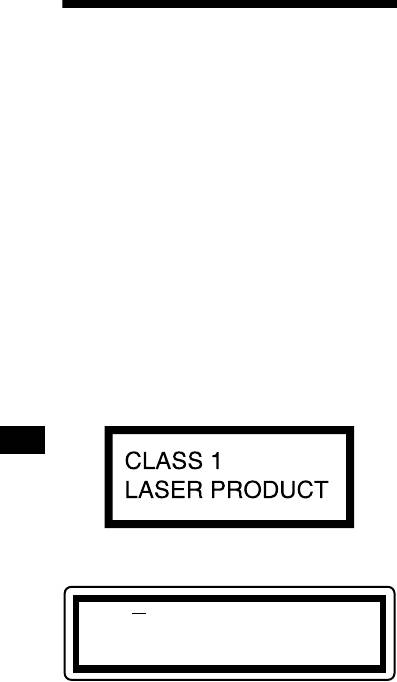
This label is located on the bottom of the chassis.
CAUTION INVISIBLE
LASER RADIATION WHEN OPEN
DO NOT STARE INTO BEAM OR
VIEW DIRECTLY WITH OPTICAL INSTRUMENTS
This label is located on the drive unit’s internal
chassis.
2
