
Sony CDX-CA650X: Setting the clock automatically
Setting the clock automatically: Sony CDX-CA650X
Table of contents
- Welcome!
- Table of Contents
- Location of controls
- Card remote commander RM-X114
- Precautions Notes on discs
- Getting Started Resetting the unit
- Detaching the front panel
- Setting the clock CD Player CD/MD Unit (optional) Playing a disc
- Display items
- Playing tracks repeatedly Labelling a CD Playing tracks in random order
- Locating a disc by name
- Selecting specific tracks for playback
- Receiving the stored stations Radio Storing stations automatically
- Storing only the desired Tuning in a station through a stations list
- Automatic retuning for best RDS reception results Overview of RDS
- Receiving traffic announcements
- Presetting RDS stations with Tuning in stations by AF and TA setting programme type
- Setting the clock automatically
- Other Functions Using the rotary commander
- Adjusting the sound characteristics Quickly attenuating the sound
- Changing the sound and display settings
- Selecting the sound position Setting the equalizer
- Additional Information Maintenance
- Removing the unit
- Specifications
- CD/MD playback Troubleshooting General Radio reception
- Error displays/Messages Error displays RDS Messages
1 Press (DISPLAY/PTY) during FM
reception until “PTY” appears.
Setting the clock
automatically
— CT
The CT (Clock Time) data from the RDS
transmission sets the clock automatically.
The current programme type name appears if
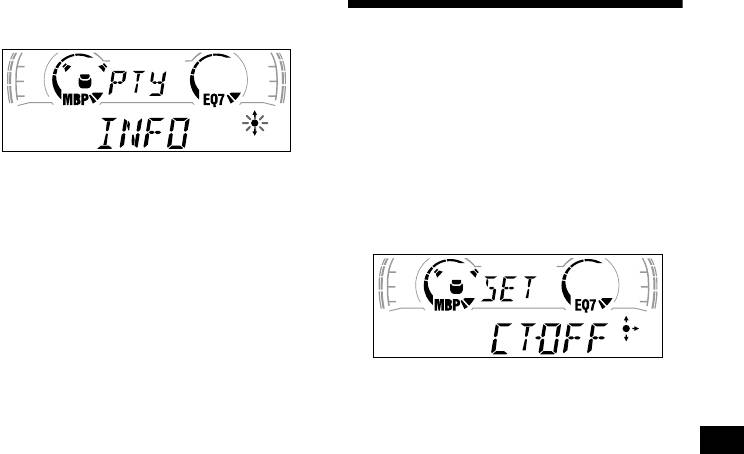
1 During radio reception, press (MENU),
the station is transmitting the PTY data.
then press either side of (DISC/
“--------” appears if the received station is not
PRESET) repeatedly until “CT-OFF”
an RDS station, or if the RDS data is not
appears.
received.
2 Press (DISC/PRESET) repeatedly until
the desired programme type appears.
The programme types appear in the order
shown in the table.
“--------” appears if the programme type is not
specified in the RDS data.
2 Press the (+) side of (SEEK) repeatedly
3 Press (ENTER).
until “CT-ON” appears.
The unit starts searching for a station
The clock is set.
broadcasting the selected programme type.
3 Press (ENTER) to return to the normal
display.
To cancel the CT function, select “CT-OFF” in
step 2.
Notes
• The CT function may not work even though an RDS
station is being received.
• There might be a difference between the time set by
the CT function and the actual time.
19
