
Dell C/Port II APR: 24 Dell Latitude C/Port II APR System Information Guide
24 Dell Latitude C/Port II APR System Information Guide: Dell C/Port II APR
Table of contents
- System Information Guide
- Notes, Notices, and Cautions
- System Information Guide Other Documents Available Getting Help Docking Device Overview
- I/O Panel of the Docking Device External I/O Connectors
- External I/O Connectors Audio Connectors and Infrared Sensor
- Docking Control Base Controls and Indicators Monitor Stand
- Docking Device With the Monitor Stand Before Docking the Computer
- Check Your Computer for Existing Docking Drivers Installing the Docking Drivers Installing the Docking Drivers From the ResourceCD or Drivers and Utilities CD
- Installing the Docking Drivers From the Dell Support Website
- Docking Your Computer
- Docking Panel Door on the Computer
- Docking the Computer
- Docking for the First Time With Windows XP and Windows 2000 Docking for the First Time With Windows Me
- Docking for the First Time With Windows NT 4.0
- Docking for the First Time With Windows 98
- Docking for the First Time With Windows 95
- Updating Drivers in Windows XP and Windows 2000 Updating Drivers in Windows Me
- Undocking the Computer
- Securing the C/Port II APR Security Features Securing the C/Port II APR
- Dell Diagnostics
- Technical Specifications
- Technical Specifications
- Safety and EMC Instructions: Portable Computers
- 24 Dell Latitude C/Port II APR System Information Guide
- Power (Safety Instructions)
- Regulatory Notices
- CE Notice (European Union)
- EN 55022 Compliance (Czech Republic Only) Polish Center for Testing and Certification Notice
4G281bk1.book Page 24 Friday, October 19, 2001 3:21 PM
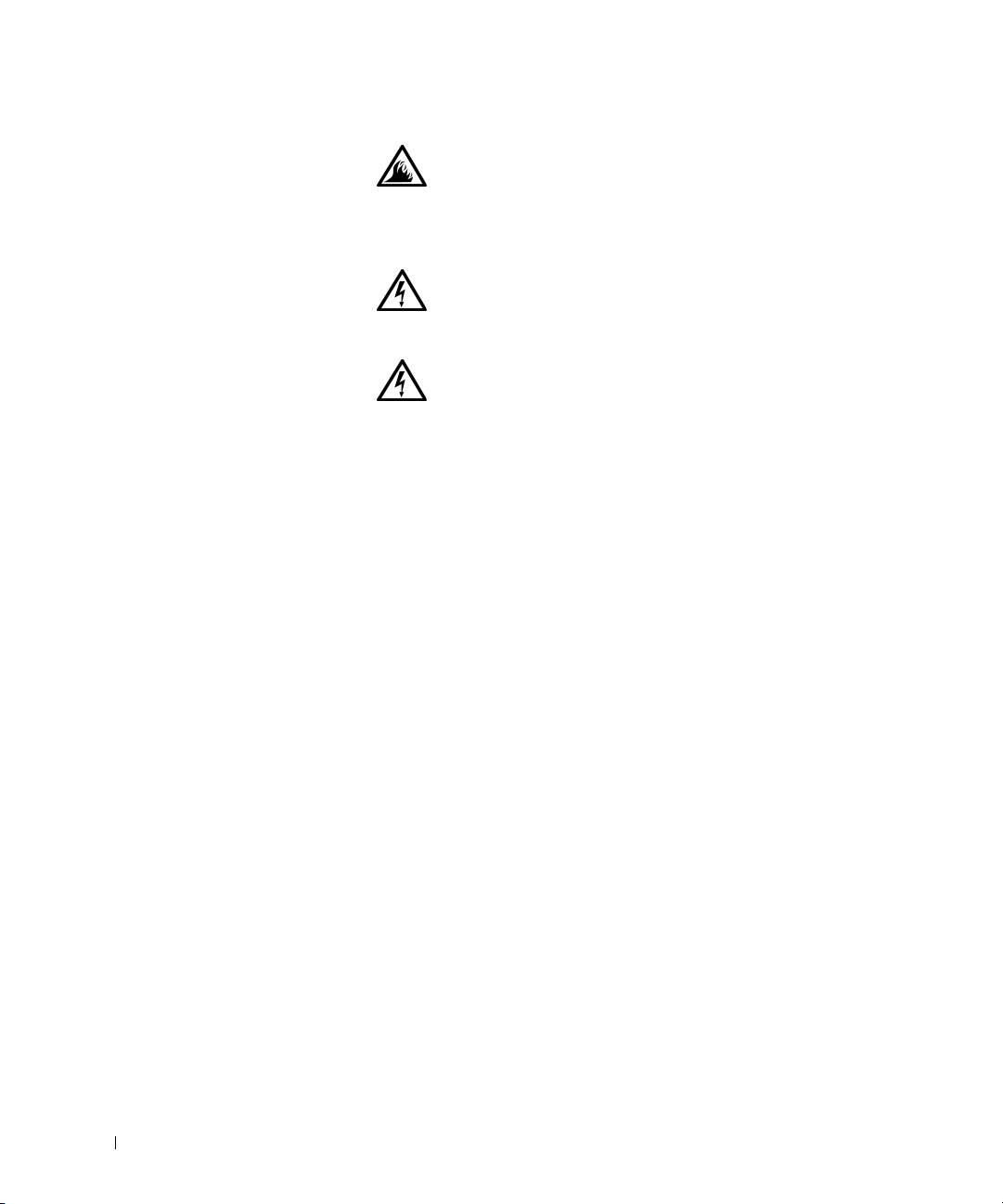
• Place the AC adapter in a ventilated area, such as a desk
top or on the floor, when you use it to run the computer
or to charge the battery. Do not cover the AC adapter
with papers or other items that will reduce cooling; also,
do not use the AC adapter inside a carrying case.
• Do not use your computer in a wet environment, for
example, near a bath tub, sink, or swimming pool or in a
wet basement.
• To help avoid the potential hazard of electric shock, do
not connect or disconnect any cables or perform
www.dell.com | support.dell.com
maintenance or reconfiguration of this product during
an electrical storm. Do not use your computer during
an electrical storm unless all cables have been
disconnected and the computer is operating on battery
power.
• Use only the AC adapter and batteries that are
approved for use with this APR as indicated in this
document. Use of another type of battery pack or AC
adapter may risk fire or explosion.
• Before you clean your docking station, turn it off and
disconnect the AC adapter from the electrical outlet.
Clean your docking station with a soft cloth dampened
with water. Do not use liquid or aerosol cleaners, which
may contain flammable substances.
24 Dell Latitude C/Port II APR System Information Guide
