
Sony MDX-C6500RX: Welcome ! Precautions
Welcome ! Precautions: Sony MDX-C6500RX
Table of contents
- Welcome ! Precautions
- Notes on MDs
- Table of Contents
Welcome !
Precautions
Thank you for purchasing the Sony MiniDisc
• If your car was parked in direct sunlight
Player. This unit lets you enjoy a variety of
resulting in a considerable rise in
features using the following controller
temperature inside the car, allow the unit to
accessories:
cool off before operating it.
• If no power is being supplied to the unit,
Optional accessories
check the connections first. If everything is in
Rotary commander RM-X4S
order, check the fuse.
Card remote commander RM-X91
•If your car is equipped with a power aerial, it
will extend automatically while the unit is
In addition to the MD playback and radio
operating.
operations, you can expand your system by
1
connecting optional CD/MD units*
.
If you have any questions or problems
When you operate this unit or a connected
concerning your unit that are not covered in
optional CD unit with the CD TEXT function,
this manual, please consult your nearest Sony
the CD TEXT information will appear in the
2
dealer.
display when you playback a CD TEXT disc*
.
1
Moisture Condensation
*
You can connect MD changers, CD changers, MD
players, or CD players.
On a rainy day or in a very damp area,
2
*
A CD TEXT disc is an audio CD that includes
moisture may condense on the lenses inside
information such as the disc name, artist name
the unit. Should this occur, the unit will not
and track names.
operate properly. In such a case, remove the
This information is recorded on the disc.
disc and wait for about an hour until the
moisture has evaporated.
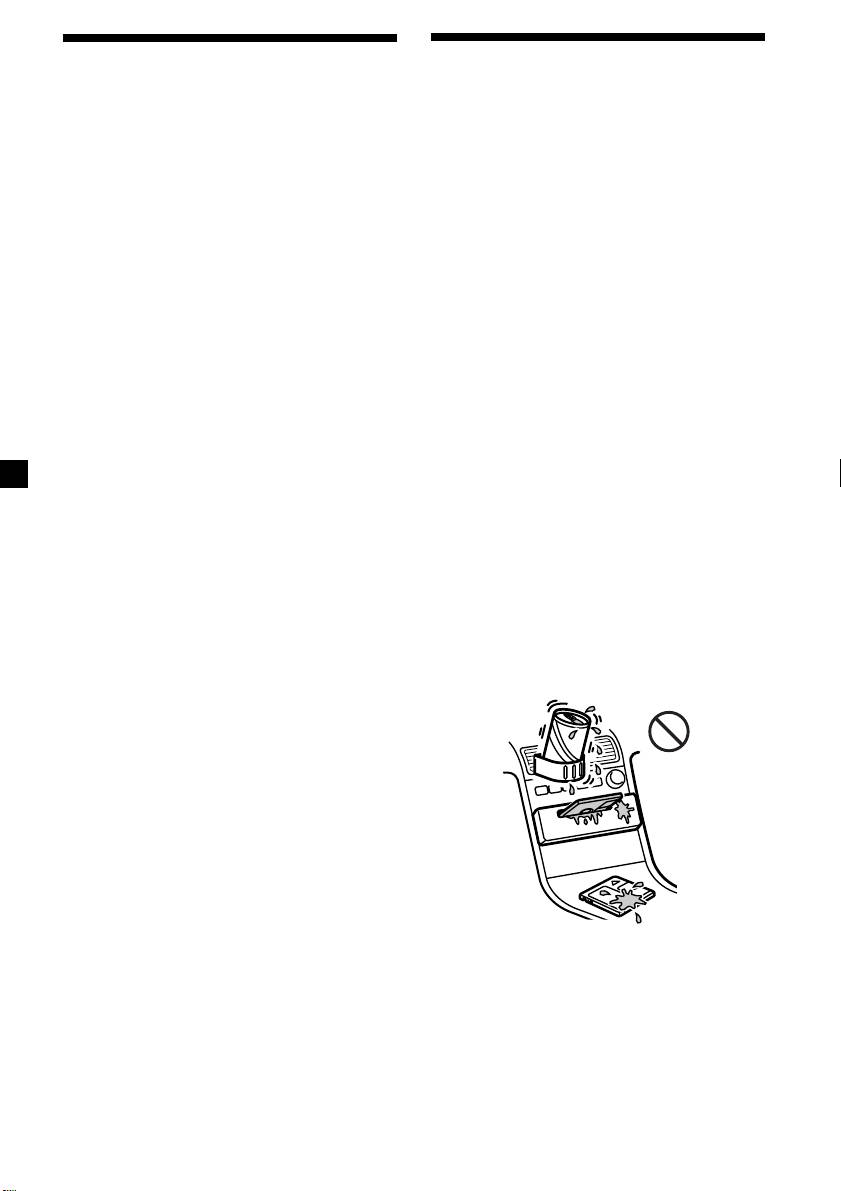
To maintain high quality sound
If you have drink holders near your audio
equipment, be careful not to splash juice or
other soft drinks onto the unit and MD. Sugary
residues on the unit or MD may contaminate
the lenses inside the unit, reduce the sound
quality, or prevent sound reproduction
altogether.
2
