
Sony CDX-3900R RU: Automatically scrolling a disc name Locating a specific track — Auto Scroll — Automatic Music Sensor (AMS)
Automatically scrolling a disc name Locating a specific track — Auto Scroll — Automatic Music Sensor (AMS): Sony CDX-3900R RU
Table of contents
- Welcome !
- Notes on CDs
- Table of Contents
- Location of controls
- Resetting the unit Detaching the front panel
- Turning the unit on/off Setting the clock How to use the menu
- Changing the display item Listening to a CD When the last track on the CD is over
- Automatically scrolling a disc name Locating a specific track — Auto Scroll — Automatic Music Sensor (AMS)
- Playing a CD in various modes Memorising stations automatically
- Receiving the memorised stations Memorising only the desired stations
- Overview of the RDS function Displaying the station name
- Retuning the same programme automatically
- Listening to traffic announcements
- Presetting the RDS stations with the AF and TA data
- Locating a station by programme type
- Setting the clock Other Functions automatically Labelling the rotary commander (optional)
- Using the rotary commander (optional)
- Adjusting the sound characteristics
- Attenuating the sound Changing the sound and display settings
- Boosting the bass sound Maintenance
- Cleaning the connectors Dismounting the unit
- Specifications CD player section General Tuner section Power amplifier section
- Troubleshooting guide General CD playback
- Radio reception RDS
Automatically scrolling a disc name
Locating a specific track
— Auto Scroll
— Automatic Music Sensor (AMS)
If the disc name, artist name, or track name on
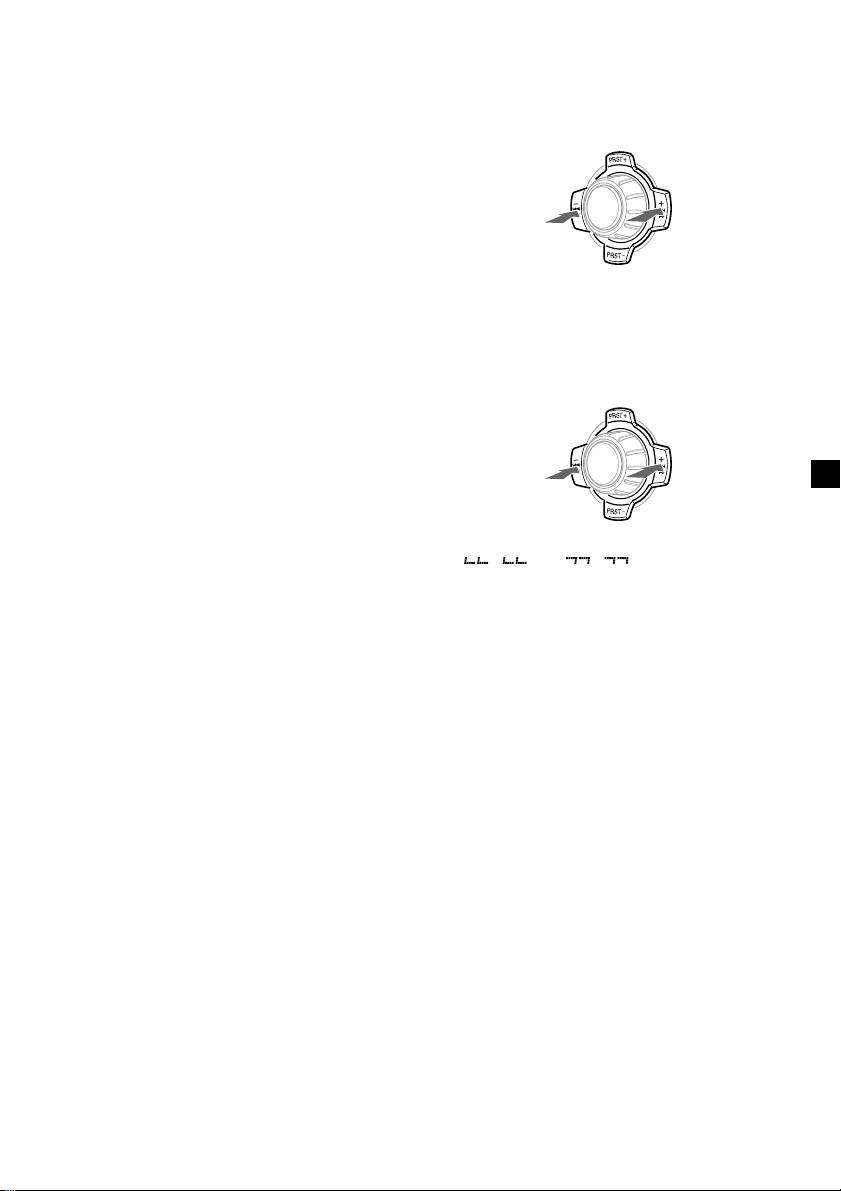
During playback, press either side of
a CD TEXT disc exceeds 8 characters and the
(SEEK/AMS) momentarily for each track
Auto Scroll function is on, information
you want to skip.
automatically scrolls across the display as
follows:
• The disc name appears when the disc has
To locate
To locate
changed (if the disc name is selected as the
preceding
succeeding
display item).
SOURCE
tracks
tracks
• The track name appears when the track has
changed (if the track name is selected as the
display item).
• The disc or track name appears depending on
the setting when you press (SOURCE) to select a
Locating a specific point in a track
CD TEXT disc.
— Manual Search
If you press (DSPL/PTY) to change the display
During playback, press and hold either
item, the disc or track name of the CD TEXT
side of (SEEK/AMS). Release when you
disc is scrolled automatically whether you set
have found the desired point.
the function on or off.
1 During playback, press (MENU).
To search
To search
backward
SOURCE
forward
2 Press either side of (PRST) repeatedly
until “A.SCRL-OFF” appears.
3 Press the (+) side of (SEEK/AMS) to select
Note
“A.SCRL-ON.”
If “
” or “ ” appears in the
display, you have reached the beginning or the
end of the disc and you cannot go any further.
4 Press (ENTER).
To cancel Auto Scroll, select “A.SCRL-OFF” in
step 3.
Note
For some CD TEXT discs with very many characters,
the following cases may happen:
— Some of the characters are not displayed.
— Auto Scroll does not work.
9
