
Dell Latitude D505: What are you looking for? Find It Here
What are you looking for? Find It Here: Dell Latitude D505
Table of contents
- System Information Guide
- Notes, Notices, and Cautions Abbreviations and Acronyms
- Contents
- CAUTION: Safety Instructions SAFETY: General
- SAFETY: Power SAFETY: Battery SAFETY: Air Travel
- SAFETY: EMC Instructions When Using Your Computer
- SAFETY: Ergonomic Computing Habits SAFETY: When Working Inside Your Computer SAFETY: Protecting Against Electrostatic Discharge
- SAFETY: Battery Disposal
- Finding Information for Your Computer What are you looking for? Find It Here
- What are you looking for? Find It Here
- What are you looking for? Find It Here
- Setting Up Your Computer
- Open the computer display and press the power button to turn on the computer.
- About Your Computer Front View
- Left View Right View
- Back View Bottom View
- Removing a Battery
- Removing and Installing a Reserve Battery
- Installing a Battery
- Dell Diagnostics When to Use the Dell Diagnostics
- Dell Diagnostics Main Menu Option Function
- Tab Function
- Regulatory Notices
What are you looking for? Find It Here
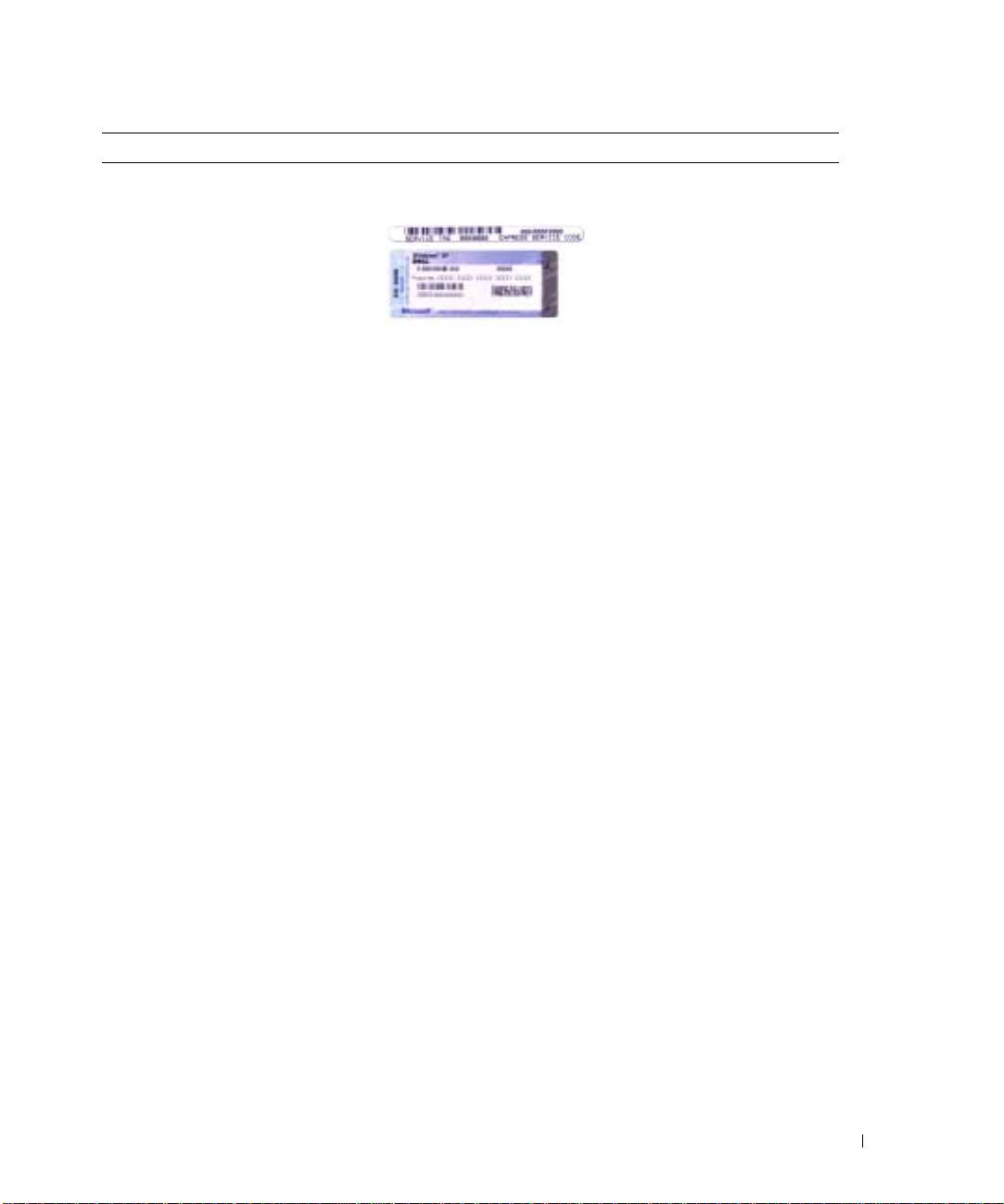
• Service Tag and Express Service
Service Tag and Microsoft Windows License
Code
These labels are located on your computer.
• Microsoft Windows License Label
•Use the Service Tag to identify
your computer when you use
support.euro.dell.com
or contact
technical support.
•Enter the Express Service Code
to direct your call when
contacting technical support. The Express Service Code is not
available in all countries.
• Use the number on the Microsoft Windows License Label if you
reinstall your operating system.
• Latest drivers for my computer
Dell Support Website — support.euro.dell.com
• Answers to technical service and
The Dell Support website provides several online tools, including:
support questions
• Solutions — Troubleshooting hints and tips, articles from
• Online discussions with other users
technicians, and online courses
and technical support
• Community — Online discussion with other Dell customers
• Documentation for my computer
• Upgrades — Upgrade information for components, such as
memory, the hard drive, and the operating system
• Customer Care — Contact information, order status, warranty,
and repair information
• Downloads — Drivers, patches, and software updates
• Reference — Computer documentation, product specifications,
and white papers
• Service call status and support
Dell Premier Support Website —
history
premiersupport.dell.com
• Top technical issues for my
The Dell Premier Support website is customized for corporate,
computer
government, and education customers. This website may not be
• Frequently asked questions
available in all regions.
• File downloads
• Details on my computer
configuration
• Service contract for my computer
• How to use Windows XP
Windows Help and Support Center
• Documentation for my computer
1
Click the
Start
button and click
Help and Support
.
• Documentation for devices (such as
2
Type a word or phrase that describes your problem and click the
a modem)
arrow icon.
3
Click the topic that describes your problem.
4
Follow the instructions on the screen.
System Information Guide 11
