
Dell Latitude D800: When Using Your Computer (continued) Protecting Against Electrostatic Discharge
When Using Your Computer (continued) Protecting Against Electrostatic Discharge: Dell Latitude D800
Table of contents
- Notes, Notices, and Cautions Abbreviations and Acronyms
- Contents
- CAUTION: Safety Instructions General
- CAUTION: Safety Instructions (continued) Power
- CAUTION: Safety Instructions (continued) Battery
- CAUTION: Safety Instructions (continued) Air Travel EMC Instructions California Residents
- When Using Your Computer
- When Using Your Computer (continued) Ergonomic Computing Habits When Working Inside Your Computer
- When Using Your Computer (continued) Protecting Against Electrostatic Discharge
- Finding Information for Your Computer What are you looking for? Find It Here
- What are you looking for? Find It Here
- Setting Up Your Computer
- 4 Open the computer display and press the power button to turn on the computer.
- About Your Computer
- Front View
- Left Side View Right Side View
- Back View
- Bottom View
- Removing a Battery
- Installing a Battery Removing a Reserve Battery
- 3 Pull the reserve battery out of its compartment, and disconnect the cable from the connector.
- Installing a Reserve Battery Running the Dell Diagnostics
- Option Function
- Tab Function
- Regulatory Notices
When Using Your Computer (continued)
4 Ground yourself by touching the unpainted metal surface of the I/O panel on the back of
the computer.
While you work, periodically touch the I/O panel to dissipate any static electricity that
might harm internal components.
Protecting Against Electrostatic Discharge
Static electricity can harm electronic components inside your computer. To prevent static
damage, discharge static electricity from your body before you touch any of your computer’s
electronic components, such as a memory module. You can do so by touching an unpainted
metal surface on the computer’s I/O panel.
As you continue to work inside the computer, periodically touch an I/O connector to remove
any static charge your body may have accumulated.
You can also take the following steps to prevent damage from electrostatic discharge (ESD):
• When unpacking a static-sensitive component from its shipping carton, do not remove
the component from the antistatic packing material until you are ready to install the
component. Just before unwrapping the antistatic packaging, be sure to discharge static
electricity from your body.
• When transporting a sensitive component, first place it in an antistatic container or
packaging.
• Handle all sensitive components in a static-safe area. If possible, use antistatic floor pads
and workbench pads.
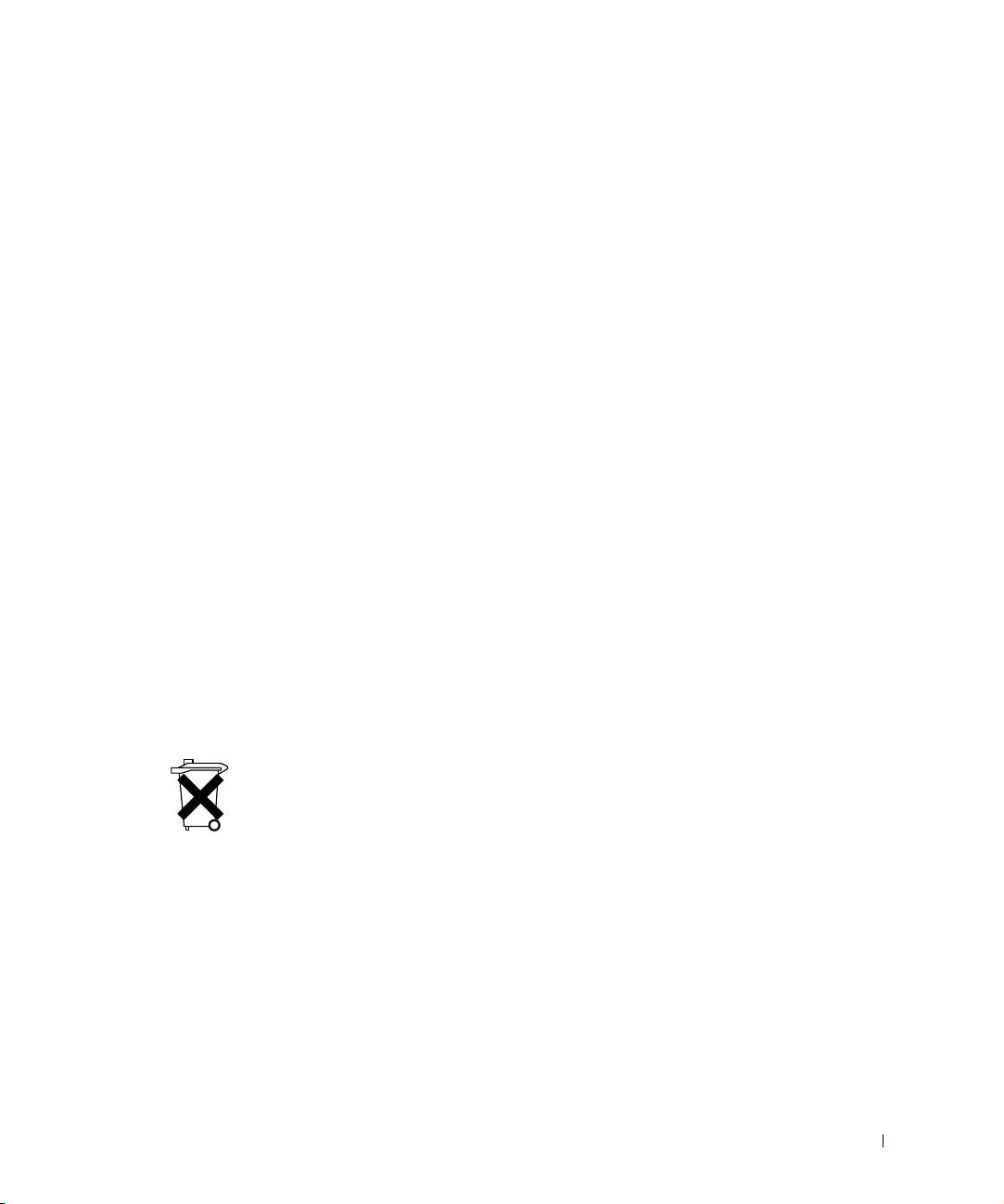
Battery Disposal
Your computer uses a lithium-ion battery. For instructions about replacing the lithium-ion
battery in your computer, see "Removing a Battery" later in this document and "Using a
Battery" in your online User’s Guide.
Do not dispose of the battery along with household waste. Contact your local waste disposal
agency for the address of the nearest battery deposit site.
System Information Guide 11
