
Dell Precision 390: What Are You Looking For? Find It Here
What Are You Looking For? Find It Here: Dell Precision 390
Table of contents
- Notes, Notices, and Cautions Abbreviations and Acronyms
- Contents
- Finding Information What Are You Looking For? Find It Here
- What Are You Looking For? Find It Here
- What Are You Looking For? Find It Here
- What Are You Looking For? Find It Here
- Setting Up Your Computer (Tower Orientation) Connect the keyboard and the mouse. Connect the modem or the network cable.
- Connect the monitor.
- For single- and dual-monitor capable cards with a single connector
- For dual-monitor capable cards with one DVI connector and one VGA connector For dual-monitor capable cards with two DVI connectors
- Connect the speakers. Connect the power cables and turn on the computer and monitor.
- Install additional software or devices. Setting Up Your Computer (Desktop Orientation) Connect the keyboard and the mouse.
- Connect the modem or the network cable. Connect the monitor.
- For single- and dual-monitor capable cards with a single connector
- For dual-monitor capable cards with one DVI connector and one VGA connector For dual-monitor capable cards with two DVI connectors
- Connect the speakers. Connect the power cables and turn on the computer and monitor. Install additional software or devices.
- About Your Computer Front View (Tower Orientation) 1 CD- or DVD-drive activity light
- 14 network link light The network light is on when the computer sends or receives data over a network
- Back View (Tower Orientation)
- Front View (Desktop Orientation) 6 IEEE 1394 connector (optional)
- 13 network link light The network light is on when the computer sends or receives data over a network
- Back View (Desktop Orientation)
- Back-Panel Connectors 3 link integrity light
- 11 keyboard connector If you have a standard keyboard, plug it into the purple keyboard connector.
- Inside View
- Cable Colors System Board Components
- 12 PCI-Express x1 card slot 24 processor connector (CPU) Locating Your User’s Guide
- To access the User’s Guide from your hard drive: To access your User’s Guide from the Dell Support website: Removing the Computer Cover
- Caring for Your Computer
- Solving Problems Troubleshooting Tips Resolving Software and Hardware Incompatibilities Using Microsoft Windows XP System Restore Creating a Restore Point
- Restoring the Computer to an Earlier Operating State Undoing the Last System Restore Enabling System Restore
- Using the Last Known Good Configuration Other Options to Help Resolve Additional Device or Software Conflicts Dell Diagnostics When to Use the Dell Diagnostics
- Starting the Dell Diagnostics From Your Hard Drive Starting the Dell Diagnostics From the Drivers and Utilities CD
- Before You Start Testing Beep Codes Code Cause
- Code Cause Error Messages Diagnostic Lights Light Pattern Problem Description Suggested Resolution
- Light Pattern Problem Description Suggested Resolution
- Light Pattern Problem Description Suggested Resolution
- Light Pattern Problem Description Suggested Resolution
- Light Pattern Problem Description Suggested Resolution
- Light Pattern Problem Description Suggested Resolution Frequently Asked Questions How Do I... Solution Where to Find Additional Information
- How Do I... Solution Where to Find Additional Information
What Are You Looking For? Find It Here
• Warranty information
Dell™ Product Information Guide
• Terms and Conditions (U.S. only)
• Safety instructions
• Regulatory information
• Ergonomics information
• End User License Agreement
• How to remove and replace parts
User’s Guide
• Specifications
®
®
Microsoft
Windows
XP Help and Support Center
• How to configure system settings
1
Click the
Start
button and click
Help and Support
.
• How to troubleshoot and solve problems
2
Click
User’s and system guides
and click
User’s guides
.
The User’s Guide is also available on the optional
Drivers
and Utilities
CD
.
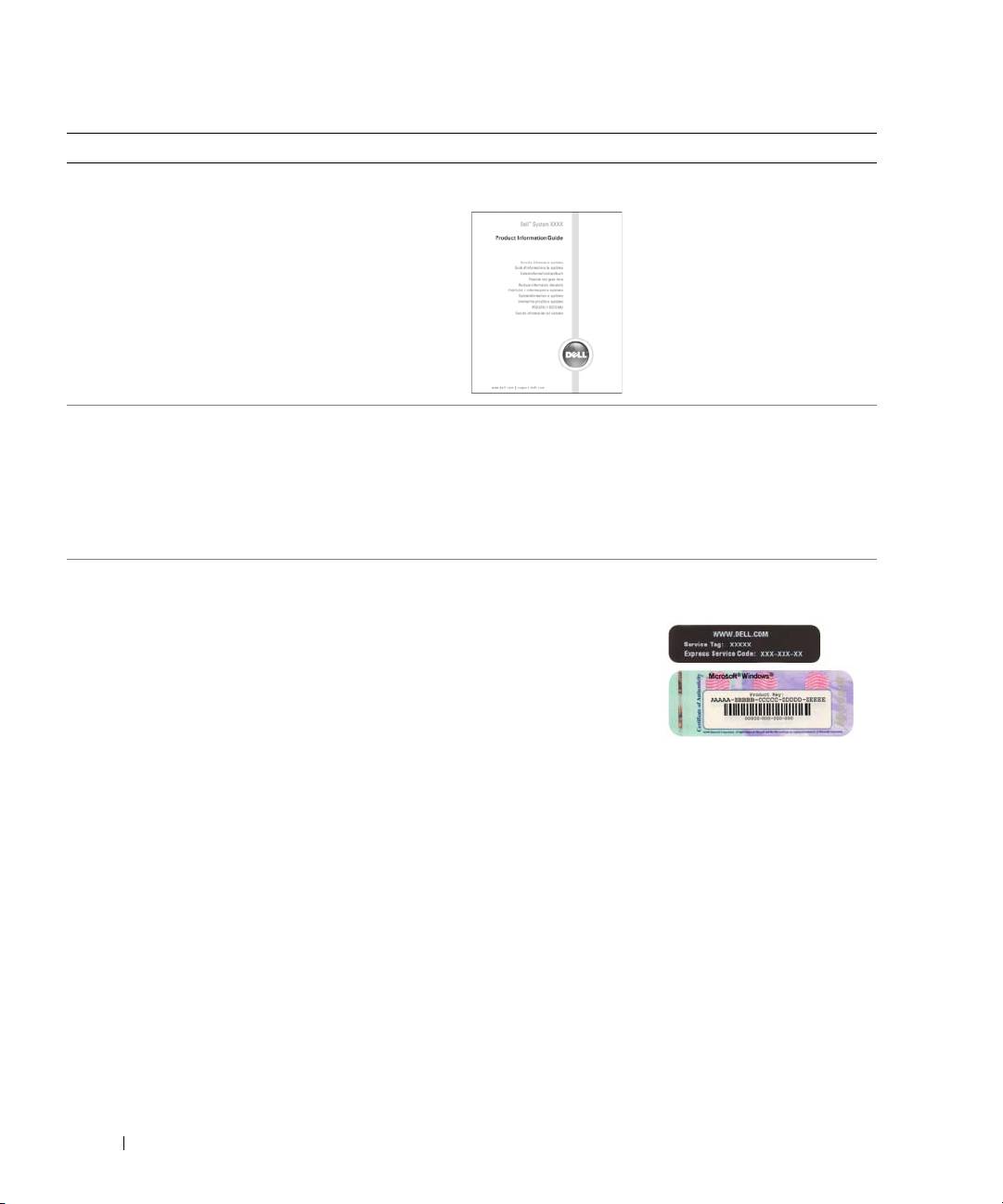
• Service Tag and Express Service Code
Service Tag and Microsoft Windows License
• Microsoft Windows License Label
These labels are located on your computer.
• Use the Service Tag
to identify your
computer when you
use
support.dell.com
or contact technical
support.
• Enter the Express
Service Code to direct your call when contacting
technical support.
6 Quick Reference Guide
