
Beurer BM 75: WHO classification: 6. Evaluating results Cardiac arrhythmia:
WHO classification: 6. Evaluating results Cardiac arrhythmia:: Beurer BM 75
Table of contents
- 2. Important information 1. Getting to know your instrument Signs and symbols
- Advice on use
- Advice on batteries Storage and Care Repair and disposal
- 3. Device description
- Information on the display: USB interface System requirements for the Beurer „HealthManager“ PC software
- 4. Preparing the measurement Setting the hour format, date and time Inserting the batteries
- 5. Measuring blood pressure Positioning cuff Operation with the mains part
- Performing the blood pressure measurement Correct posture
- WHO classification: 6. Evaluating results Cardiac arrhythmia:
- Range of blood pressure values Systolic Resting indicator measurement (using HSD diagnostics) RED: Lack of haemodynamic stability GREEN: Haemodynamic stability
- 7. Displaying and deleting measurements
- 8. Transferring measurements USB interface NFC
- 9. Cleaning and storing the instrument 11. Specifications 10. Rectifying faults
- 12. Mains part
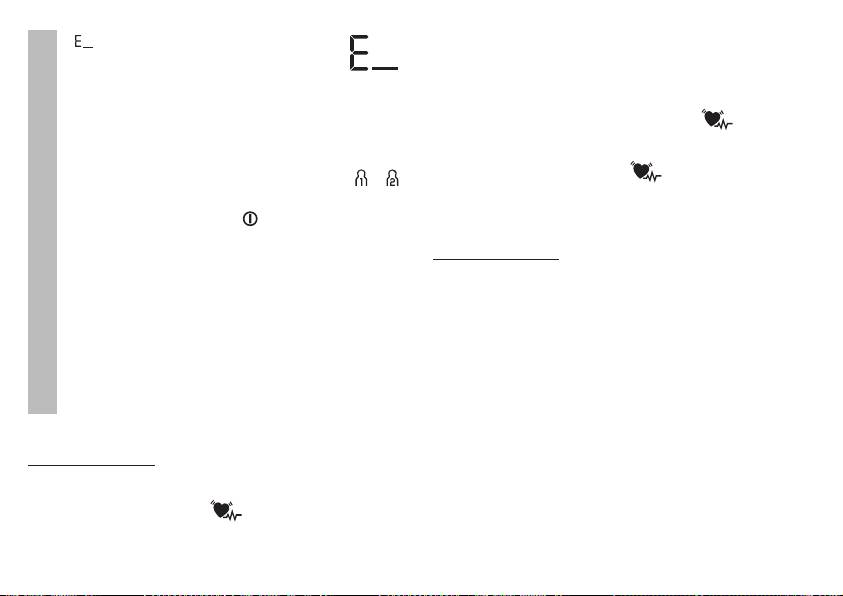
toms (omitted or premature heart beats, slow or excessively fast
•
appears if the measurement could
heart rate) may be caused, among other things, by heart dis-
not be performed properly. Observe the
ease, age, physical predisposition, excessive use of stimulants,
chapter on error messages/troubleshooting
stress or lack of sleep. Arrhythmia can only be ascertained
in these instructions for use and repeat the
measurement.
through examination by your doctor.
Repeat the measurement if the flashing icon is displayed
•
Now select the desired user memory by pressing the
after the measurement. Please note that you should rest for
M1 or M2 memory buttons. If you do not select a user
5 minutes between measurements and not talk or move dur-
memory, the measurement is stored in the most re-
ing the measurement. If the icon appears often, please
cently used user memory. The relevant symbol or
contact your doctor. Any self-diagnosis and treatment based
appears on the display.
on the test results may be dangerous. It is vital to follow your
•
Using the Start/stop button , switch off the blood
doctor‘s instructions.
pressure monitor. The measurement is then stored in
the selected user memory.
WHO classification:
Measurement
If you forget to turn off the device, it will switch off
In accordance with the guidelines/definitions of the World Health
automatically after approx. 3 minutes. In this case too,
Organization and the latest findings, the measurements can be
the value is stored in the selected or most recently used
classified and assessed according to the following table.
user memory.
However, these standard values serve only as a general guide-
•
Wait at least 5 minutes before taking an-
line, as the individual blood pressure varies in different people
other measurement!
and different age groups etc.
It is important to consult your doctor regularly for advice. Your
doctor will tell you your individual values for normal blood pres-
sure as well as the value above which your blood pressure is
classified as dangerous.
6. Evaluating results
The classification on the display and the scale on the unit show
Cardiac arrhythmia:
which category the recorded blood pressure values fall into. If
This instrument can identify possible cardiac arrhythmia disor-
the values of systole and diastole fall into two different WHO
ders during measurement and if necessary indicates the meas-
categories (e.g. systole in the ‘High normal’ category and dias-
urement with the flashing icon
.
tole in the ‘Normal’ category), the graphical WHO classification
This may be an indicator for arrhythmia. Arrhythmia is a condi-
on the unit always shows the higher category; for the example
tion where the heart rhythm is abnormal as a result of defects
given this would be ‘High normal’.
in the bioelectrical system controlling the heart beat. The symp-
25
