
Dell Precision M60: Finding Information for Your Computer What are you looking for? Find It Here
Finding Information for Your Computer What are you looking for? Find It Here: Dell Precision M60
Table of contents
- Notes, Notices, and Cautions Abbreviations and Acronyms
- Contents
- CAUTION: Safety Instructions General
- CAUTION: Safety Instructions (continued) Power
- CAUTION: Safety Instructions (continued) Battery
- CAUTION: Safety Instructions (continued) Air Travel EMC Instructions California Residents
- When Using Your Computer
- When Using Your Computer (continued) Ergonomic Computing Habits When Working Inside Your Computer
- When Using Your Computer (continued) Protecting Against Electrostatic Discharge Battery Disposal
- Finding Information for Your Computer What are you looking for? Find It Here
- What are you looking for? Find It Here
- What are you looking for? Find It Here Setting Up Your Computer 1 Unpack the accessories box. 2 Set aside the contents of the accessories box, which you will need to complete the setup of your computer.
- 3 Connect the AC adapter to the AC adapter connector on the computer and to the electrical outlet. 4 Open the computer display and press the power button to turn on the computer.
- About Your Computer
- Front View
- Left Side View Right Side View
- Back View
- Bottom View Removing a Battery
- Installing a Battery
- Removing a Reserve Battery
- Installing a Reserve Battery Running the Dell Diagnostics 1 Shut down the computer.
- 7 After the Dell Diagnostics loads and the Main Menu screen appears, click the button for the option you want.
- Option Function Tab Function 10 When you have finished running a test, close the screen to return to the Main Menu
- Regulatory Notices
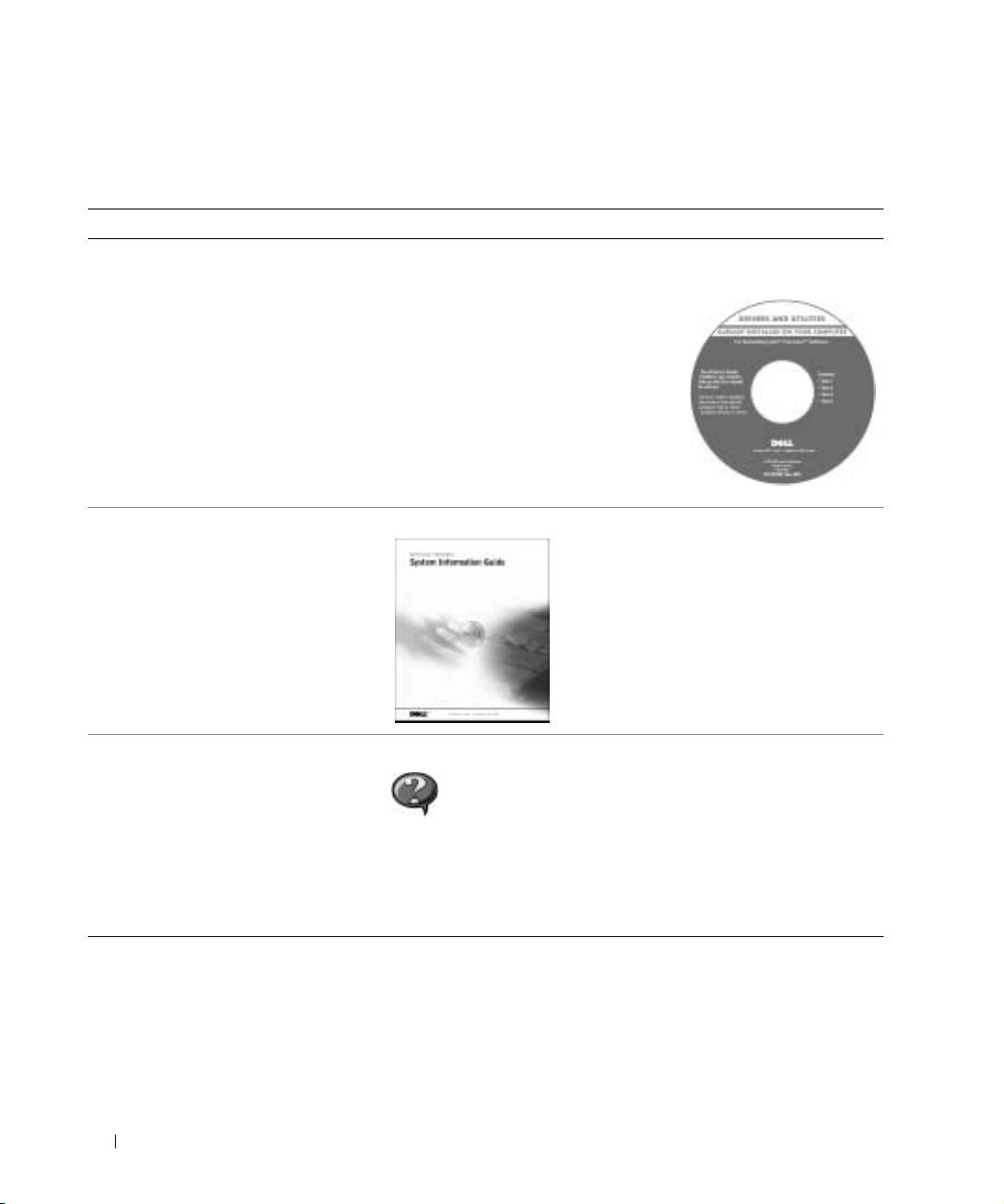
Finding Information for Your Computer
What are you looking for? Find It Here
• A diagnostic program for my computer
Drivers and Utilities CD (also known as the
• Drivers for my computer
ResourceCD)
•My User’s Guide
Documentation and drivers are already
• My device documentation
installed on your computer when shipped
from Dell. You can use the CD to reinstall
drivers, run the Dell Diagnostics, or access
your documentation.
Readme files may be included on your CD
to provide last-minute updates about
technical changes to your computer or
www.dell.com | support.euro.dell.com
advanced technical-reference material for
experienced users or technicians.
• Warranty Information Dell System Information Guide
• How to remove and replace parts
User’s Guide Icon (Microsoft Windows 2000)
• Technical specifications
Double-click the User’s Guides icon on your desktop.
• How to configure system settings
• How to troubleshoot and solve
problems
Windows Help and Support Center
1
Click the Start button and click Help and Support
2 Click User’s and system guides and click User’s guides.
12 System Information Guide
