
Dell Precision M20: What Are You Looking For? Find It Here
What Are You Looking For? Find It Here: Dell Precision M20
Table of contents
- Notes, Notices, and Cautions Abbreviations and Acronyms
- Contents
- Finding Information What Are You Looking For? Find It Here
- What Are You Looking For? Find It Here
- What Are You Looking For? Find It Here
- Setting Up Your Computer
- Battery Performance
- Checking the Battery Charge Dell™ QuickSet Battery Meter
- Microsoft Windows Power Meter Charge Gauge
- Health Gauge Low-Battery Warning
- Charging the Battery Removing a Battery
- Installing a Battery Storing a Battery
- About Your Computer Front View
- Left View
- Right View
- Back View
- Bottom View Solving Problems Notebook System Software
- Lockups and Software Problems The computer does not start up The computer stops responding A program stops responding A program crashes repeatedly
- A program is designed for an earlier Windows operating system A solid blue screen appears Other software problems
- Running the Dell Diagnostics When to Use the Dell Diagnostics Starting the Dell Diagnostics From Your Hard Drive
- Starting the Dell Diagnostics From the Drivers and Utilities CD
- Dell Diagnostics Main Menu
- Tab Function
- Index
- 28 Index
What Are You Looking For? Find It Here
• How to use Windows XP
Windows Help and Support Center
• Documentation for my computer
1
Click the
Start
button and click
Help and Support
.
• Documentation for devices (such as a modem)
2
Type a word or phrase that describes your problem and
click the arrow icon.
3
Click the topic that describes your problem.
4
Follow the instructions on the screen.
• How to reinstall my operating system
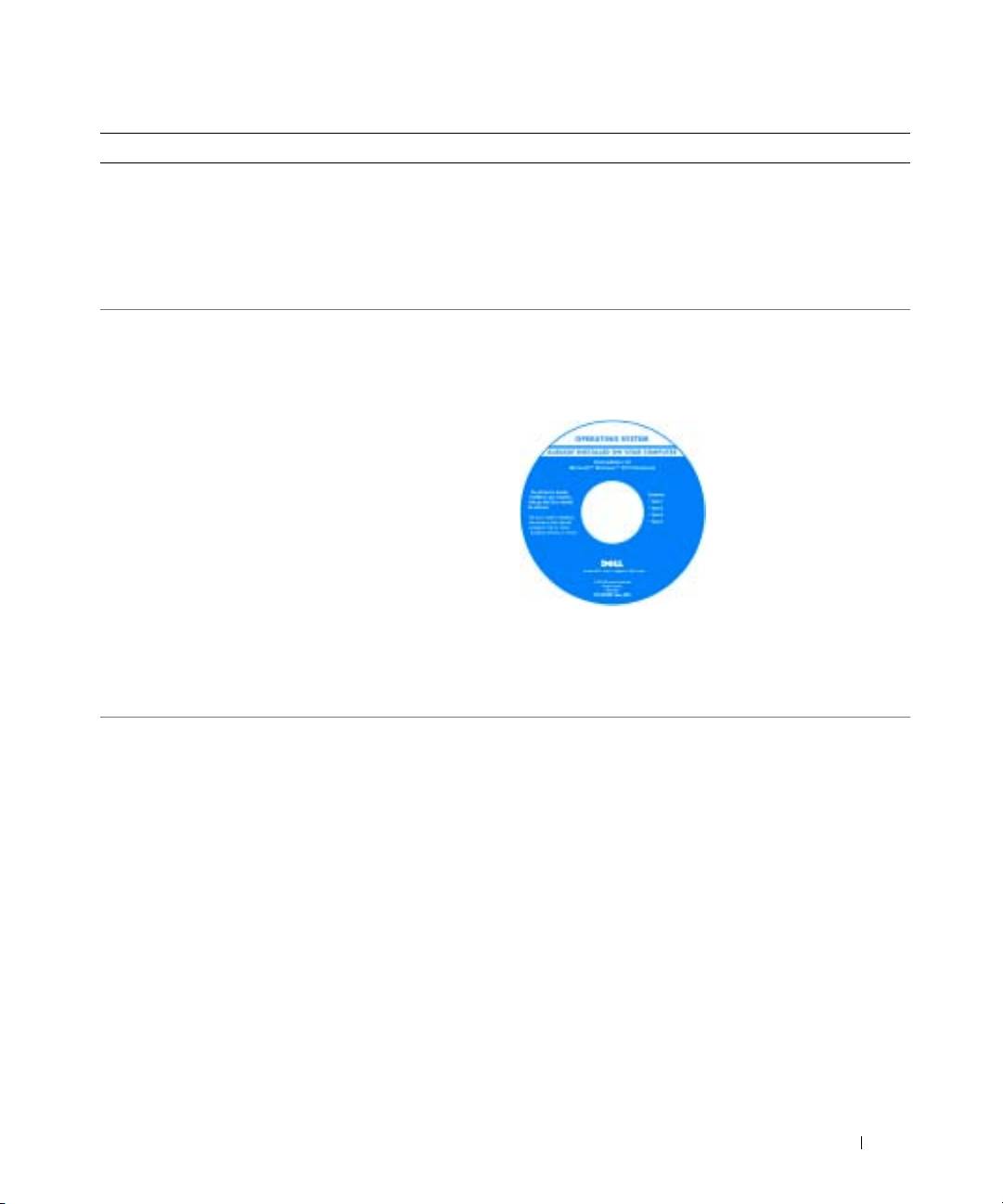
Operating System CD
The operating system is already installed on your computer.
To reinstall your operating system, use the Operating
System CD. See your User’s Guide for instructions.
After you reinstall your
operating system, use the
Drivers and Utilities CD to
reinstall drivers for the
devices that came with
your computer.
Your operating system
product key label is
located on your computer.
NOTE: The color of your
CD varies based on the operating system you ordered.
NOTE: The Operating System CD is optional and may not
ship with all computers.
Dell Precision Mobile Workstation M20 Quick Reference Guide 7
