
Dell Precision M20: Left View
Left View: Dell Precision M20
Table of contents
- Notes, Notices, and Cautions Abbreviations and Acronyms
- Contents
- Finding Information What Are You Looking For? Find It Here
- What Are You Looking For? Find It Here
- What Are You Looking For? Find It Here
- Setting Up Your Computer
- Battery Performance
- Checking the Battery Charge Dell™ QuickSet Battery Meter
- Microsoft Windows Power Meter Charge Gauge
- Health Gauge Low-Battery Warning
- Charging the Battery Removing a Battery
- Installing a Battery Storing a Battery
- About Your Computer Front View
- Left View
- Right View
- Back View
- Bottom View Solving Problems Notebook System Software
- Lockups and Software Problems The computer does not start up The computer stops responding A program stops responding A program crashes repeatedly
- A program is designed for an earlier Windows operating system A solid blue screen appears Other software problems
- Running the Dell Diagnostics When to Use the Dell Diagnostics Starting the Dell Diagnostics From Your Hard Drive
- Starting the Dell Diagnostics From the Drivers and Utilities CD
- Dell Diagnostics Main Menu
- Tab Function
- Index
- 28 Index
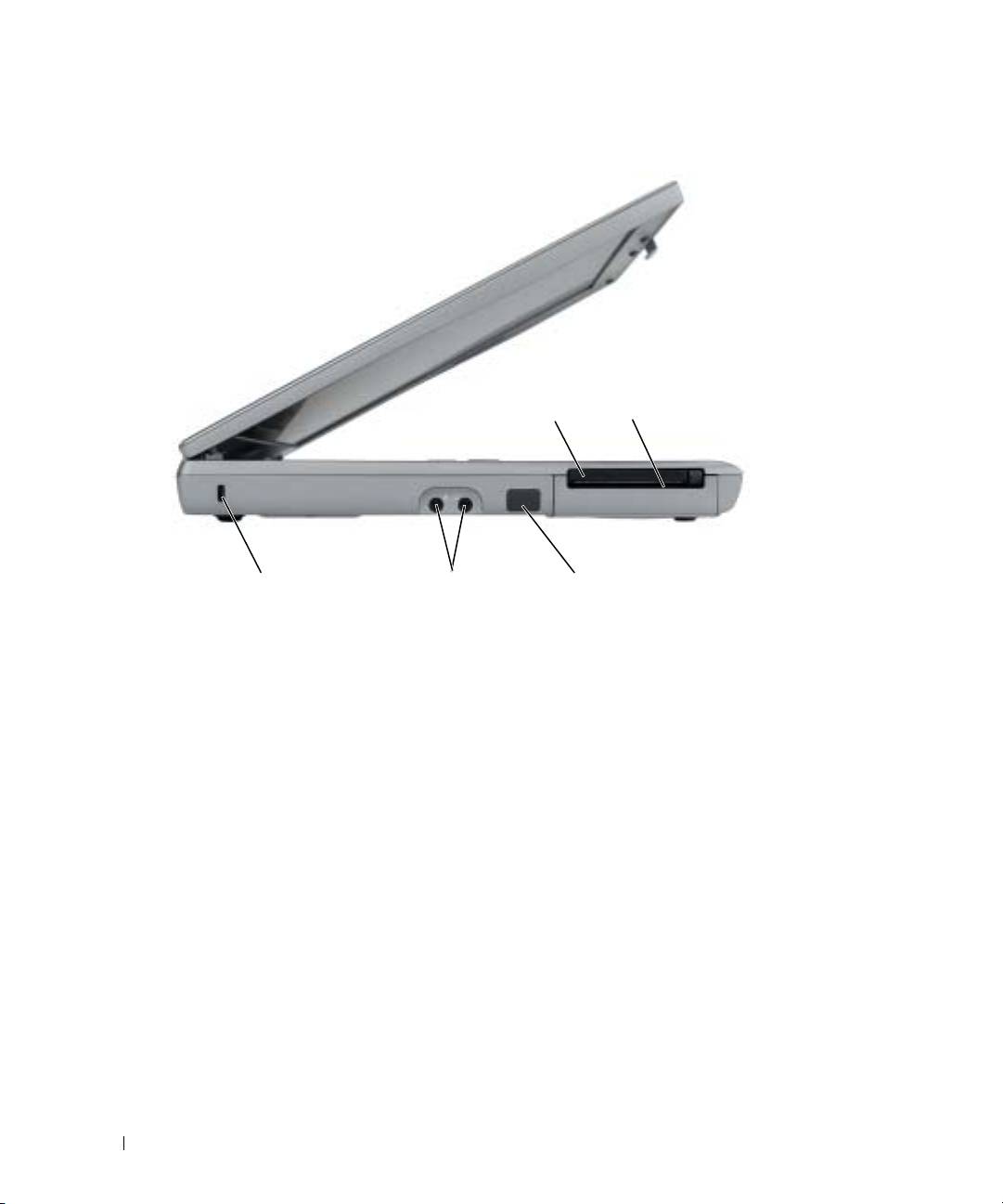
Left View
www.dell.com | support.dell.com
PC Card
smart card
slot
slot
security cable slot
audio
infrared sensor
connectors (2)
16 Dell Precision Mobile Workstation M20 Quick Reference Guide
Top 10 manuals
100.00
NZXT HALE90 1000W99.99
Samsung SM-R38099.97
AEG BSB 18C99.97
Dell 2700W99.97
Smeg KSEC70X99.96
Beurer HDE 4099.96
Pyramida KH 50 v.299.96
MSI CSM-H81M-P3299.96
AEG HR 562799.95
Melissa 640-048