
Dell OptiPlex GX240: Resources and Support Tools Resource Contents Using the Resource
Resources and Support Tools Resource Contents Using the Resource: Dell OptiPlex GX240
Table of contents
- Contents
- Setup and Quick Reference Guide
- Notes, Notices, and Cautions
- About This Guide Finding Information and Assistance Resources and Support Tools Resource Contents Using the Resource
- Resources and Support Tools Resource Contents Using the Resource
- Resources and Support Tools Resource Contents Using the Resource Solving Problems
- Using the Dell OptiPlex ResourceCD
- Drivers for Your Computer Running the Dell Diagnostics Changing the Boot Sequence
- Running the Dell IDE Hard Drive Diagnostics Safety Instructions When Working Inside Your Computer
- In addition, take note of these safety guidelines when appropriate:
- When Using Your Computer System
- Ergonomic Computing Habits
- Regulatory Information
Resources and Support Tools
(continued)
Resource Contents Using the Resource
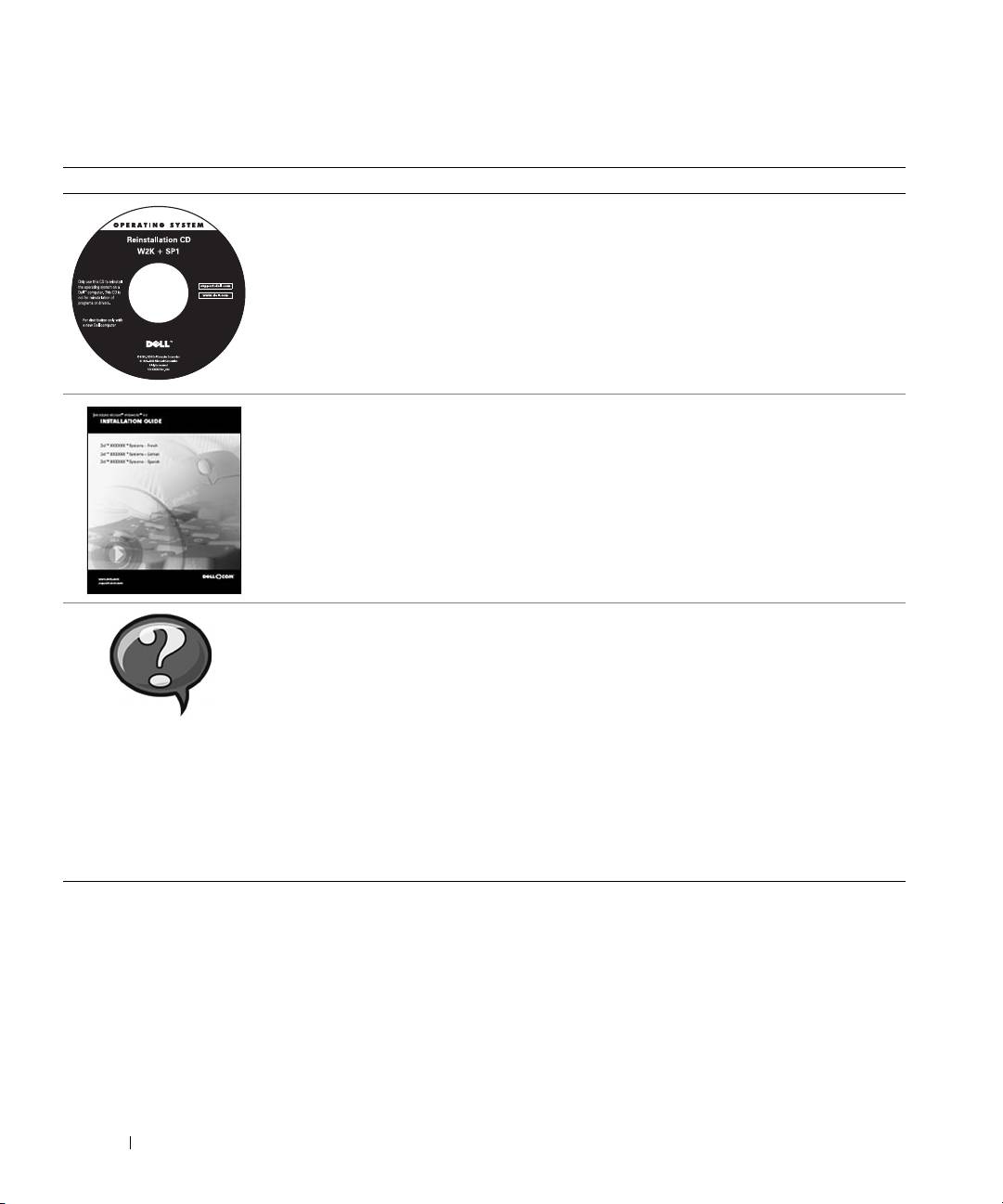
Operating system CD To reinstall your operating system, use the operating
system CD that was shipped with your computer.
NOTE: The operating system CD may not include all the
latest drivers for your computer. If you reinstall your
operating system, use the
ResourceCD
to reinstall drivers
for the devices shipped with your computer.
For more information about reinstalling your operating
system, see the operating system installation
documentation that was shipped with your computer.
Operating system installation
See the operating system installation guide for
www.dell.com | support.dell.com
guide
information on reinstalling and configuring your
operating system.
Click the Start button and select Help or Help and
Support, depending on your operating system, to obtain
more information on your operating system.
User’s guides for your computer
Depending on your operating system, double-click the
and devices
User’s Guides icon on your desktop, or click the Start
button and then select Help and Support to access the
electronic documentation stored on your hard drive.
Obtain information on the following:
• Using your computer
User’s Guides
• Configuring system settings
• Removing and installing parts
• Installing and configuring software
• Diagnosing a problem
• Technical specifications
• Device documentation (on selected operating systems)
• Getting technical assistance
6 Setup and Quick Reference Guide
