
Dell OptiPlex GX240: About This Guide Finding Information and Assistance Resources and Support Tools Resource Contents Using the Resource
About This Guide Finding Information and Assistance Resources and Support Tools Resource Contents Using the Resource: Dell OptiPlex GX240
Table of contents
- Contents
- Setup and Quick Reference Guide
- Notes, Notices, and Cautions
- About This Guide Finding Information and Assistance Resources and Support Tools Resource Contents Using the Resource
- Resources and Support Tools Resource Contents Using the Resource
- Resources and Support Tools Resource Contents Using the Resource Solving Problems
- Using the Dell OptiPlex ResourceCD
- Drivers for Your Computer Running the Dell Diagnostics Changing the Boot Sequence
- Running the Dell IDE Hard Drive Diagnostics Safety Instructions When Working Inside Your Computer
- In addition, take note of these safety guidelines when appropriate:
- When Using Your Computer System
- Ergonomic Computing Habits
- Regulatory Information
About This Guide
This document contains solving problems and safety and regulatory
information about your Dell™ OptiPlex™ computer.
To obtain the latest versions of the documents on your hard drive, go to the
Dell support website at http://support.dell.com.
Regulatory model numbers appear throughout this document; their chassis
type equivalents are shown below:
Regulatory Model Numbers and Chassis Types
DHS = small desktop (SD) chassis
DHP = small form-factor (SF) chassis
DHM = small mini-tower (SMT) chassis
Finding Information and Assistance
Resources and Support Tools
Resource Contents Using the Resource
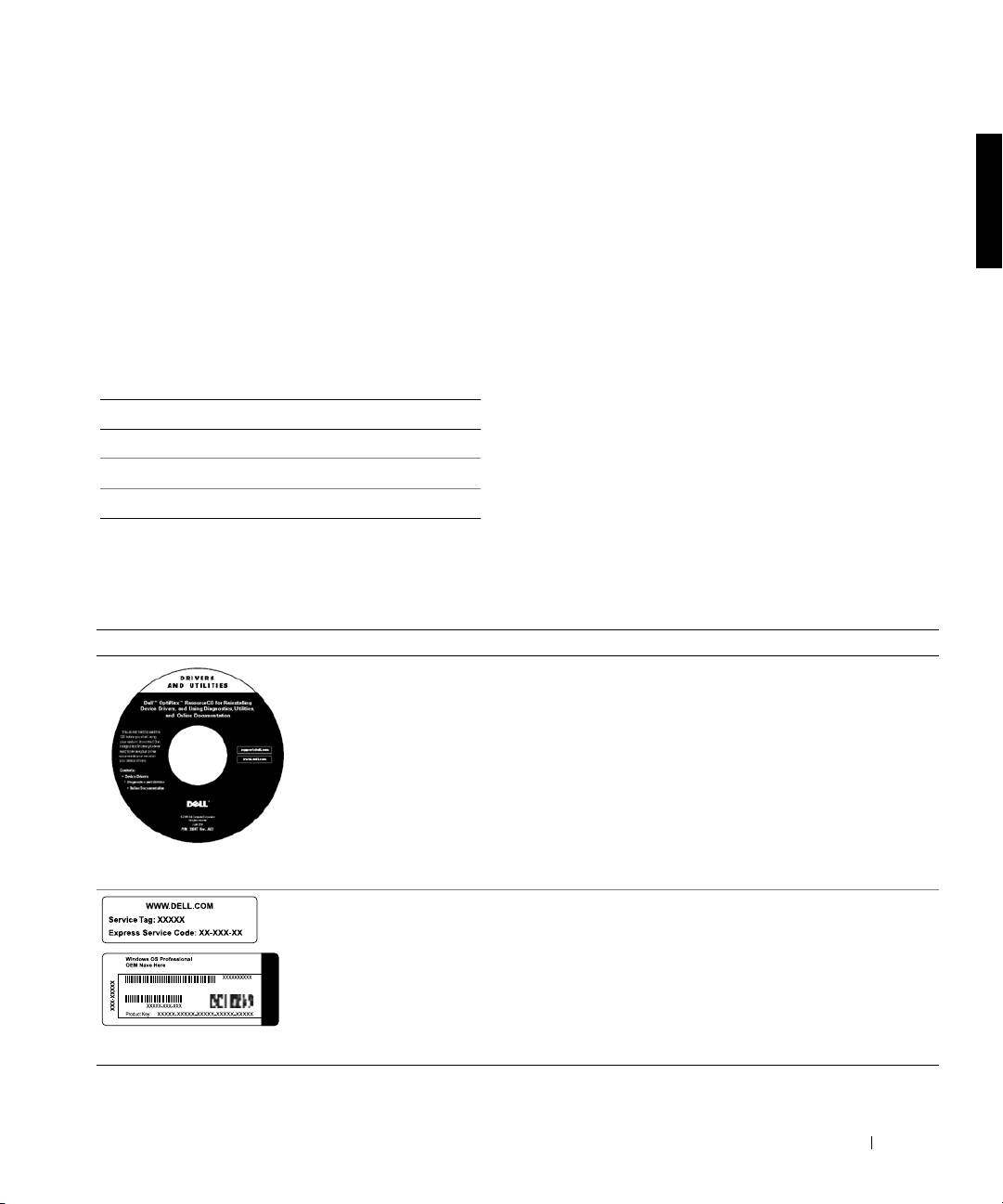
Dell OptiPlex ResourceCD
See the main menu on the ResourceCD that was shipped
•Dell Diagnostics
with your computer. Use the pull-down menu to make
selections appropriate for your computer. You can perform
•Drivers
the following tasks:
• Utilities
• Diagnose a problem
•Computer and device
• Install or reinstall drivers
documentation
• Obtain information on your computer and devices
NOTE: User documentation and drivers are already
installed on your computer when shipped from Dell. You
can use this CD to access documentation, reinstall drivers,
or run diagnostics tools.
Service and Registration
The Express Service Code and Service Tag Number are
Labels—located on the front or
unique identifiers for your Dell computer.
side of your Dell computer.
You may need the Product Key (or Product ID) number to
• Express Service Code and
complete the operating system setup.
Service Tag Number
• Product Key (also called the
Product ID or Certificate of
Authenticity [COA])
Setup and Quick Reference Guide 5
