
Dell Latitude X300: Finding Information for Your Computer What are you looking for? Find It Here
Finding Information for Your Computer What are you looking for? Find It Here: Dell Latitude X300
Table of contents
- System Information Guide
- Notes, Notices, and Cautions Abbreviations and Acronyms
- Contents
- 4 Contents
- CAUTION: Safety Instructions General
- CAUTION: Safety Instructions (continued) Power
- CAUTION: Safety Instructions (continued) Battery
- CAUTION: Safety Instructions (continued) Air Travel EMC Instructions
- When Using Your Computer System Information Guide 9
- When Using Your Computer (continued) Ergonomic Computing Habits When Working Inside Your Computer
- When Using Your Computer (continued) Protecting Against Electrostatic Discharge
- Finding Information for Your Computer What are you looking for? Find It Here
- What are you looking for? Find It Here (continued)
- What are you looking for? Find It Here (continued)
- Setting Up Your Computer CAUTION: Before you begin any of the procedures listed in this section, follow the safety instructions at the beginning of this document.
- 4 Open the computer display and press the power button to turn on the computer.
J1962bk0.book Page 12 Tuesday, June 17, 2003 4:52 PM
Finding Information for Your Computer
What are you looking for? Find It Here
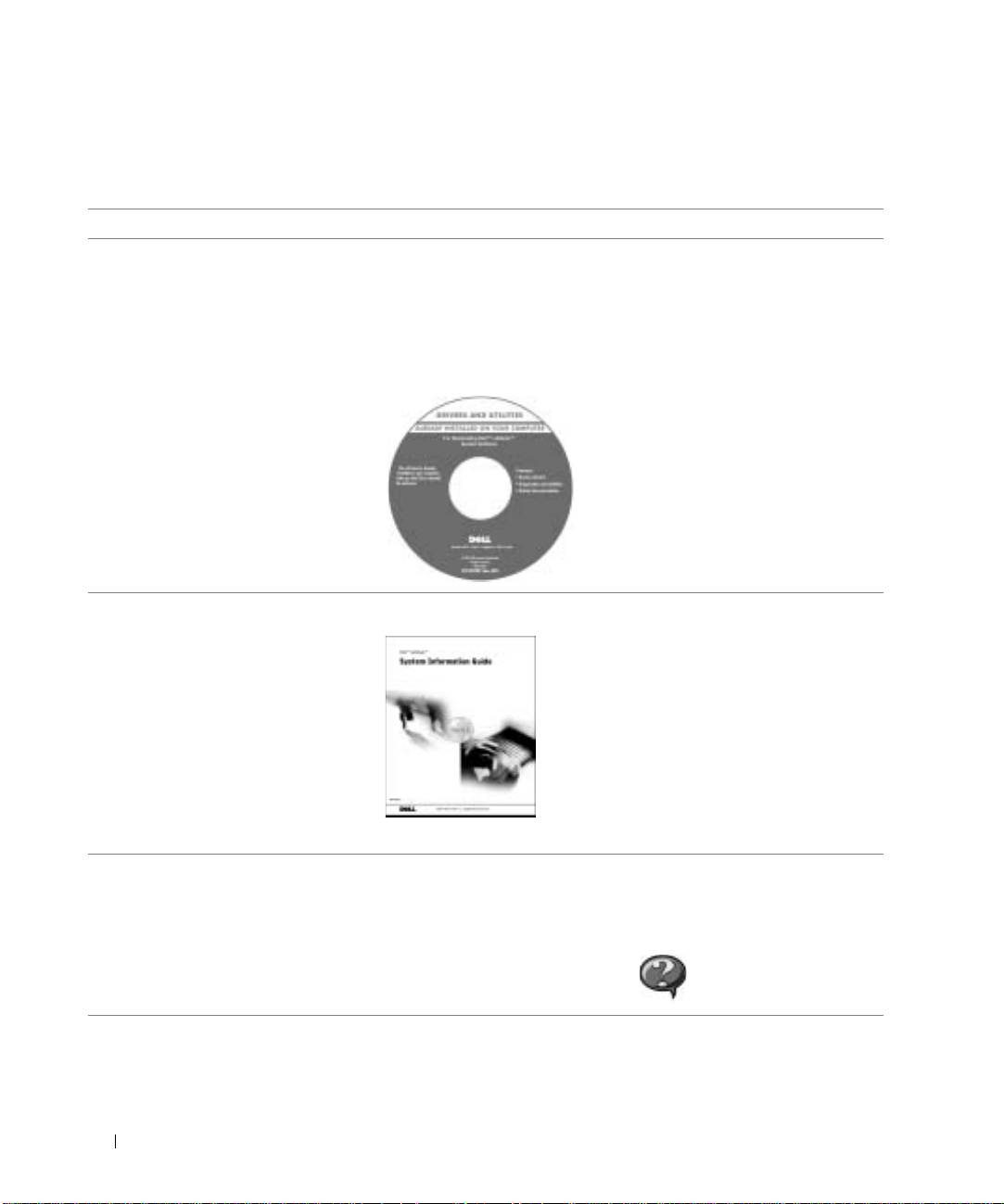
• A diagnostic program for my computer
Documentation and drivers are already installed on your computer.
• Drivers for my computer
You can use the CD to reinstall drivers, run the Dell Diagnostics,
or access your documentation.
• My computer documentation
• My device documentation
Readme files may be included on your CD to provide last-minute
updates about technical changes to your computer or advanced
technical-reference material for technicians or experienced users.
www.dell.com | support.euro.dell.com
• How to set up my computer
Dell™ System Information Guide
• Warranty information
• Safety instructions
NOTE: This document is available as a PDF at support.dell.com.
• How to remove and replace parts
User’s Guide
• Technical specifications
Windows XP Help and Support Center
• How to configure system settings
1 Click the Start button and click Help and Support.
• How to troubleshoot and solve
2 Click User’s and system guides and click User’s guides.
problems
Microsoft Windows 2000
Double-click the User’s Guides icon on your desktop.
12 System Information Guide
