
Dell Latitude D610: Finding Information What Are You Looking For? Find It Here
Finding Information What Are You Looking For? Find It Here: Dell Latitude D610
Table of contents
- Notes, Notices, and Cautions Abbreviations and Acronyms
- Contents
- Finding Information What Are You Looking For? Find It Here
- What Are You Looking For? Find It Here
- What Are You Looking For? Find It Here
- Setting Up Your Computer
- Battery Performance
- Operating time is significantly reduced when you perform operations including, but not limited to, the following:
- Checking the Battery Charge Dell™ QuickSet Battery Meter Microsoft Windows Power Meter
- Charge Gauge Health Gauge
- Low-Battery Warning Charging the Battery
- Removing a Battery Installing a Battery Storing a Battery
- About Your Computer Front View
- Left View
- Right View
- Back View
- Bottom View
- Solving Problems Notebook System Software Lockups and Software Problems The computer does not start up The computer stops responding A program stops responding
- A program crashes repeatedly A program is designed for an earlier Windows operating system A solid blue screen appears Other software problems
- Running the Dell Diagnostics When to Use the Dell Diagnostics Starting the Dell Diagnostics From Your Hard Drive
- Starting the Dell Diagnostics From the Drivers and Utilities CD
- Dell Diagnostics Main Menu Option Function
- Tab Function
- Index
- 28 Index
Finding Information
NOTE: Some features may not be available for your computer or in certain countries.
NOTE: Additional information may ship with your computer.
What Are You Looking For? Find It Here
• A diagnostic program for my computer
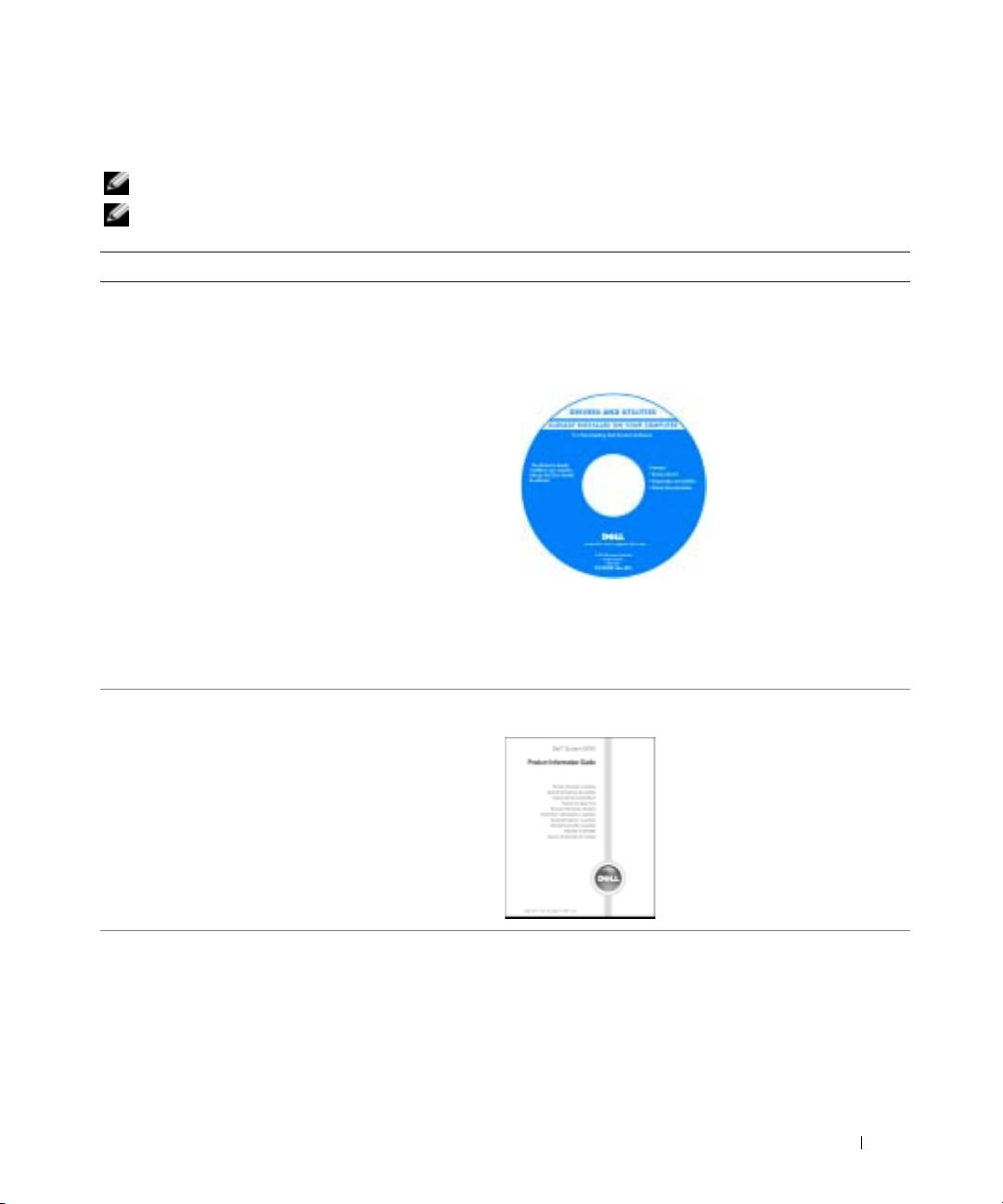
Drivers and Utilities CD (also known as ResourceCD)
• Drivers for my computer
Documentation and drivers are already installed on your
• My computer documentation
computer. You can use the CD to reinstall drivers, run the
• My device documentation
Dell Diagnostics, or access your documentation.
• Notebook System Software (NSS)
Readme files may be
included on your CD to
provide last-minute
updates about technical
changes to your
computer or advanced
technical-reference
material for technicians
or experienced users.
NOTE: Drivers and documentation updates can be found at
support.dell.com.
NOTE: The Drivers and Utilities CD is optional and may not
ship with your computer.
• Warranty information
Dell™ Product Information Guide
• Terms and Conditions (U.S. only)
• Safety instructions
• Regulatory information
• Ergonomics information
• End User License Agreement
• How to remove and replace parts
User’s Guide
• Specifications
®
®
Microsoft
Windows
XP Help and Support Center
• How to configure system settings
1
Click the
Start
button and click
Help and Support
.
• How to troubleshoot and solve problems
2
Click
User’s and system guides
and click
User’s guides
.
The User’s Guide is also available on the
optional
Drivers and Utilities
CD
.
Quick Reference Guide 5
