
Dell Latitude D500: What are you looking for? Find It Here
What are you looking for? Find It Here: Dell Latitude D500
Table of contents
- Notes, Notices, and Cautions Abbreviations and Acronyms
- Contents
- CAUTION: Safety Instructions General
- CAUTION: Safety Instructions (continued) Power
- CAUTION: Safety Instructions (continued) Battery
- CAUTION: Safety Instructions (continued) Air Travel EMC Instructions
- When Using Your Computer
- When Using Your Computer (continued) Ergonomic Computing Habits When Working Inside Your Computer
- When Using Your Computer (continued) Protecting Against Electrostatic Discharge
- Finding Information for Your Computer What are you looking for? Find It Here
- What are you looking for? Find It Here
- Setting Up Your Computer
- System Information Guide 15
- About Your Computer Front View
- Left View Right View
- Back View
- Bottom View
- Removing a Battery
- Removing and Installing a Reserve Battery
- 22 System Information Guide
- Installing a Battery Running the Dell Diagnostics
- Option Function
- Option Function Tab Function
- Regulatory Notices
What are you looking for? Find It Here
• How to remove and replace parts
User’s Guide
• How to obtain technical specifications
Windows Help and Support Center
• How to configure system settings
1 Click the Start button and click Help and Support.
• How to troubleshoot and solve
2 Click User’s and system guides and click User’s guides.
problems
Microsoft Windows 2000
Double-click the User’s Guides icon on your desktop.
• How to use Windows XP
Windows Help and Support Center
• Documentation for my computer
1 Click the Start button and click Help and Support.
• Documentation for devices (such as a
2 Type a word or phrase that describes your problem and click the
modem)
arrow icon.
3 Click the topic that describes your problem.
4 Follow the instructions on the screen.
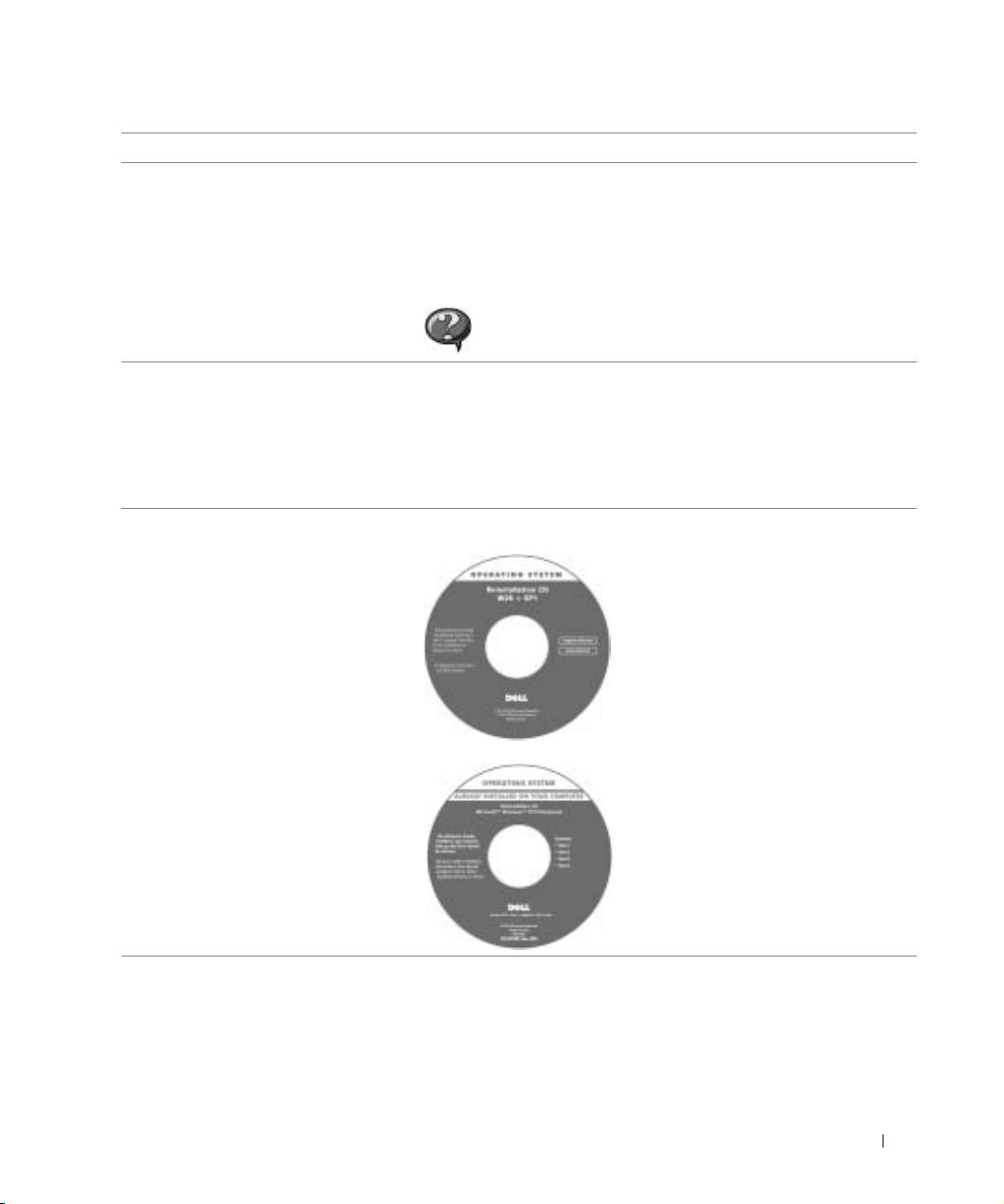
• How to reinstall my operating system Operating System CD
After you reinstall your operating system
using the Operating System CD, use the
Drivers and Utilities CD to reinstall
drivers for the devices that came with
your computer.
The product key for your operating
system is located on your computer.
or
System Information Guide 13
