
Dell Latitude D500: Finding Information for Your Computer What are you looking for? Find It Here
Finding Information for Your Computer What are you looking for? Find It Here: Dell Latitude D500
Table of contents
- Notes, Notices, and Cautions Abbreviations and Acronyms
- Contents
- CAUTION: Safety Instructions General
- CAUTION: Safety Instructions (continued) Power
- CAUTION: Safety Instructions (continued) Battery
- CAUTION: Safety Instructions (continued) Air Travel EMC Instructions
- When Using Your Computer
- When Using Your Computer (continued) Ergonomic Computing Habits When Working Inside Your Computer
- When Using Your Computer (continued) Protecting Against Electrostatic Discharge
- Finding Information for Your Computer What are you looking for? Find It Here
- What are you looking for? Find It Here
- Setting Up Your Computer
- System Information Guide 15
- About Your Computer Front View
- Left View Right View
- Back View
- Bottom View
- Removing a Battery
- Removing and Installing a Reserve Battery
- 22 System Information Guide
- Installing a Battery Running the Dell Diagnostics
- Option Function
- Option Function Tab Function
- Regulatory Notices
Finding Information for Your Computer
What are you looking for? Find It Here
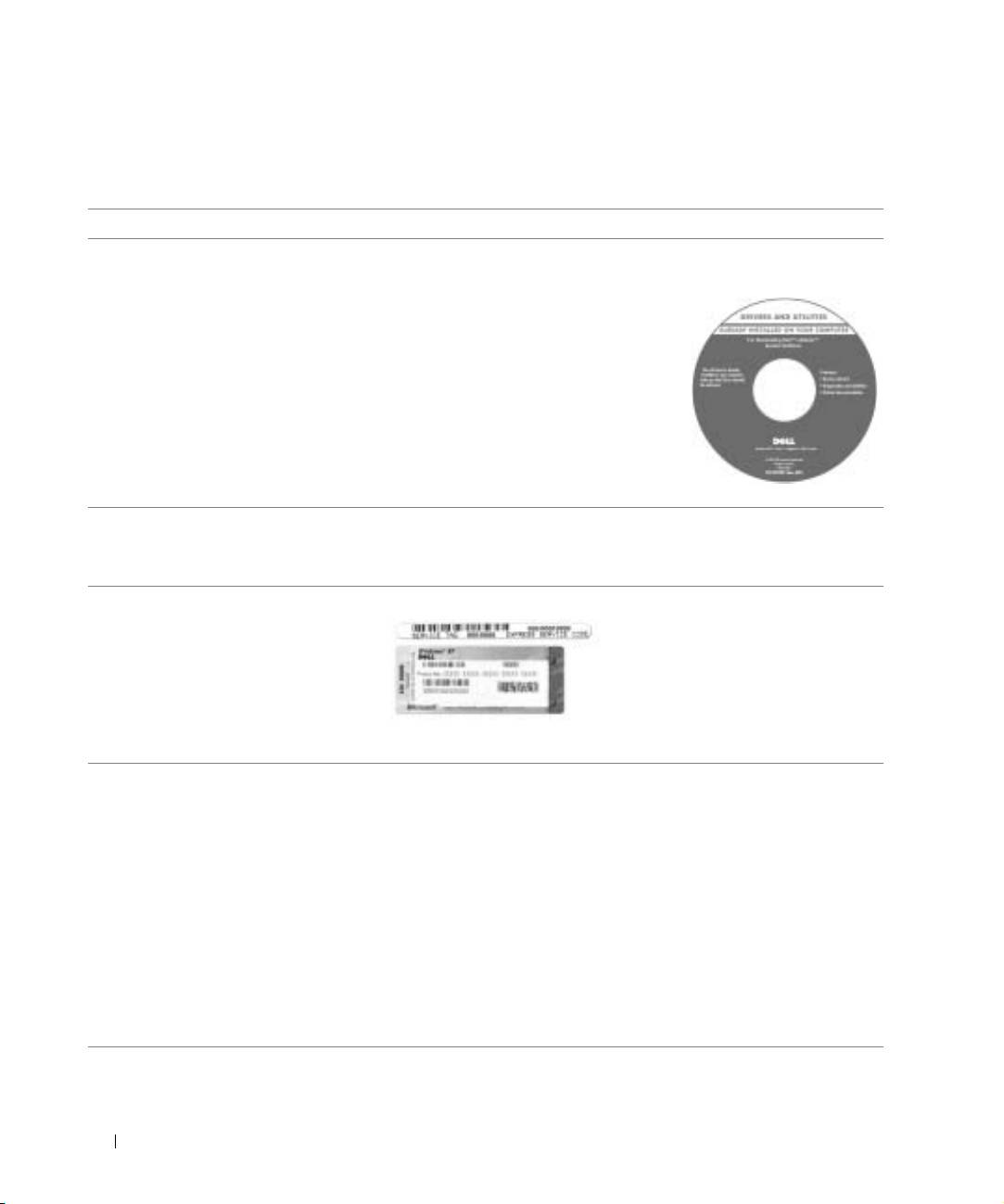
• A diagnostic program for my computer
Drivers and Utilities CD (also known as the
• Drivers for my computer
ResourceCD)
• My computer documentation
Documentation and drivers are already
• My device documentation
installed on your computer when shipped
from Dell. You can use the CD to reinstall
•
drivers, run the Dell Diagnostics, or access
your documentation.
Readme files may be included on your CD
to provide last-minute updates about
technical changes to your computer or
www.dell.com | support.euro.dell.com
advanced technical-reference material for
experienced users or technicians.
• How to set up my computer
Dell System Information Guide
• Warranty Information
• Safety Instructions
• Express Service Code and Service Tag
Express Service Code and Product Key Label
®
®
• Microsoft
Windows
License Label
These labels are located on your computer.
• Latest drivers for my computer
Dell Support Website — support.dell.com
• Answers to technical service and
The Dell Support website provides several online tools, including:
support questions
• Solutions — Troubleshooting hints and tips, articles from
• Online discussions with other users
technicians, and online courses
and technical support
• Community Forum — Online discussion with other Dell customers
• Documentation for my computer
• Upgrades — Upgrade information for components, such as memory,
the hard drive, and the operating system
• Customer Care — Contact information, order status, warranty, and
repair information
• Downloads — Drivers, patches, and software updates
• Reference — Computer documentation, product specifications, and
white papers
12 System Information Guide
