
Dell Latitude D430: Securing the Media Base
Securing the Media Base: Dell Latitude D430
Table of contents
- Media Base Setup Guide
- Notes, Notices, and Cautions Abbreviations and Acronyms
- Contents
- CAUTION: Safety Instructions SAFETY: General Safety
- SAFETY: Power Safety Equipment Protection Instructions
- Protecting Against Electrostatic Discharge
- About Your Media Base Left View Right View
- Back View Connector Description
- Connector Description
- Top View
- Setting Up Your Media Base
- Securing the Media Base
- Docking Your Computer
- Undocking Your Computer 6
- 7 Lift the back of the computer up and slide the computer out towards the back of the
- Installing the Optical Drive
- Removing the Optical Drive Using External Drives
- Specifications
- Ports and Connectors
- Regulatory Notices
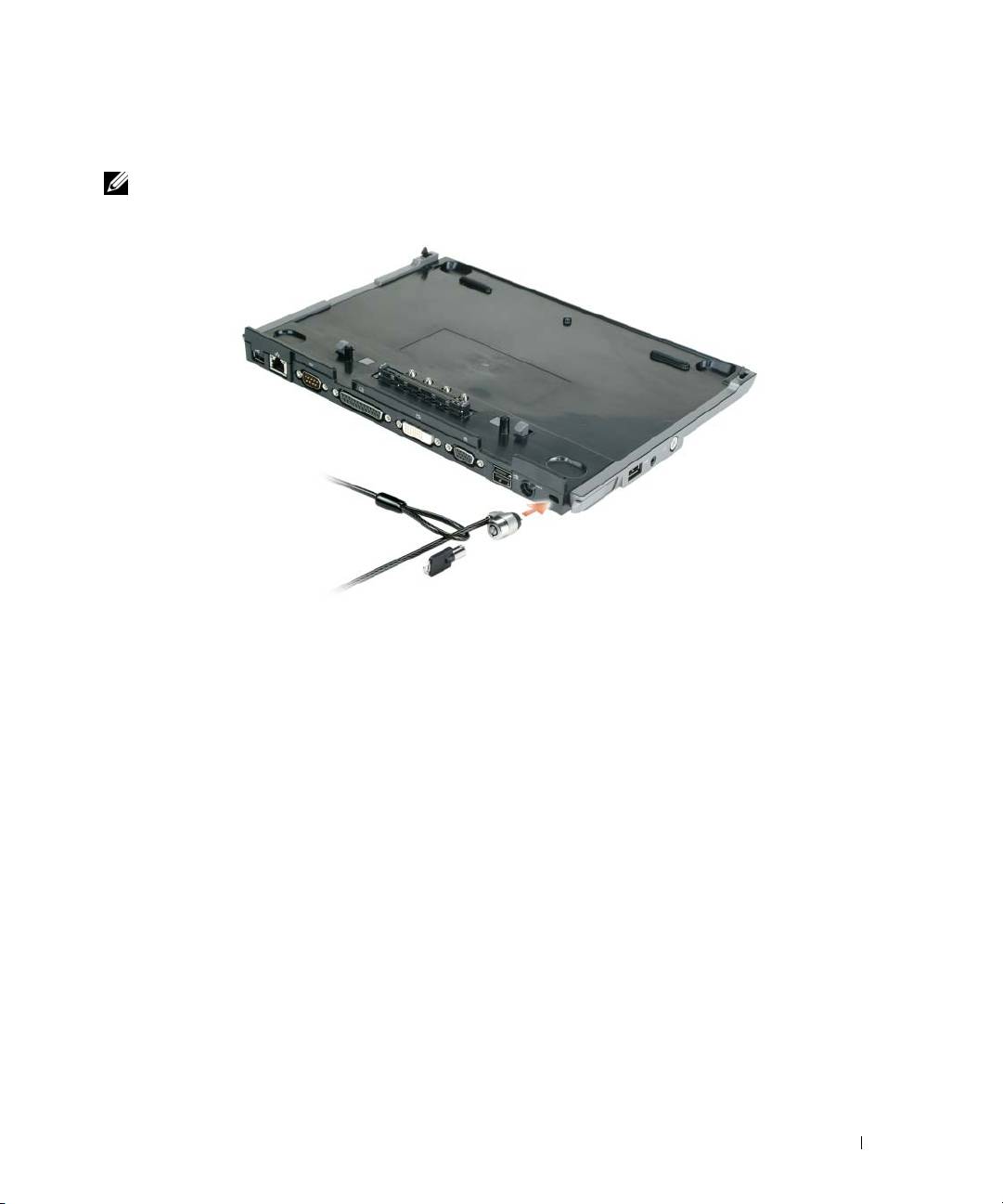
Securing the Media Base
NOTE: If the computer is docked to the media base and an antitheft device is attached to the security cable slot on
the media base, you cannot undock the computer without first removing the antitheft device.
1
Attach a commercially available antitheft device to the security cable slot on the media base.
Antitheft devices usually include a segment of metal-stranded cable with an attached locking device and
associated key. For instructions on installing this kind of antitheft device, see the documentation that
accompanied the device.
Media Base Setup Guide 13
Top 10 manuals
100.00
NZXT HALE90 1000W99.99
Samsung SM-R38099.97
AEG BSB 18C99.97
Dell 2700W99.97
Smeg KSEC70X99.96
Beurer HDE 4099.96
Pyramida KH 50 v.299.96
MSI CSM-H81M-P3299.96
AEG HR 562799.95
Melissa 640-048