
Dell PowerEdge C410X: 2. Front I/O Board 3. FAN Module 4. Power Supply BTU Specifications
2. Front I/O Board 3. FAN Module 4. Power Supply BTU Specifications: Dell PowerEdge C410X
Table of contents
- Notes, Cautions, and Warnings
- Restricted Access Location Installation and Configuration Unpack your system
- Installing the Rails and System in a Rack
- Follow these instructions to install the rails into a rack: 3. Push the system into the sliding rails until the locking latch clicks into place.
- 4. Install the system into the rack.
- Connecting iPass Cables Connecting Power Cables
- Turning On the System Other Information You May Need Firmware Updates
- NOM Information (Mexico Only) Technical Specifications System Specifications 1. Chassis
- 2. Front I/O Board 3. FAN Module 4. Power Supply BTU Specifications
- Environmental Specifications
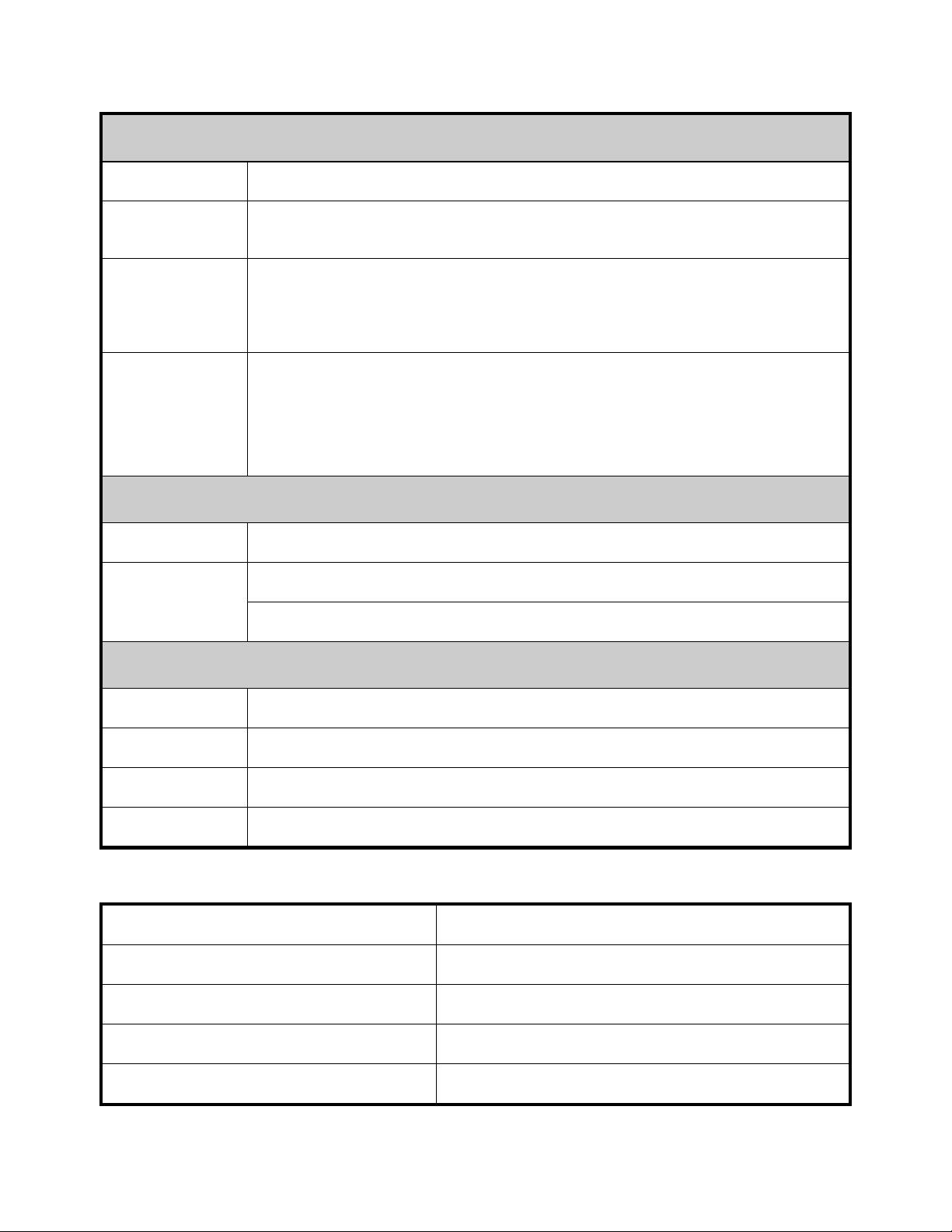
2. Front I/O Board
Power Button
Power button with LED
Service ID
Service ID button with LED
Button
- Power LED indicates current system power ON/OFF/Fail status.
LED
- Service ID LED indicates system in service.
Functionality
- System Status LED indicates current system status (for example, FAN fail).
Temperature
Indicates system ambient temperature for FAN speed control usage.
Sensor
3. FAN Module
FAN
Size: 92 mm x 38 mm
7+1 Redundancy
Hot Plug,
Redundant
Hot Swappable Fans
4. Power Supply
PSU Module
1400W * 4 PSUs
Input Voltage
200-240VAC
Type (AC/DC)
AC
Redundancy
N+1 redundancy required for total chassis load.
BTU Specifications
Specification Value
Power Supply Voltage Range
200V - 240Vac
Power Supply
Four
Power Supply BTU
14334.6 BTU/hr
Power Supply: Power (W)
4200
10
