
Dell PowerEdge T110 II: Turning On the System Comp ete the Operating System Setup Supported Operating Systems
Turning On the System Comp ete the Operating System Setup Supported Operating Systems: Dell PowerEdge T110 II
Table of contents
- Notes, Cautions, and Warnings
- I nsta ll ation and Con f iguration Unpacking the System Optional—Connecting the Keyboard, Mouse, and Monitor
- Connecting the Power Cable Securing the Power Cable
- Turning On the System Comp ete the Operating System Setup Supported Operating Systems
- De ll So tware License Agreement
- Other I n f ormation You May Need Obtaining Technica l Assistance
- Technica Speci f ications Processor Expansion Bus Memory Drives
- Connectors Video Power
- Physical Environmental
- Environmental
Getting Started With Your System
5
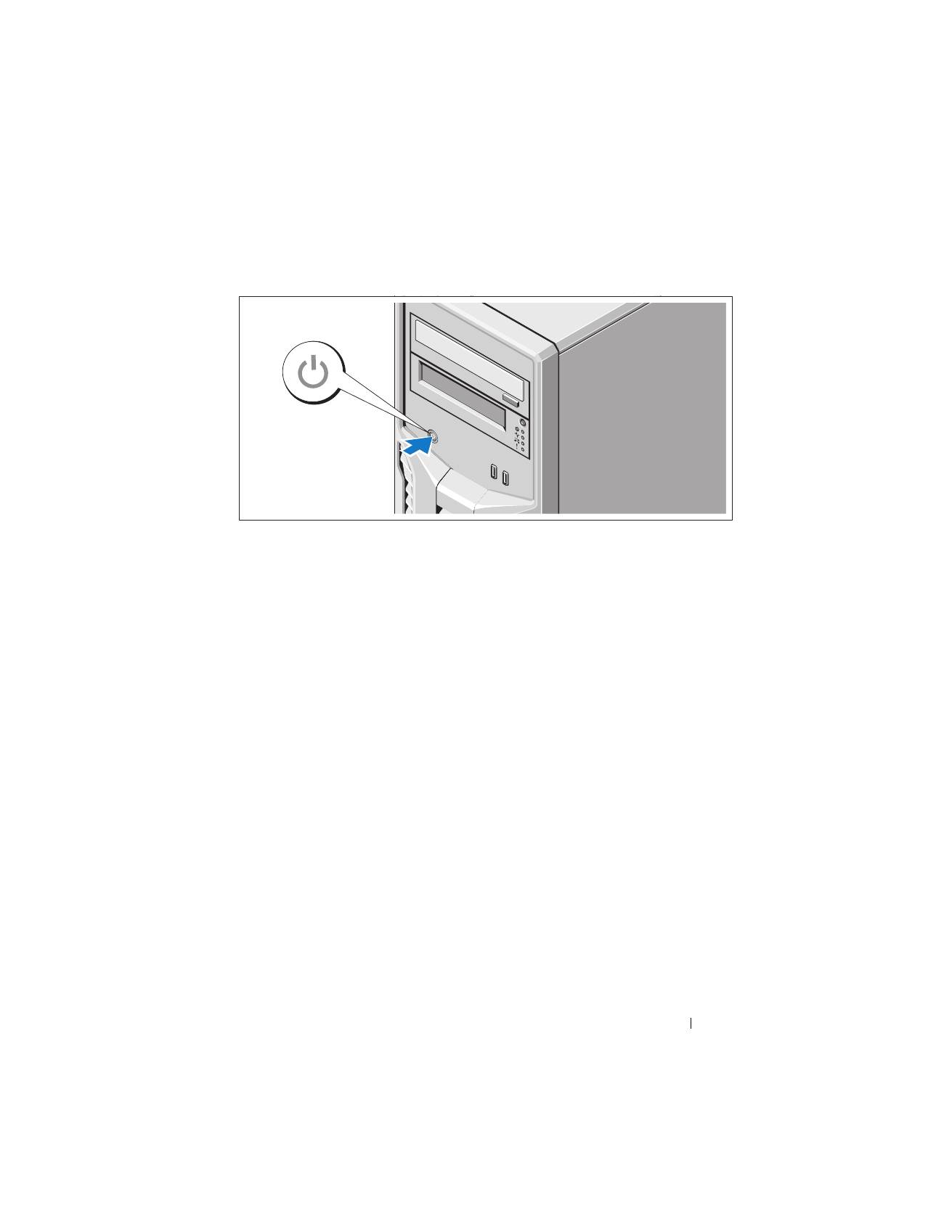
Turning On the System
Press the power button on the system. The power indicator should light.
Comp
l
ete the Operating System Setup
If you purchased a preinstalled operating system, see the operating system
documentation that ships with your system. To install an operating system for
the first time, see the installation and configuration documentation for your
operating system. Be sure the operating system is installed before installing
hardware or software not purchased with the system.
Supported Operating Systems
•
Microsoft Windows Small Business Server 2011 (x64) Standard and
Essential Editions
•
Microsoft Windows Server 2008 R2 SP1 (x64) Standard and
Foundation Editions
•
Microsoft Windows Server 2008 R2 (x64) Standard and
Foundation Editions
•
Microsoft Windows Server 2008 (x86) Standard Edition with SP2
•
Microsoft Windows Server 2008 (x64) Standard Edition with SP2
•
Microsoft Windows Server 2008 R2 SP1 (x64) with Hyper-V for
Standard Edition
