
Beurer DS 81: TART - UP Changing the weight unit Positioning scales 5 O Measuring item to be weighed Switching on scales Place item to be weighed on the scales and read the weight Weighing without a bowl: Weighing with a bowl: Weighing additional items (tare)
TART - UP Changing the weight unit Positioning scales 5 O Measuring item to be weighed Switching on scales Place item to be weighed on the scales and read the weight Weighing without a bowl: Weighing with a bowl: Weighing additional items (tare): Beurer DS 81
Table of contents
- 1 G ETTING TO KNOW YOUR INSTRUMENT Instrument functions 2 S AFETY INFORMATION
- Storage and care Batteries Repair Disposal
- 3 I NSTRUMENT DESCRIPTION Diet kitchen scales Initial display
- TART - UP Changing the weight unit Positioning scales 5 O Measuring item to be weighed Switching on scales Place item to be weighed on the scales and read the weight Weighing without a bowl: Weighing with a bowl: Weighing additional items (tare)
- Entering the foodstuffs code Reading off nutritional and energy values Switching off scales
- G B Saving weighed items Saving the first measurement Saving other measurements Displaying added measured values Clear memory
- 6 C HANGING BATTERIES 7 C LEANING AND MAINTENANCE 8 I N THE EVENT OF PROBLEMS
- 9 T ECHNICAL DETAILS
- 10 F OODSTUFFS LIST Abbreviations Definitions Milk and milk products 000 Ayran
- 059
- 146 Mutton,
- Fish, crustaceans and mol- luscs
- 386 Mohnstriezel
- 507
- 651 Macadamia Pulses Drinks
- 758 Weizenvollbier, Confectionary
- 864 Blackberry Soups and stews
- 961 Fried
25
G B
4 S
TART
-
UP
Changing the weight unit
The scales can display values in the weight
units
g
(grams) or
oz
(ounces). The default
setting is in grams. You can set the unit using
the
g/oz
switch at the back of the instrument.
Positioning scales
Place the scales on a firm, even surface. A
firm base is essential to correct measure-
ment.
5 O
PERATION
Measuring item to be weighed
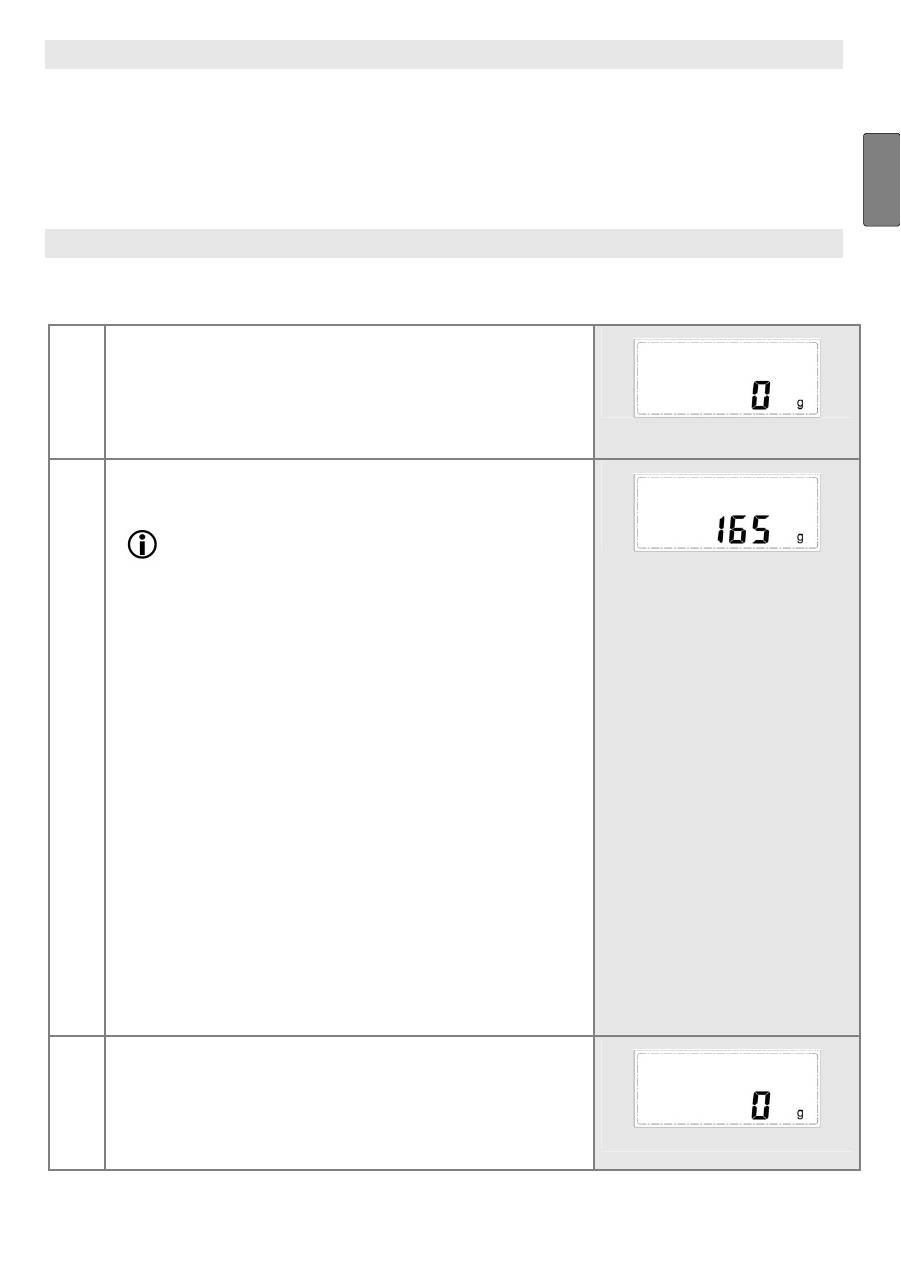
1
Switching on scales
〉
Press the
ON/OFF TARA
button.
The initial display appears briefly, automatically fol-
lowed by the display
0 g
.
2
Place item to be weighed on the scales and
read the weight
Note
Overloading your scales or not loading them prop-
erly may be detrimental to their proper functioning:
•
Never place more than 5000 g (11 lb) on the
weigh plate.
•
Never put any objects or food on the display or
the buttons.
Weighing without a bowl:
〉
Place the item to be weighed directly on the weigh
plate.
Weighing with a bowl:
〉
Place an empty bowl on the weigh plate.
〉
Press the
ON/OFF TARA
button. The display reads 0
g again. Fill the item to be weighed into the bowl.
The display shows the weight of the item to be
weighed.
Weight is displayed in 1 g graduations (1/8 oz incre-
ments). With a liquid item to be weighed, 100 g (3
1/2 oz) corresponds to approximately one decilitre.
3
Weighing additional items (tare)
To weigh additional quantities (e.g. flour, water, salt for
a dough) you can reset the scales to 0 g.
〉
Press the
ON/OFF TARA
button before adding each
new ingredient.
