
Beurer DS 81: Entering the foodstuffs code Reading off nutritional and energy values Switching off scales
Entering the foodstuffs code Reading off nutritional and energy values Switching off scales: Beurer DS 81
Table of contents
- 1 G ETTING TO KNOW YOUR INSTRUMENT Instrument functions 2 S AFETY INFORMATION
- Storage and care Batteries Repair Disposal
- 3 I NSTRUMENT DESCRIPTION Diet kitchen scales Initial display
- TART - UP Changing the weight unit Positioning scales 5 O Measuring item to be weighed Switching on scales Place item to be weighed on the scales and read the weight Weighing without a bowl: Weighing with a bowl: Weighing additional items (tare)
- Entering the foodstuffs code Reading off nutritional and energy values Switching off scales
- G B Saving weighed items Saving the first measurement Saving other measurements Displaying added measured values Clear memory
- 6 C HANGING BATTERIES 7 C LEANING AND MAINTENANCE 8 I N THE EVENT OF PROBLEMS
- 9 T ECHNICAL DETAILS
- 10 F OODSTUFFS LIST Abbreviations Definitions Milk and milk products 000 Ayran
- 059
- 146 Mutton,
- Fish, crustaceans and mol- luscs
- 386 Mohnstriezel
- 507
- 651 Macadamia Pulses Drinks
- 758 Weizenvollbier, Confectionary
- 864 Blackberry Soups and stews
- 961 Fried
26
4
Entering the foodstuffs code
〉
From the foodstuffs list (page 30 onwards), find the 3-
digit code for your item to be weighed.
〉
Using the digital buttons, enter the 3-digit code, e.g.
024
(not
24
).
Note
If you have entered the wrong number, fill in the
code with any numbers up to three digits. Then re-
enter the code again.
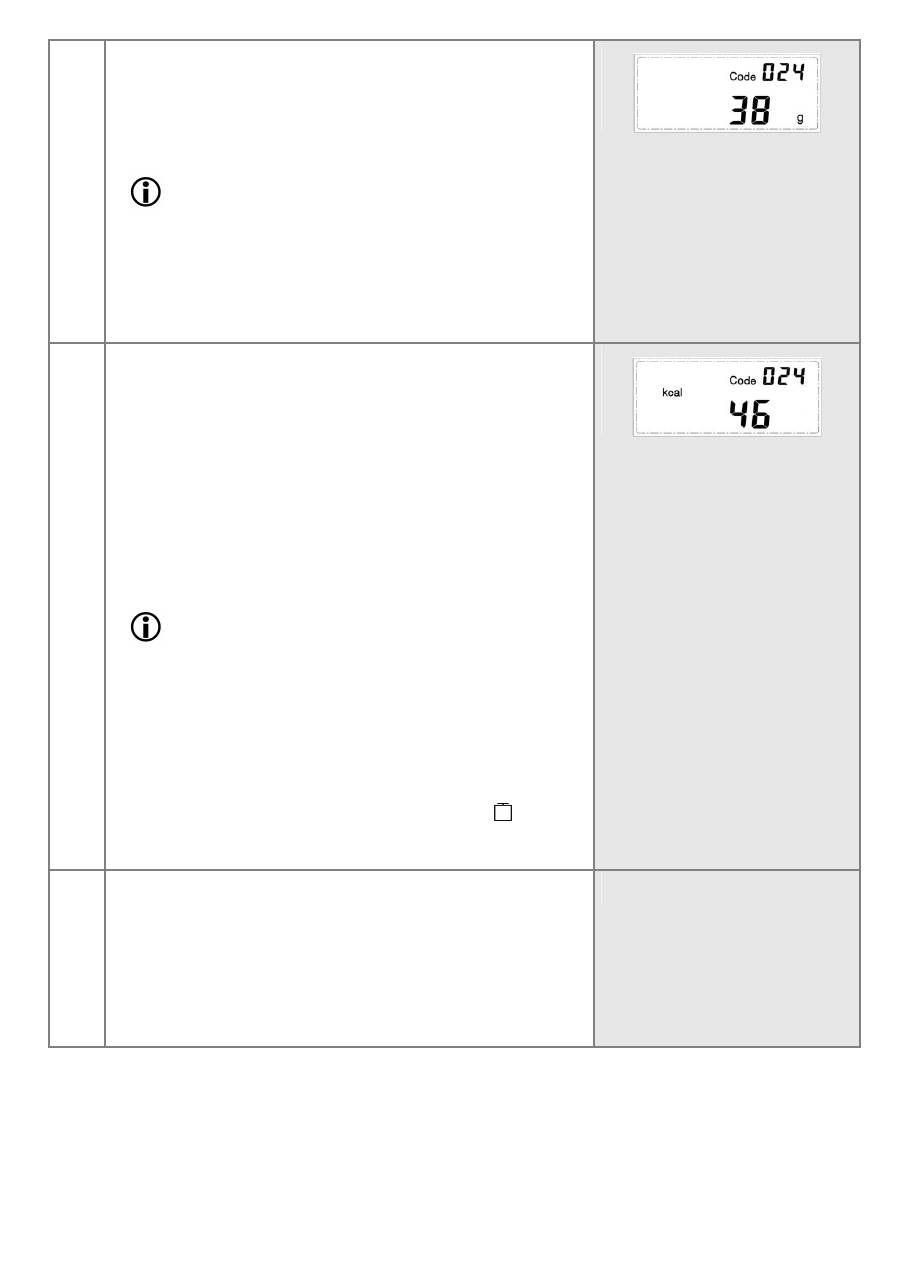
The display indicates the code, code number and the
weight.
5
Reading off nutritional and energy values
You can now call up the nutritional and energy values
for this foodstuff.
〉
by pressing the required function key (see Section 3
'Instrument Description', page 24). You can also
press several function keys one directly after the
other.
The display briefly shows the nutritional or energy
value before switching back to the weight display.
Note
•
Please note that, due to natural fluctuations in
the nutritional and energy values of foodstuffs
only approximate data is possible.
•
If you subsequently put on an item to be
weighed while a nutritional or energy value is al-
ready displayed, there is no further change in the
displayed value. In this case, first switch to
weighing mode (by pressing the weight button
or waiting briefly). Then press the function but-
tons for nutritional and energy values again.
6
Switching off scales
The scales switch off automatically 90 seconds after
the last weighing change.
To switch them off manually, press the button
ON/OFF TARA
for approximately 3 seconds.
The display clears.
