
Dell Latitude C810: Battery (Safety Instructions, continued)
Battery (Safety Instructions, continued): Dell Latitude C810
Table of contents
- System Information
- Notes, Notices, Cautions
- Dell™ Latitude™ System Information Other Documents Available Documents on the Web
- Safety and EMC Instructions: Portable Computers Safety Instructions
- Dell™ Latitude™ C810 System Information 7
- Power (Safety Instructions, continued)
- Battery (Safety Instructions, continued)
- Air Travel (Safety Instructions, continued) EMC Instructions
- When Using Your Computer
- 12 Dell™ Latitude™ C810 System Information
- Ergonomic Computing Habits
- When Removing or Installing Memory Modules
- Protecting Against Electrostatic Discharge
- Getting Started Accessories Box Contents
- Connecting the AC Adapter AC Adapter Connection Turning On the Computer
- Turning On the Computer
- Computer Components Front View
- Right Side View
- Back View
- Left Side View
- Replacing the Main Battery
- Battery Removal From the Battery Bay
- Regulatory Notices NOM Information (Mexico Only)
- Información para NOM (únicamente para México) Getting Help
- To start the diagnostics, perform the following steps:
2E409bk0.book Page 9 Thursday, July 5, 2001 9:37 AM
Battery (Safety Instructions, continued)
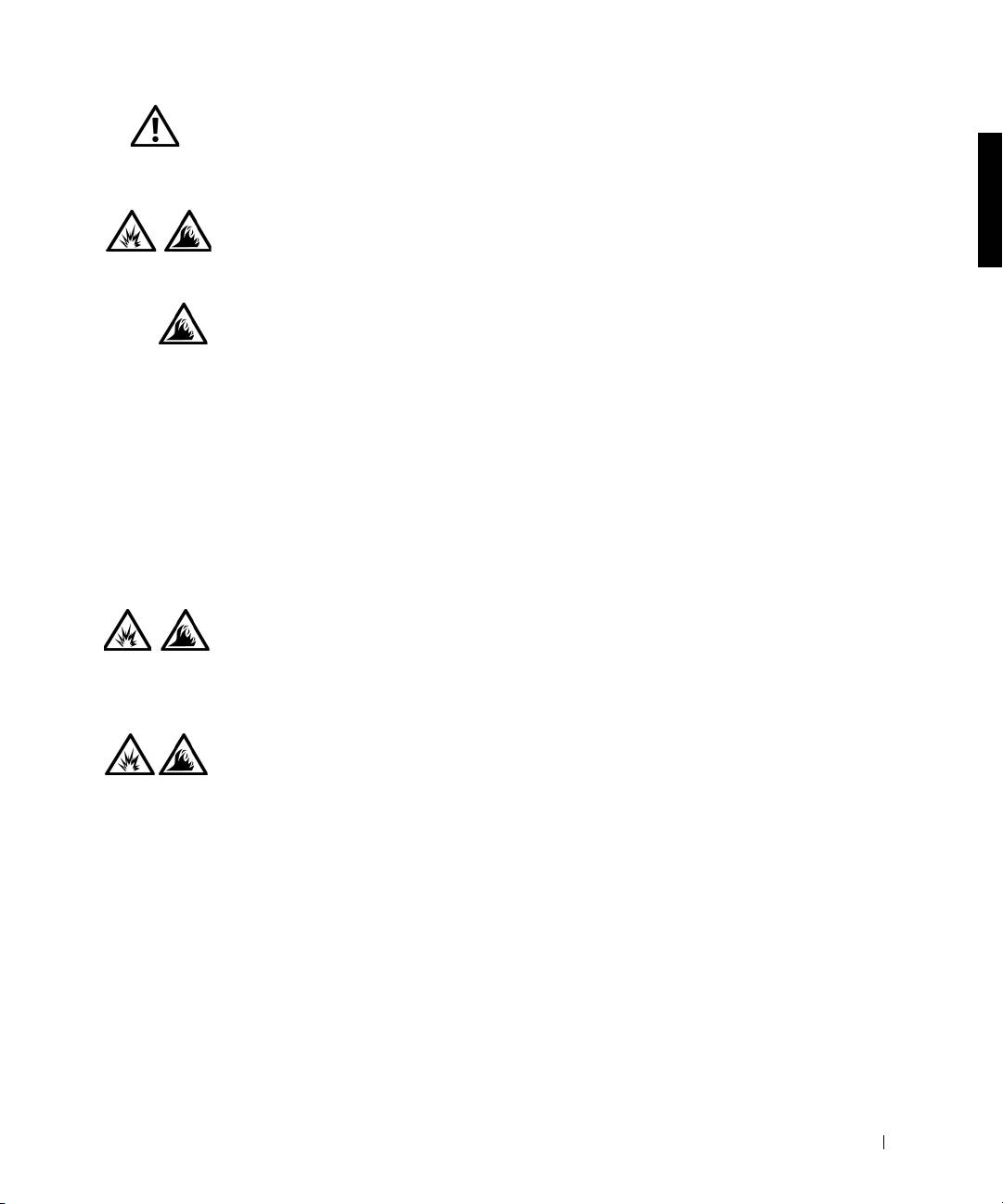
• Use only Dell battery modules that are approved for use
with this computer. Use of other types may increase the
risk of fire or explosion.
• Do not carry a battery pack in your pocket, purse, or
other container where metal objects (such as car keys or
paper clips) could short-circuit the battery terminals.
The resulting excessive current flow can cause
extremely high temperatures and may result in damage
to the battery pack or cause fire or burns.
• The battery poses a burn hazard if you handle it
improperly. Do not disassemble it. Handle a damaged
or leaking battery pack with extreme care. If the battery
is damaged, electrolyte may leak from the cells and may
cause personal injury.
• Keep away from children.
• Do not store or leave your computer or battery pack
near a heat source such as a radiator, fireplace, stove,
electric heater, or other heat-generating appliance.
When heated to excessive temperatures, battery cells
could explode or vent, posing a risk of fire.
• Do not dispose of your computer's battery in a fire or
with normal household waste. Battery cells may
explode. Discard a used battery according to the
manufacturer's instructions or contact your local waste
disposal agency for disposal instructions. Dispose of a
spent or damaged battery promptly.
Dell™ Latitude™ C810 System Information 9
