
Dell DX6000: Obtaining Technical Assistance NOM Information (Mexico Only) Technical Specifications Processor Expansion Bus
Obtaining Technical Assistance NOM Information (Mexico Only) Technical Specifications Processor Expansion Bus: Dell DX6000
Table of contents
- Getting Started With Your System
- Notes, Cautions, and Warnings
- Installation and Configuration Unpacking the System Installing the Rails and System in a Rack
- Optional—Connecting the Keyboard, Mouse, and Monitor Connecting the Power Cable(s)
- Securing the Power Cable(s) Turning On the System
- Installing the Optional Bezel Other Information You May Need
- Obtaining Technical Assistance NOM Information (Mexico Only) Technical Specifications Processor Expansion Bus
- Expansion Bus (continued) Memory Drives Connectors
- Connectors (continued) Video Power
- Power (continued) Physical Environmental
- Environmental (continued)
Obtaining Technical Assistance
If you do not understand a procedure in this guide or if the system does not
perform as expected, see your Hardware Owner’s Manual. Dell™ offers
comprehensive hardware training and certification. See www.dell.com/training
for more information. This service may not be offered in all locations.
NOM Information (Mexico Only)
The following information is provided on the device described in this
document in compliance with the requirements of the official Mexican
standards (NOM):
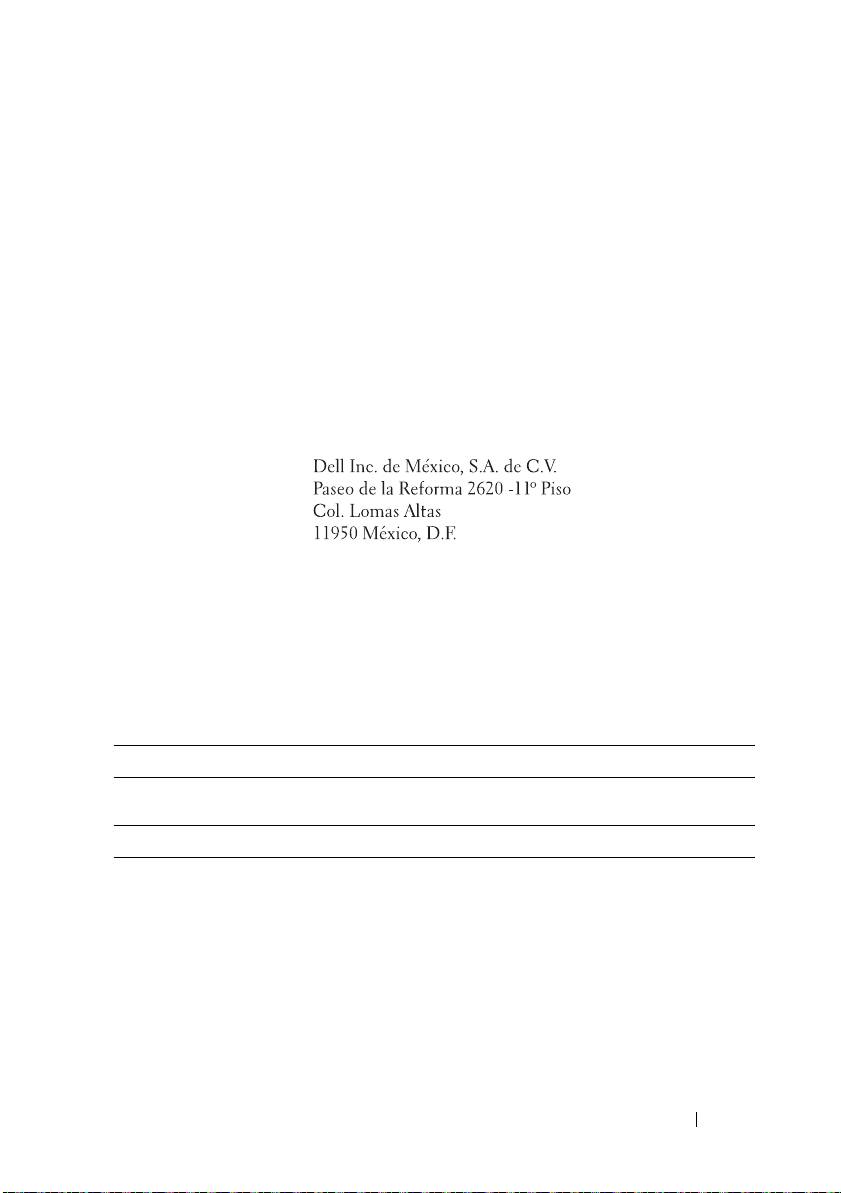
Importer:
Model number: E02S
Supply voltage: 100–240 V AC
Frequency: 50/60 Hz
Current consumption: 7.0–3.5 A
Technical Specifications
Processor
®
®
Processor type One Intel
Xeon
5000 series processor
Expansion Bus
Bus type PCI Express Generation 2
Expansion slots using
riser cards:
One full-height, 9.5" length, x4 link (slot 1)
Riser 1 (Center Riser)
NOTE: This slot can be upgraded to 12.2".
One low-profile, 9.5" length, x4 link (slot 2)
Getting Started With Your System 9
