
Dell Precision M65: Finding Information What Are You Looking For? Find It Here
Finding Information What Are You Looking For? Find It Here: Dell Precision M65
Table of contents
- Notes, Notices, and Cautions Abbreviations and Acronyms
- Contents
- Finding Information What Are You Looking For? Find It Here
- What Are You Looking For? Find It Here
- What Are You Looking For? Find It Here
- Setting Up Your Computer
- About Your Computer Front View
- Left Side View Right Side View
- Back View Bottom View
- Using a Battery Battery Performance
- Checking the Battery Charge Dell™ QuickSet Battery Meter Microsoft Windows Power Meter Charge Gauge Check the Battery Charge Check the Battery Health
- Low-Battery Warning Charging the Battery Replacing the Battery
- Storing a Battery Troubleshooting Dell Technical Update Service Dell Diagnostics
- When to Use the Dell Diagnostics Starting the Dell Diagnostics From Your Hard Drive
- Starting the Dell Diagnostics From the Drivers and Utilities CD Dell Diagnostics Main Menu Option Function
- Tab Function Lockups and Software Problems The computer does not start up The computer stops responding
- A program stops responding or crashes repeatedly A program is designed for an earlier Microsoft Windows operating system A solid blue screen appears Other software problems
Finding Information
NOTE: Some features or media may be optional and may not ship with your computer. Some features or media may
not be available in certain countries.
NOTE: Additional information may ship with your computer.
What Are You Looking For? Find It Here
• A diagnostic program for my computer
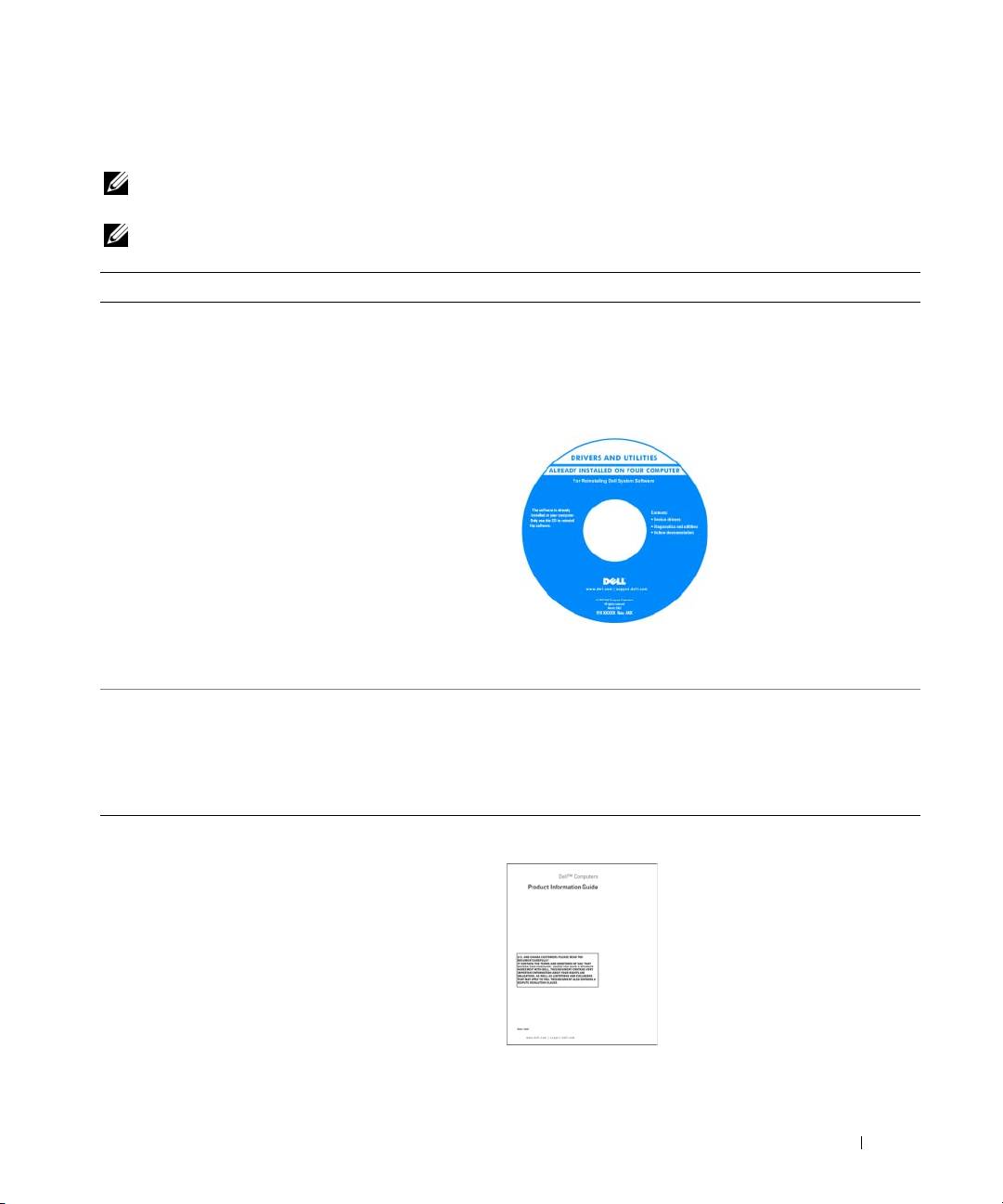
Drivers and Utilities CD (also known as ResourceCD)
• Drivers for my computer
NOTE: The Drivers and Utilities CD may be optional and may
• My device documentation
not ship with your computer.
• Notebook System Software (NSS)
Documentation and drivers are already installed on your
computer. You can use the CD to reinstall drivers.
Readme files may be
included on your CD to
provide last-minute
updates about technical
changes to your computer
or advanced technical-
reference material for
technicians or experienced
users.
NOTE: Drivers and documentation updates can be found at
support.dell.com.
• How to remove and replace parts
Dell Precision™ Mobile Workstation User’s Guide
• Specifications
1
Click
Start
→
Help and Support
→
Dell User and System
• How to configure system settings
Guides
→
System Guides
.
• How to troubleshoot and solve problems
2
Click the
User’s Guide
for your computer.
• Warranty information
Dell™ Product Information Guide
• Terms and Conditions (U.S. only)
• Safety instructions
• Regulatory information
• Ergonomics information
• End User License Agreement
Quick Reference Guide 5
