
Dell PowerVault DL2200 CommVault: Notes, Cautions, and Warnings
Notes, Cautions, and Warnings: Dell PowerVault DL2200 CommVault
Table of contents
- Notes, Cautions, and Warnings
- Installation and Configuration Unpacking the System
- Optional – Connecting the Keyboard, Mouse, and Monitor Connecting the Power Cable(s)
- Securing the Power Cable(s) Turning On the System
- Installing the Optional Bezel Operating System Information Supported Operating System
- Other Information You May Need Obtaining Technical Assistance
- NOM Information (Mexico Only) Technical Specifications Processor Expansion Bus Memory
- Memory (continued) Drives Connectors Video
- Power Physical Environmental
- Environmental (continued)
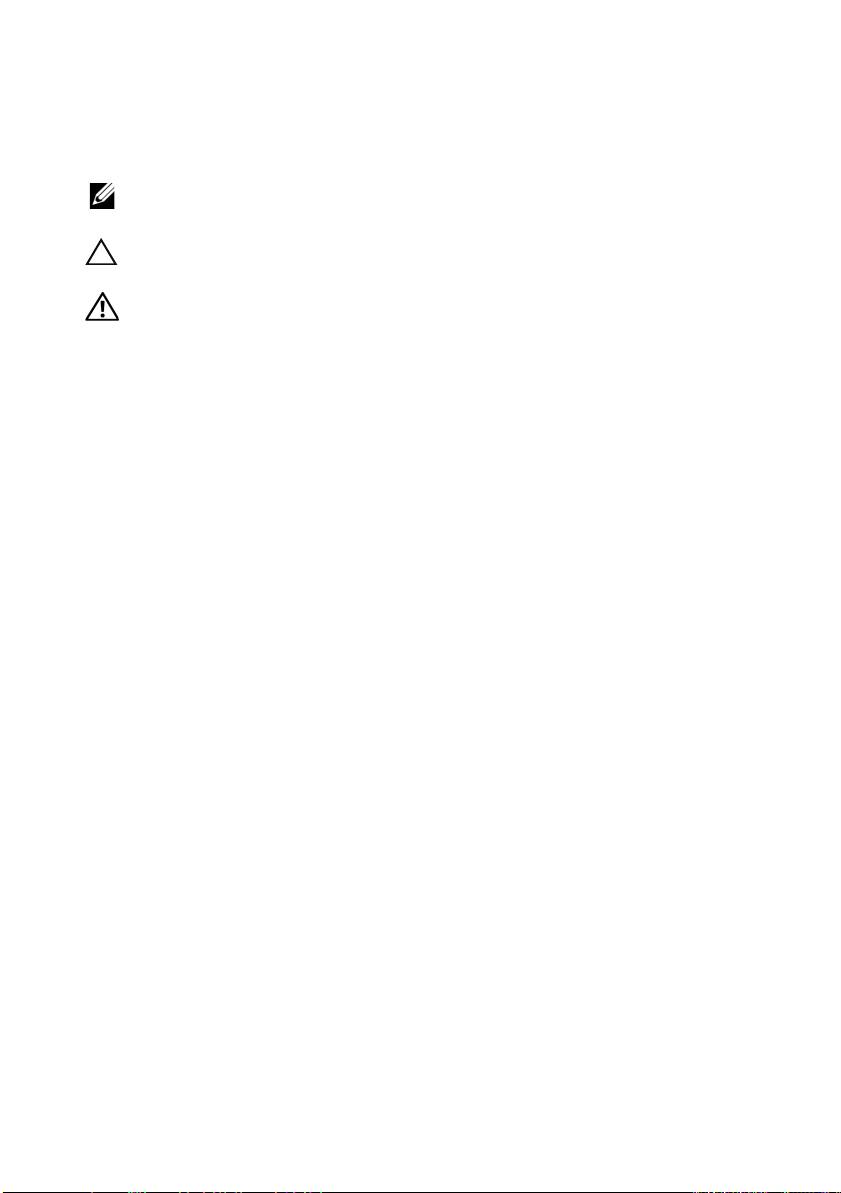
Notes, Cautions, and Warnings
NOTE: A NOTE indicates important information that helps you make better use of
your computer.
CAUTION: A CAUTION indicates potential damage to hardware or loss of data if
instructions are not followed.
WARNING: A WARNING indicates a potential for property damage, personal
injury, or death.
____________________
Information in this document is subject to change without notice.
© 2010 Dell Inc. All rights reserved.
Reproduction of these materials in any manner whatsoever without the written permission of Dell Inc.
is strictly forbidden.
Trademarks used in this text: Dell, the DELL logo, and PowerVault are trademarks of Dell Inc.;
Intel and Xeon are registered trademarks of Intel Corporation in the U.S. and other countries; Microsoft,
and Windows Server are either trademarks or registered trademarks of Microsoft Corporation in the
United States and/or other countries.
Other trademarks and trade names may be used in this document to refer to either the entities claiming
the marks and names or their products. Dell Inc. disclaims any proprietary interest in trademarks and
trade names other than its own.
Regulatory Model E13S Series
April 2010 P/N JDXV4 Rev. A00
