
Dell PowerEdge T605: Installation and Configuration Unpack the System
Installation and Configuration Unpack the System: Dell PowerEdge T605
Table of contents
- Getting Started With Your System
- Notes, Notices, and Cautions
- System Features
- The system board includes the following integrated features:
- Supported Operating Systems
- Other Information You May Need Obtaining Technical Assistance
- Installation and Configuration Unpack the System
- Connect the Keyboard, Mouse, and Monitor Connect the System to Power
- Installing the Power Cord Retention Bracket Turn on the System and Monitor
- Complete the 0perating System Setup Technical Specifications Processor Expansion Bus Memory
- Drives Connectors
- Video Power Physical
- Environmental
Installation and Configuration
CAUTION: Before performing the following procedure, read and follow the safety
instructions and important regulatory information in your Product Information
Guide.
NOTICE: Make sure there are no physical obstructions within 30 cm (12 inches)
of the front of the system and 61 cm (24 inches) of the rear of the system.
This may cause a decrease in airflow, which could cause your system to overheat.
This section describes the steps to set up your system for the first time.
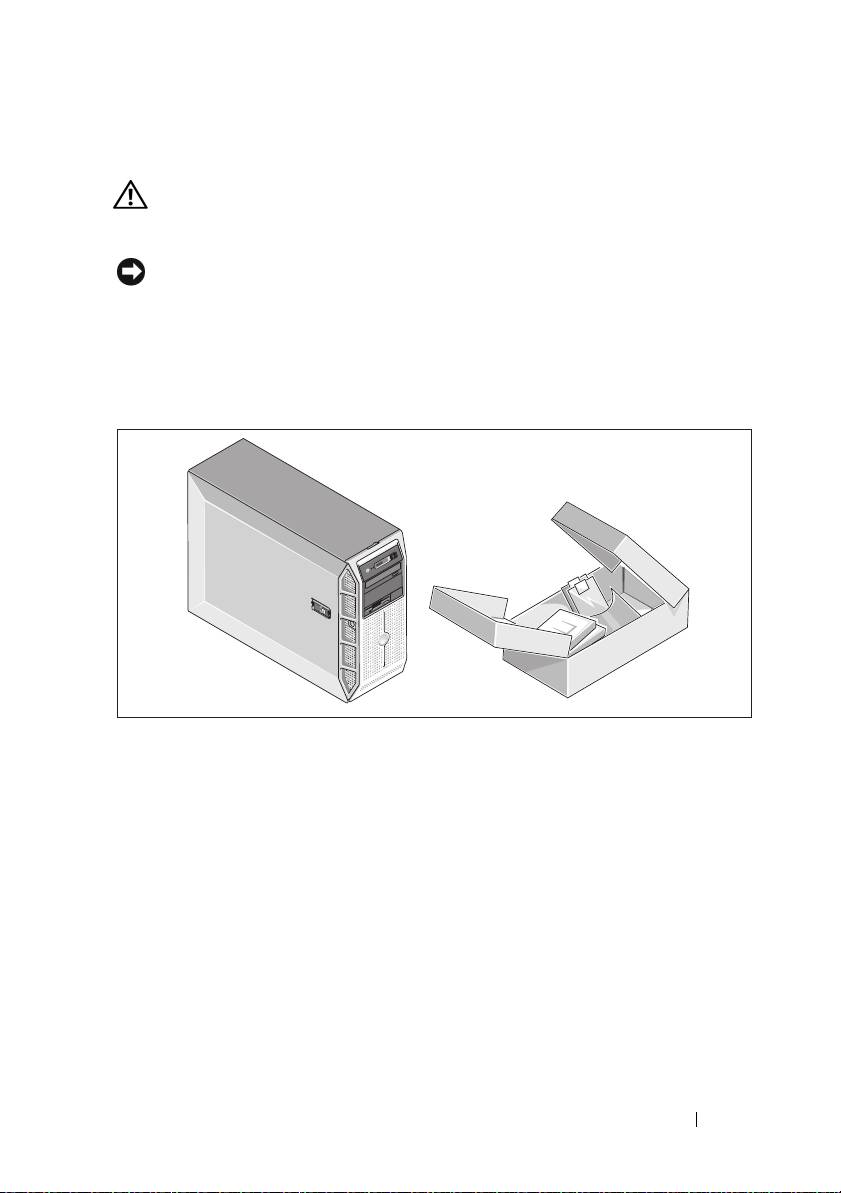
Unpack the System
Upack your system and identify each item. Keep all shipping materials in case
you need them later.
Getting Started With Your System 7
Top 10 manuals
100.00
NZXT HALE90 1000W99.99
Samsung SM-R38099.97
AEG BSB 18C99.97
Dell 2700W99.97
Smeg KSEC70X99.96
Beurer HDE 4099.96
Pyramida KH 50 v.299.96
MSI CSM-H81M-P3299.96
AEG HR 562799.95
Melissa 640-048