
Dell Latitude D410: Quick Reference Guide 9
Quick Reference Guide 9: Dell Latitude D410
Table of contents
- Notes, Notices, and Cautions Abbreviations and Acronyms
- Contents
- Finding Information What Are You Looking For? Find It Here
- What Are You Looking For? Find It Here
- What Are You Looking For? Find It Here
- What Are You Looking For? Find It Here Setting Up Your Computer
- Quick Reference Guide 9
- 10 Quick Reference Guide
- About Your Computer
- Front View
- Left View
- Right View Back View
- Bottom View Using a Battery Battery Performance
- Checking the Battery Charge
- Microsoft Windows Power Meter Charge Gauge Health Gauge
- Low-Battery Warning Charging the Battery Removing a Battery
- Installing a Battery Storing a Battery Solving Problems
- Lockups and Software Problems The computer does not start up The computer stops responding A program stops responding
- A program crashes repeatedly A program is designed for an earlier Windows operating system A solid blue screen appears Other software problems
- Running the Dell Diagnostics When to Use the Dell Diagnostics Starting the Dell Diagnostics From Your Hard Drive
- Starting the Dell Diagnostics From the Optional Drivers and Utilities CD Dell Diagnostics Main Menu
- Option Function Tab Function
- Index
- 26 Index
FILE LOCATION: J:\DL\DL044402\DTP\Y4288eb0.fm
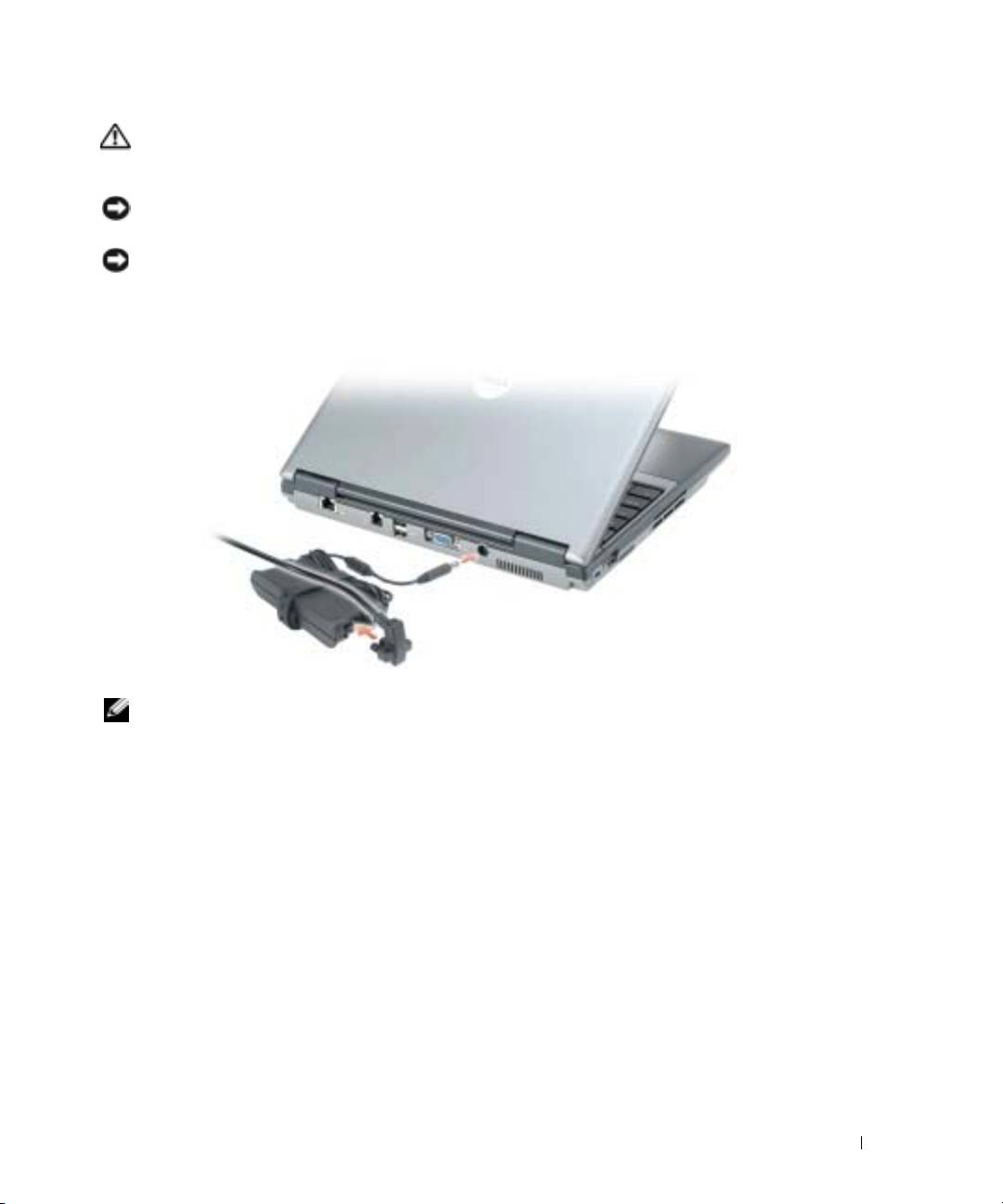
CAUTION: The AC adapter works with electrical outlets worldwide. However, power connectors and
power strips vary among countries. Using an incompatible cable or improperly connecting the cable to
the power strip or electrical outlet may cause fire or equipment damage.
NOTICE: When using the AC adapter, secure the cable so that the cable is not pulled, tangled, stepped
on, or crushed by objects such as chair legs or desk supports.
NOTICE: When you disconnect the AC adapter cable from the computer, grasp the connector, not the
cable itself, and pull firmly but gently to avoid damaging the cable. When you wrap the AC adapter cable,
ensure that you follow the angle of the connector on the AC adapter to avoid damaging the cable.
NOTE: Do not connect the computer to the docking device until the computer has been turned on and
shut down at least once.
DELL CONFIDENTIAL – PRELIMINARY 12/9/04 – FOR PROOF ONLY
Quick Reference Guide 9
