
Dell Latitude D410: Finding Information What Are You Looking For? Find It Here
Finding Information What Are You Looking For? Find It Here: Dell Latitude D410
Table of contents
- Notes, Notices, and Cautions Abbreviations and Acronyms
- Contents
- Finding Information What Are You Looking For? Find It Here
- What Are You Looking For? Find It Here
- What Are You Looking For? Find It Here
- What Are You Looking For? Find It Here Setting Up Your Computer
- Quick Reference Guide 9
- 10 Quick Reference Guide
- About Your Computer
- Front View
- Left View
- Right View Back View
- Bottom View Using a Battery Battery Performance
- Checking the Battery Charge
- Microsoft Windows Power Meter Charge Gauge Health Gauge
- Low-Battery Warning Charging the Battery Removing a Battery
- Installing a Battery Storing a Battery Solving Problems
- Lockups and Software Problems The computer does not start up The computer stops responding A program stops responding
- A program crashes repeatedly A program is designed for an earlier Windows operating system A solid blue screen appears Other software problems
- Running the Dell Diagnostics When to Use the Dell Diagnostics Starting the Dell Diagnostics From Your Hard Drive
- Starting the Dell Diagnostics From the Optional Drivers and Utilities CD Dell Diagnostics Main Menu
- Option Function Tab Function
- Index
- 26 Index
FILE LOCATION: J:\DL\DL044402\DTP\Y4288eb0.fm
Finding Information
NOTE: Some features may not be available for your computer or in certain countries.
NOTE: Additional information may ship with your computer.
What Are You Looking For? Find It Here
• A diagnostic program for my computer
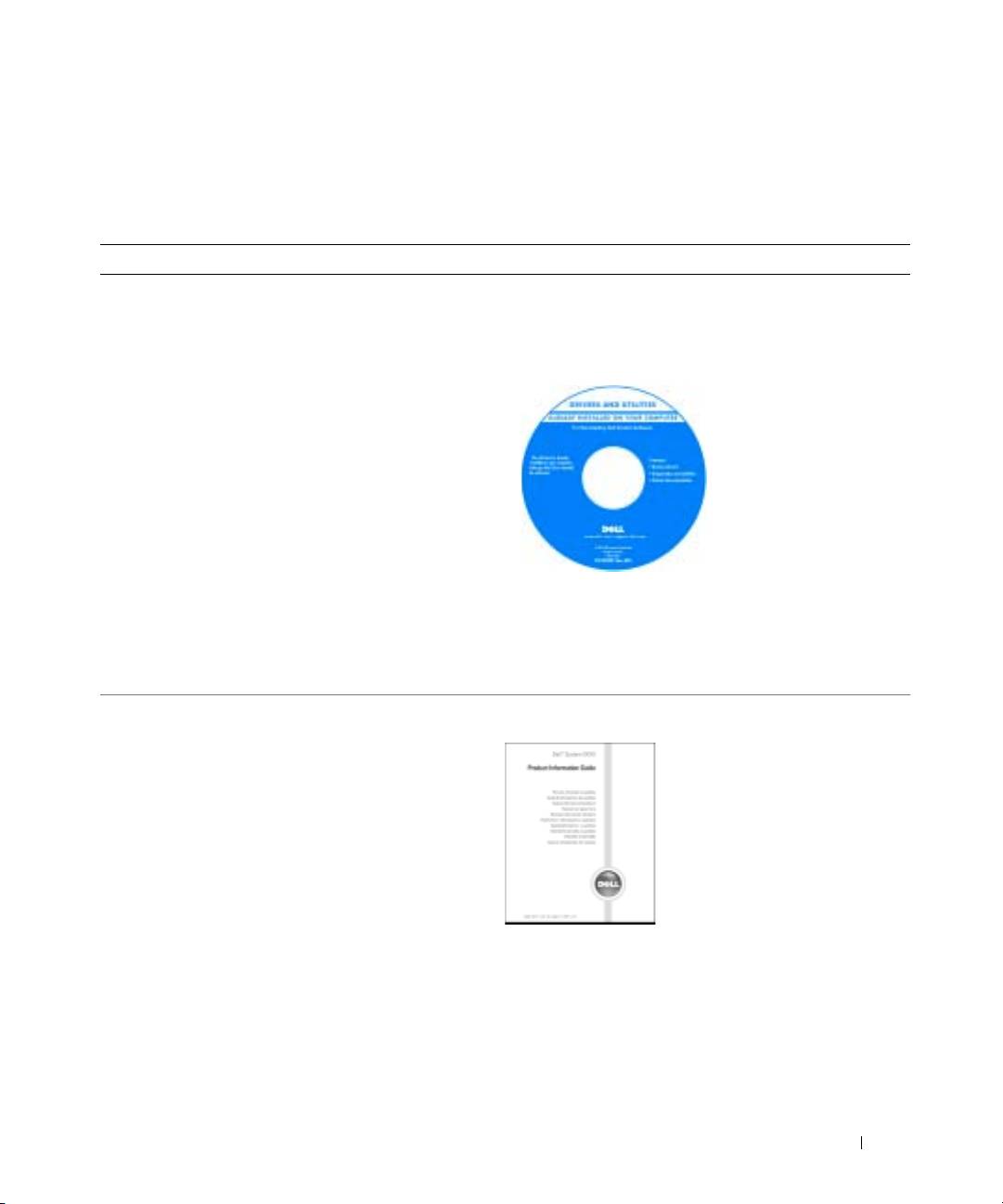
Drivers and Utilities CD (also known as ResourceCD)
• Drivers for my computer
Documentation and drivers are already installed on your
• My computer documentation
computer. You can use the CD to
reinstall drivers
, run the
• My device documentation
Dell Diagnostics
, or access your documentation.
• Notebook System Software (NSS)
Readme files may be
included on your CD to
provide last-minute
updates about technical
changes to your
computer or advanced
technical-reference
material for technicians
or experienced users.
NOTE: Drivers and documentation updates can be found at
support.dell.com.
NOTE: The Drivers and Utilities CD is optional and may not
ship with your computer.
• Warranty information
Dell™ Product Information Guide
• Terms and Conditions (U.S. only)
• Safety instructions
• Regulatory information
• Ergonomics information
• End User License Agreement
DELL CONFIDENTIAL – PRELIMINARY 12/9/04 – FOR PROOF ONLY
Quick Reference Guide 5
