
Dell Inspiron 2600: Safety and Use Instructions Caution: General (Safety Instructions, continued)
Safety and Use Instructions Caution: General (Safety Instructions, continued): Dell Inspiron 2600
Table of contents
- System Information Guide
- Hints, Notices, and Cautions Abbreviations and Acronyms
- Contents
- Safety and Use Instructions Caution: General (Safety Instructions, continued)
- 6 Dell™ Inspiron™ 2600 and 2650 System Information Guide
- Caution: Power (Safety Instructions, continued)
- Caution: Battery (Safety Instructions, continued)
- Caution: Air Travel (Safety Instructions, continued) When Using Your Computer
- NOTICE: When taking the computer from low-temperature conditions into a
- Ergonomic Computing Habits
- When Removing or Installing Memory Modules
- Protecting Against Electrostatic Discharge
- Getting Started Connecting the AC Adapter
- Turning On the Computer
- Computer Components Front View
- Left Side View Right Side View Back View
- Removing a Battery
- Installing a Battery Regulatory Notices
- CE Notice (European Union)
- EN 55022 Compliance (Czech Republic Only)
- Polish Center for Testing and Certification Notice
- Battery Disposal
- ENERGY STAR Compliance
Safety and Use Instructions
Caution: Safety Instructions
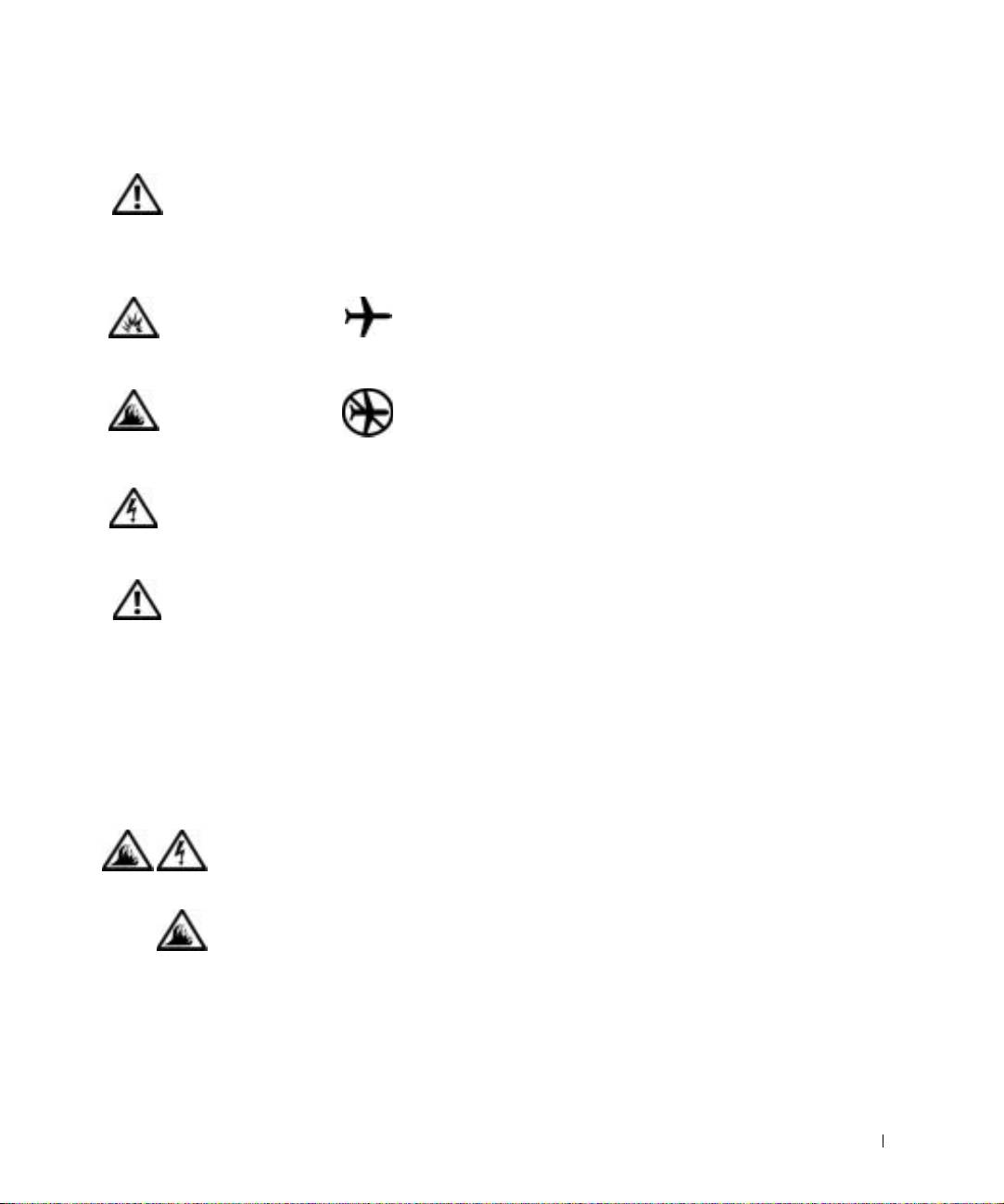
The following information defines the meaning of additional symbols used
only in "Safety and Use Instructions."
Risk of explosion Aircraft
Risk of fire Use of this feature may be prohibited
on aircraft
Risk of electric shock
Caution: General (Safety Instructions, continued)
• Do not attempt to service the computer yourself unless
you are an authorized service technician. Always follow
installation instructions closely.
• If you use an extension power cable with your AC
adapter, ensure that the total ampere rating of the
products plugged in to the extension power cable does
not exceed the ampere rating of the extension cable.
• Do not push objects into air vents or openings of your
computer. Doing so can cause fire or electric shock by
shorting out interior components.
• Place the AC adapter in a ventilated area, such as a desk
top or on the floor, when you use it to run the computer
or to charge the battery. Do not cover the AC adapter
with papers or other items that will reduce cooling; also,
do not use the AC adapter inside a carrying case.
Dell™ Inspiron™ 2600 and 2650 System Information Guide 5


