
Beurer BY 99: 2. Signs and symbols 3. Intended use 4. Notes
2. Signs and symbols 3. Intended use 4. Notes: Beurer BY 99
Table of contents
- Table of contents Included in delivery
- 1. Getting to know your device Functions of the device Using the app provides you with the following functions: System requirement (for using the app)
- 2. Signs and symbols 3. Intended use 4. Notes
- Note WARNING Safety notes on handling batteries
- 5. How the app works
- 6. Unit description 6.1 “Baby” HD camera 6.2 “Monitor” parent unit
- 6.3 Display description 7. Initial use of parent unit 7.1 Initial use of camera 7.2 Initial use of parent unit with battery
- 7.3 Initial use of parent unit with mains part plug 8. Operating the parent unit 8.1 Infrared night vision 8.2 Set the volume 8.3 Set the brightness 8.4 Intercom function 8.5 Settings menu
- Zoom function Lullabies Alarm Temperature unit Add camera
- Delete camera View camera Alternating camera image Energy-saving mode
- 9. Initial use via smartphone/tablet 9.1 Setting up the camera using an Android™ device 9.2 Setting up the camera on your iPhone 9.3 Camera settings 9.3.1 Allocating a camera name / menu image 9.3.2 Setting the notification sensitivity
- 9.4 General settings 10. Operating the camera via the app 10.1 Switching on the camera 10.2 Adding another camera 10.3 Removing a camera
- 10.4 Account settings / signing out 10.5 Infrared night vision function 10.6 Functions during live transmission in the app 10.6.1 Intercom function 10.6.2 Photo function / Video memory function
- 10.6.3 Lullabies 10.6.4 Temperature display 10.7 Using the camera for other end devices 10.8 Access to the user account via the web portal (PC) 11. Useful information about the baby monitor 12. Maintenance and cleaning
- 13. What if there are problems? Problem Solution
- Problem Solution
- 14. Disposal
®
- Internet Explorer
version 8.0 or higher
®
- Firefox
version 11.0 or higher
®
- Chrome
version 18.0 or higher
®
- Safari
version 5.1 or higher
Camera:
- 802.11 b/g/n (2.4 - 2.4835 GHz) WLAN
- Protected by at least WEP
2. Signs and symbols
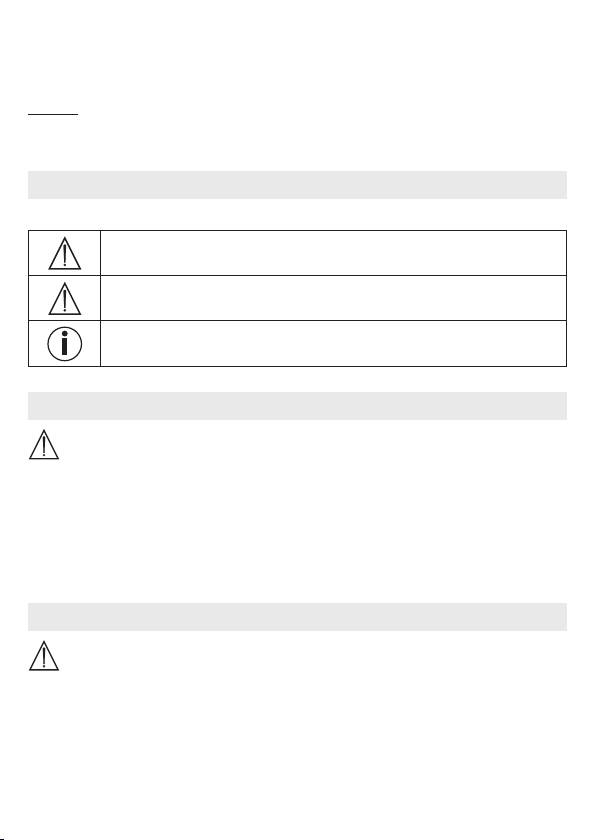
The following symbols appear in these instructions for use:
WARNING
Warning instruction indicating a risk of injury or damage to health
IMPORTANT
Safety note indicating possible damage to the device/accessory
Note
Note on important information
3. Intended use
WARNING
•
Only use the Video Baby Monitor when you cannot mind your baby directly. It is not a sub-
stitute for your own personal, responsible supervision!
•
You can also use the Video Baby Monitor as a room monitor.
•
Improper use can be dangerous.
•
The Video Baby Monitor is only intended for domestic/private use, not for commercial use.
•
Respect the personal rights of others. All persons in the monitored room or who may
be in the monitored room should be informed that there is a camera filming the room.
4. Notes
WARNING
Safety notes
•
Always position the camera and power cord out of the reach of children. The power
cord may cause strangulation or injury to children.
•
Keep small parts out of reach of children.
•
Keep packaging material away from children (risk of suocation).
•
Never place the camera in the cot or within reach of your child.
22
