
Beurer BY 99: 10.6.3 Lullabies 10.6.4 Temperature display 10.7 Using the camera for other end devices 10.8 Access to the user account via the web portal (PC) 11. Useful information about the baby monitor 12. Maintenance and cleaning
10.6.3 Lullabies 10.6.4 Temperature display 10.7 Using the camera for other end devices 10.8 Access to the user account via the web portal (PC) 11. Useful information about the baby monitor 12. Maintenance and cleaning: Beurer BY 99
Table of contents
- Table of contents Included in delivery
- 1. Getting to know your device Functions of the device Using the app provides you with the following functions: System requirement (for using the app)
- 2. Signs and symbols 3. Intended use 4. Notes
- Note WARNING Safety notes on handling batteries
- 5. How the app works
- 6. Unit description 6.1 “Baby” HD camera 6.2 “Monitor” parent unit
- 6.3 Display description 7. Initial use of parent unit 7.1 Initial use of camera 7.2 Initial use of parent unit with battery
- 7.3 Initial use of parent unit with mains part plug 8. Operating the parent unit 8.1 Infrared night vision 8.2 Set the volume 8.3 Set the brightness 8.4 Intercom function 8.5 Settings menu
- Zoom function Lullabies Alarm Temperature unit Add camera
- Delete camera View camera Alternating camera image Energy-saving mode
- 9. Initial use via smartphone/tablet 9.1 Setting up the camera using an Android™ device 9.2 Setting up the camera on your iPhone 9.3 Camera settings 9.3.1 Allocating a camera name / menu image 9.3.2 Setting the notification sensitivity
- 9.4 General settings 10. Operating the camera via the app 10.1 Switching on the camera 10.2 Adding another camera 10.3 Removing a camera
- 10.4 Account settings / signing out 10.5 Infrared night vision function 10.6 Functions during live transmission in the app 10.6.1 Intercom function 10.6.2 Photo function / Video memory function
- 10.6.3 Lullabies 10.6.4 Temperature display 10.7 Using the camera for other end devices 10.8 Access to the user account via the web portal (PC) 11. Useful information about the baby monitor 12. Maintenance and cleaning
- 13. What if there are problems? Problem Solution
- Problem Solution
- 14. Disposal
10.6.3 Lullabies
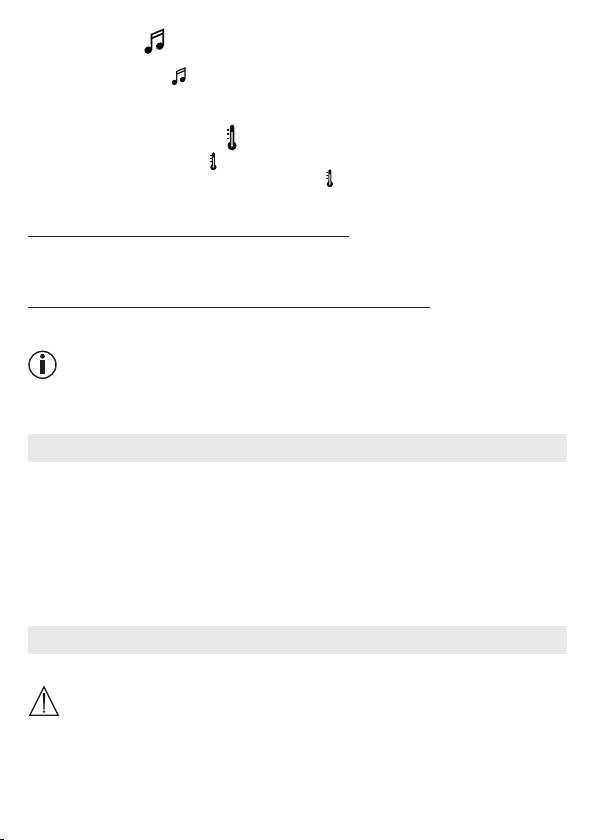
You can activate one of five lullabies that will then be played over the camera:
1. Tap the note symbol (
).
2.
Tap to choose your required lullaby. The lullaby now plays on the camera. To deactivate
the lullaby, tap it again.
10.6.4 Temperature display
Tap the thermometer symbol ( ). The current ambient temperature of the camera appears.
When you tap again on the thermometer symbol (
), you can change the temperature dis-
play between °C and °F.
10.7 Using the camera for other end devices
To use the camera with other end devices, you must log in with the same username + pass-
word as your user account.
10.8 Access to the user account via the web portal (PC)
It is possible to access your user account via the web portal.
You will have received a link to the web portal automatically via e-mail after setting up the camera.
Note
The transmission image and the timeline can only be displayed via the web portal. Other func-
tions/settings options (such as the intercom function) are not available.
11. Useful information about the baby monitor
•
If you operate the parent unit with the battery, this minimises electrosmog from electrical
and magnetic alternating fields.
•
You can increase the range of the baby monitor by positioning the camera as high up as
possible near a door or window and ensuring that the battery is not too weak.
•
Other radio waves may possibly interfere with the transmission of the baby monitor. There-
fore, do not position the baby monitor near devices such as microwaves, WLAN, etc.
•
The following other factors can interfere with the baby monitor’s transmission or shorten its
range: furniture, walls, houses, trees, environmental factors (such as fog, rain).
12. Maintenance and cleaning
The service life of the camera and the parent unit depend on careful handling.
IMPORTANT
•
Remove the battery from the parent unit if the Video Baby Monitor is not in use for an ex-
tended period.
•
You will get the maximum capacity from your battery if you run down the battery at least
once every six months. To do this, disconnect the parent unit from the mains and run the
battery down through normal use. Then fully charge the battery up again.
33
