
Beurer FT 78: 10. Disposal 8. Replacing the battery 11. What if there are error messages? 9. Cleaning and storage
10. Disposal 8. Replacing the battery 11. What if there are error messages? 9. Cleaning and storage: Beurer FT 78
Table of contents
- Table of contents
- 1. Signs and symbols 2. Intended use 3. Notes
- Notes on handling batteries General notes
- 5. Initial use 6. Settings 4. Unit description 6.1 Switching the acoustic signals on and o 6.2 Switching temperature unit (Celsius °C -> Fahrenheit °F) 6.3 Memory function
- Starting measurement 7. Measuring
- 10. Disposal 8. Replacing the battery 11. What if there are error messages? 9. Cleaning and storage
- Error message Cause Solution 12. Technical data
•
Twist the measuring probe from side to side while taking the meas-
To clean the entire device, use a soft cloth slightly moistened with a
urement to register the whole auditory canal or nd the highest tem-
mild soapy solution.
perature. Release the start button ( ) again when you hear a long
Do not use any harsh cleaning products.
acoustic signal. The measurement is complete.
If prolonged storage is intended, you should remove the batteries.
The device must not be stored or used at an excessively high or low
5.
For the next measurement, remove the old protective cap and put
temperature or humidity (see technical data), in sunlight, in association
on a new one.
with an electrical current or in dusty locations. Otherwise inaccuracies
6. To switch the device o again, press and hold the ON/OFF/memory
can occur.
button ( ) for approx. three seconds. If you do not press a button
on the device for over one minute it will automatically switch o .
10. Disposal
7. Clean the device after every use as described in the “Cleaning and
storage” chapter.
The empty, completely at batteries should be disposed of through spe-
cially designated collection boxes, recycling points or electronics retail-
8. Replacing the battery
ers. You are legally required to dispose of the batteries.
Note: The codes below are printed on batteries containing
Before replacing the battery, ensure that the device is switched o .
harmful substances: Pb = Battery contains lead,
Cd = Battery contains cadmium, Hg = Battery contains
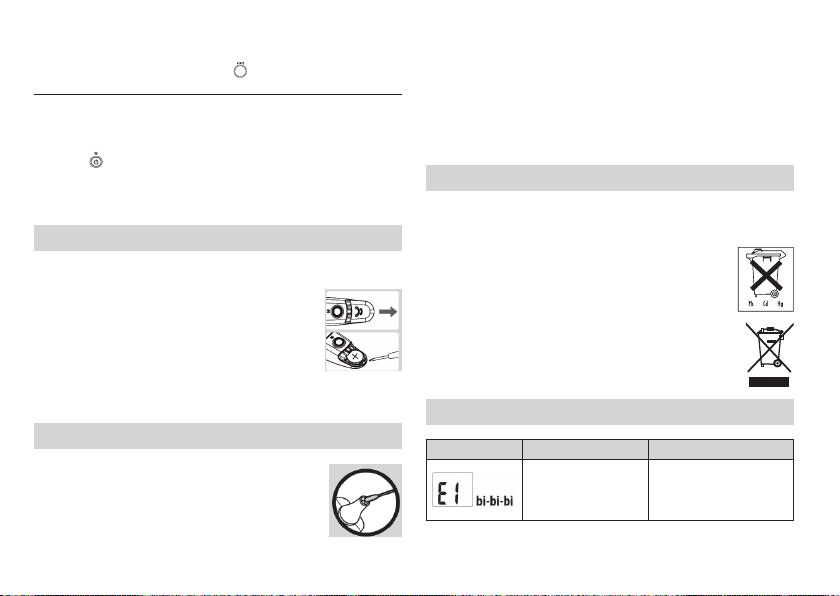
1. Open the battery compartment lid: Hold the device
mercury.
rmly and slide the battery out using a screwdriver.
2.
Place the new battery under the metal ap and press
Dispose of the device in accordance with EC Directive –
the battery down until you hear it click into place.
WEEE (Waste Electrical and Electronic Equipment). If you
3. Place the battery compartment lid back on.
have any questions, please contact the local authorities
4. When inserting the battery, ensure that the positive
responsible for waste disposal.
terminal (+) is facing upwards and the negative terminal (-) is facing
downwards.
11. What if there are error messages?
9. Cleaning and storage
Error message Cause Solution
The measuring probe is the most sensitive part of the ear
The ambient tem-
Keep the ear thermometer
thermometer. Work carefully when cleaning the meas-
perature is not between
for at least 30 minutes in a
uring probe to avoid causing any damage. Use a clean
10 °C and 40 °C (50 °F
room at between 10 °C and
cloth or cotton bud that can be moistened with disin-
and 104 °F).
40 °C (50 °F and 104 °F).
fectant, alcohol or warm water.
16
