
Beurer BM 60: Operation with the mains part Setting date and time
Operation with the mains part Setting date and time: Beurer BM 60
Table of contents
- 2. Important information Signs and symbols 1. Getting to know your instrument
- Advice on use
- Notes on handling batteries Storage and Care Repair and disposal
- Icons in the display: 3. Unit description 4. Getting started
- Operation with the mains part Setting date and time
- 5. Measuring blood pressure 5.1 Positioning cuff 5.2 Correct posture 5.3 Measuring blood pressure
- WHO classification: 5.4 Evaluating results Cardiac arrhythmia:
- Range of blood pressure values : haemodynamic stability : lack of haemodynamic stability
- Deleting saved values 6. Calling up stored values 7. Cleaning and storing the instrument
- 8. Rectifying faults 9. Specifications
- 10. Mains part
If the battery change is continuously illuminated, meas-
Operation with the mains part
urement is no longer possible and you must replace all the bat-
You can also operate this device with a mains part.
teries. Once batteries have been removed from the device, the
When doing so, there must not be any batteries in the battery
time must be reset.
compartment. The mains part can be obtained from special-
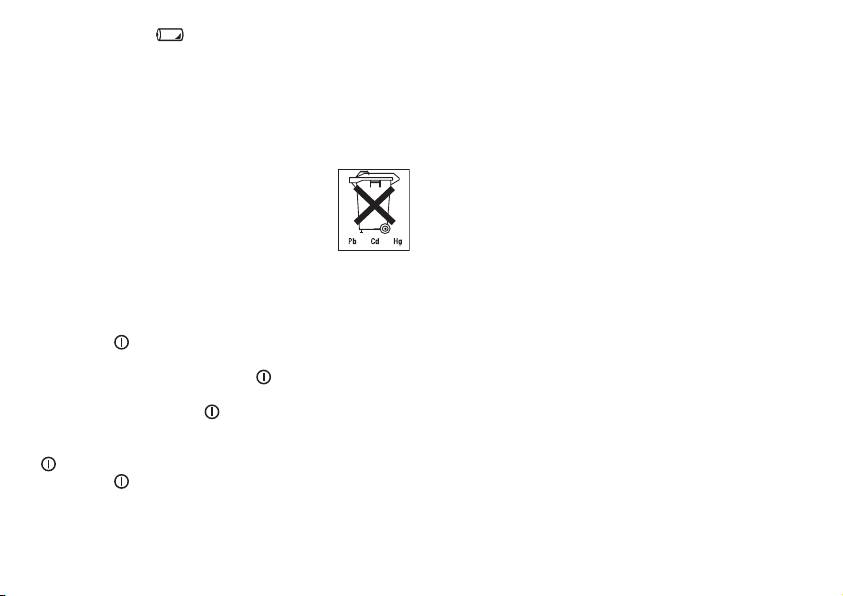
The empty, completely flat batteries must be disposed of
ist retailers or from the service address using order number
through specially designated collection boxes, recycling points
071.19.
or electronics retailers. You are legally required to dispose of
•
To prevent possible damage to the device, the blood
the batteries.
pressure monitor must only be used with the mains part
The codes below are printed on batteries
described here.
containing harmful substances:
•
Insert the mains part into the connection provided for this
Pb = Battery contains lead,
purpose on the right-hand side of the blood pressure moni-
Cd = Battery contains cadmium,
tor. The mains part must only be connected to the mains
Hg = Battery contains mercury.
voltage that is specified on the type plate.
•
Then insert the mains plug of the mains part into the mains
Setting date and time
socket.
•
First the year flashes. Using the M2 button, you can increase
•
After using the blood pressure monitor, unplug the mains
the basic values to be set, using M1 you can decrease the
part from the mains socket first and then disconnect it from
values. Set the year and confirm the entry using the start/
the blood pressure monitor. As soon as you unplug the
stop button .
mains part, the blood pressure monitor loses the date and
•
Now set the month using the M1 and M2 buttons.
time setting but the saved measurements are retained.
Confirm using the start/stop button .
•
If you are using the blood pressure monitor with the mains
•
Now set the day using the M1 and M2 buttons. Confirm
part, position the blood pressure monitor so that you can
using the start/stop button .
easily pull the mains plug from the socket at all times.
•
Now you can set the time, which is displayed in 24-hour
mode. First set the hour, confirm using the start/stop button
and then set the minutes. After confirming with the start/
stop button , the device switches off automatically and the
time is displayed.
18
