
Beurer BC 32: Range of blood pressure values Systolic (in mmHg) Diastolic (in mmHg) Measure 6. Saving, retrieving and deleting results 7. Error messages / troubleshooting
Range of blood pressure values Systolic (in mmHg) Diastolic (in mmHg) Measure 6. Saving, retrieving and deleting results 7. Error messages / troubleshooting: Beurer BC 32
Table of contents
- 2. Important information 1. Getting to know your instrument
- Advice on use
- Storage and Care Repair and disposal Advice on batteries
- 3. Unit description
- 4. Prepare measurement 5. Measuring blood pressure
- Evaluating results
- Range of blood pressure values Systolic (in mmHg) Diastolic (in mmHg) Measure 6. Saving, retrieving and deleting results 7. Error messages / troubleshooting
- 8. Cleaning and Care 9. Technical details
- This unit is in line with European Standard EN 60601-1-2
WHO classification:
The bar graph in the display and the scale on the unit indicate
According to WHO Guidelines/Definitions and the latest find-
the range of the blood pressure which has been recorded. If
ings, the test results can be classified and evaluated according
the values for systolic and diastolic pressure are in two differ-
to the following chart:
ent WHO ranges (e.g. systolic in the high-normal range and
diastolic pressure in the normal range) the graphic WHO clas-
sification on the unit indicates the higher range (high-normal in
the example described).
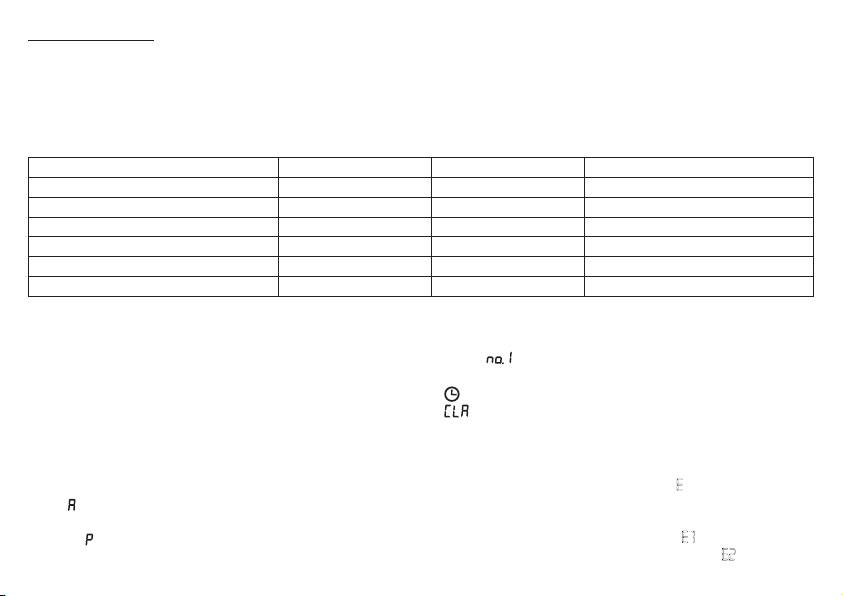
Range of blood pressure values Systolic (in mmHg) Diastolic (in mmHg) Measure
Grade 3: Severe hypertension ≥ 180 ≥ 110 Seek medical advice
Grade 2: Moderate hypertension 160 – 179 100 – 109 Seek medical advice
Grade 1: Mild hypertension 140 – 159 90 – 99 Have it checked regularly by doctor
High-normal 130 – 139 85 – 89 Have it checked regularly by doctor
Normal 120 – 129 80 – 84 Check it yourself
Optimal < 120 < 80 Check it yourself
Source: WHO, 1999
6. Saving, retrieving and deleting results
• To clear the memory, press the
M
button, then the display
shows
Press the
+
button to select the user memory
•
The results of each successful measurement are stored
and confirm by pressing
M
again. Press and hold the
+
and
together with date and time. With more than 60 items of
keys simultaneously for 5 seconds (the display will show
measured data, the earliest items of data measured are lost.
).
•
Select the desired user memory by pressing the
M
button
and then the
+
button. Press the
M
button again to display
•
If you wish to change the user memory, see “Select memory”
the average of all saved measurements in the user memory.
Press the
M
button again to display the average day meas-
7. Error messages / troubleshooting
urement for the last 7 days. (day: 5.00 a.m. – 9.00 a.m., dis-
In the event of errors, the error message E_ appears on the
play
). Press the
M
button again to display the average night
display.
measurement for the last 7 days (night: 5.00 p.m. – 9.00 p.m.,
Error messages may appear if:
display
). If you continue pressing the
M
button, the latest
• It was not possible to record the pulse: E 1;
individual results are displayed with date and time.
• You move or speak during the measurement:: E2 ;
17
