
Dell PowerVault MD1120: Installing the Bezel
Installing the Bezel: Dell PowerVault MD1120
Table of contents
- Notes, Notices, and Cautions
- System Features
- Other Information You May Need Obtaining Technical Assistance Installation and Configuration Unpacking the System
- Installing the Rails and System in a Rack
- Connecting the Power Attaching the Power Cord Retention Bracket
- Turning on the System
- Installing the Bezel
- Technical Specifications Drives Connectivity Enclosure Modules Backplane Board
- Back-Panel Connectors LED Indicators Power Supplies
- Available Hard Drive Power (Per Slot) Physical Environmental
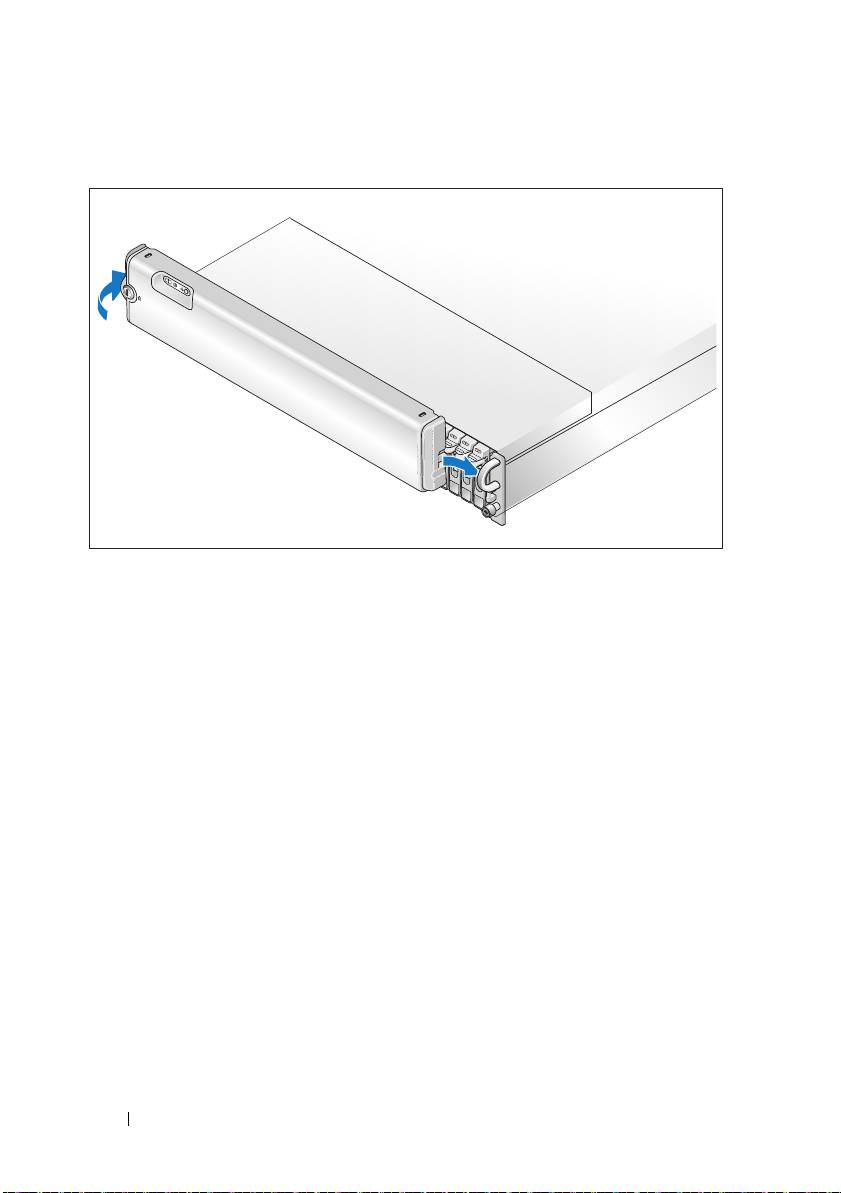
Installing the Bezel
Install the bezel, if desired, by inserting the right edge of the bezel into the
right front loop on the system, and then pressing the left edge of the bezel to
the system until the bezel snaps into place. (Bezel design may vary slightly
from the illustration above.)
8 Getting Started With Your System
Top 10 manuals
100.00
NZXT HALE90 1000W99.99
Samsung SM-R38099.97
AEG BSB 18C99.97
Dell 2700W99.97
Smeg KSEC70X99.96
Beurer HDE 4099.96
Pyramida KH 50 v.299.96
MSI CSM-H81M-P3299.96
AEG HR 562799.95
Melissa 640-048