
Beurer BC 80: 5. Measuring blood pressure
5. Measuring blood pressure: Beurer BC 80
Table of contents
- 2. Important notes 1. Getting to know your device
- Notes on use
- Instructions for storage and maintenance
- 3. Unit description Instructions for repairs and disposal
- Information on the display: 4. Preparing for the measurement
- 5. Measuring blood pressure
- Adopt the correct posture Performing the blood pressure measurement
- Evaluating results
- 6. Displaying and deleting measurements
- 8. Error messages/troubleshooting 7. Transferring measurements
- 10. Technical specifications
Setting the hour format, date and time
The day flashes on the display.
This menu allows you to set the following functions, one after
•
Select the day using the M1/M2 memory buttons and
another.
confirm with the START/STOP button .
Hour format
➔
Date
➔
Time
If the hour format is set as 12h, the day/month dis-
play sequence is reversed.
It is essential to set the date and time. Otherwise, you will not
Time
be able to save your measured values correctly with a date and
time and access them again later.
The hours flash on the display.
If you press and hold the M1 or M2 memory button, you
•
Select the hour using the M1/M2 memory buttons
can set the values more quickly.
and confirm with the START/STOP button .
Hour format
The minutes flash on the display.
•
Press and hold the START/STOP button
•
Select the minute with the M1/M2 memory but-
for 5 seconds.
tons and confirm with the START/STOP button
.
•
Select the desired hour format using the M1/
Once all the data has been set, the device switches off au-
M2 memory buttons and confirm with the
tomatically.
START/STOP button .
5. Measuring blood pressure
Date
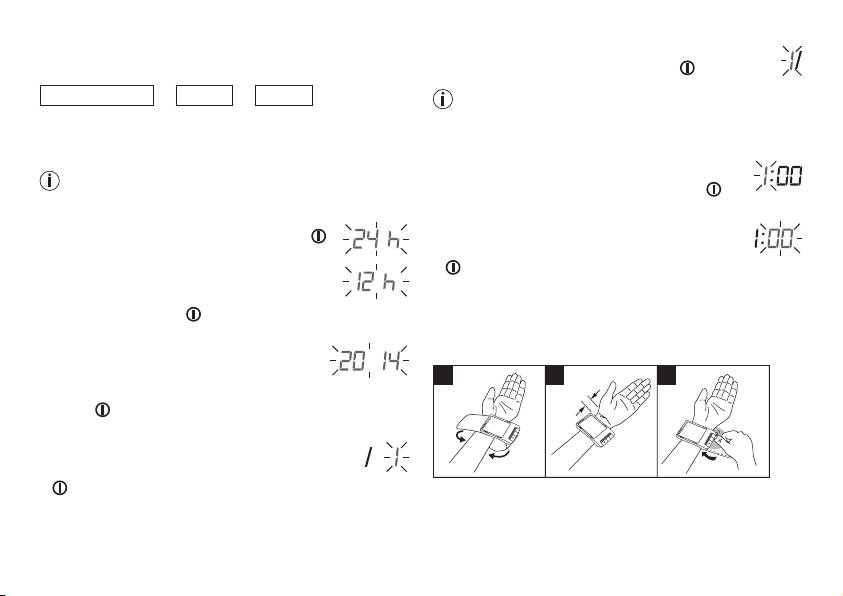
Attaching the cuff
The year flashes on the display.
•
Select the year using the M1/M2 memory
buttons and confirm with the START/STOP
button .
The month flashes on the display.
•
Select the month using the M1/M2 memory but-
tons and confirm with the START/STOP button
.
19
1 2 3
1 cm
O
k
M2
M1
k
O
M2
M1
O
k
M2
M1
•
Expose your left wrist. Ensure that the circulation of the arm
is not hindered by tight clothing or similar.
Place the cuff on the inside of your wrist.
