
Dell POWEREDGE M915: Operating System
Operating System: Dell POWEREDGE M915
Table of contents
- Notes, Cautions, and Warnings
- Installation and Configuration Unpack the System Installing the Rails and System in a Rack
- Installing the Blades
- Connecting the System to Power
- Turning On the System Turning On the Blades
- Complete the Operating System Setup Supported Operating Systems
- Operating System
- Operating System
- Operating System
- Operating System
- Obtaining Technical Assistance Technical Specifications Blade Specifications Processor Memory
- Memory (continued)
- Memory (continued) Drives
- Drives (continued) Connectors
- Connectors (continued) PCIe Expansion Solution Mezzanine Cards
- Mezzanine Cards (continued) Embedded Ethernet Controllers Video Controller Physical
- Physical (continued) Battery
- System Enclosure Specifications Physical Power Supply Module Optional Avocent iKVM Module
- Chassis Management Controller Module Enclosure Control Panel Environmental
- Environmental (continued) I/O Module Specifications
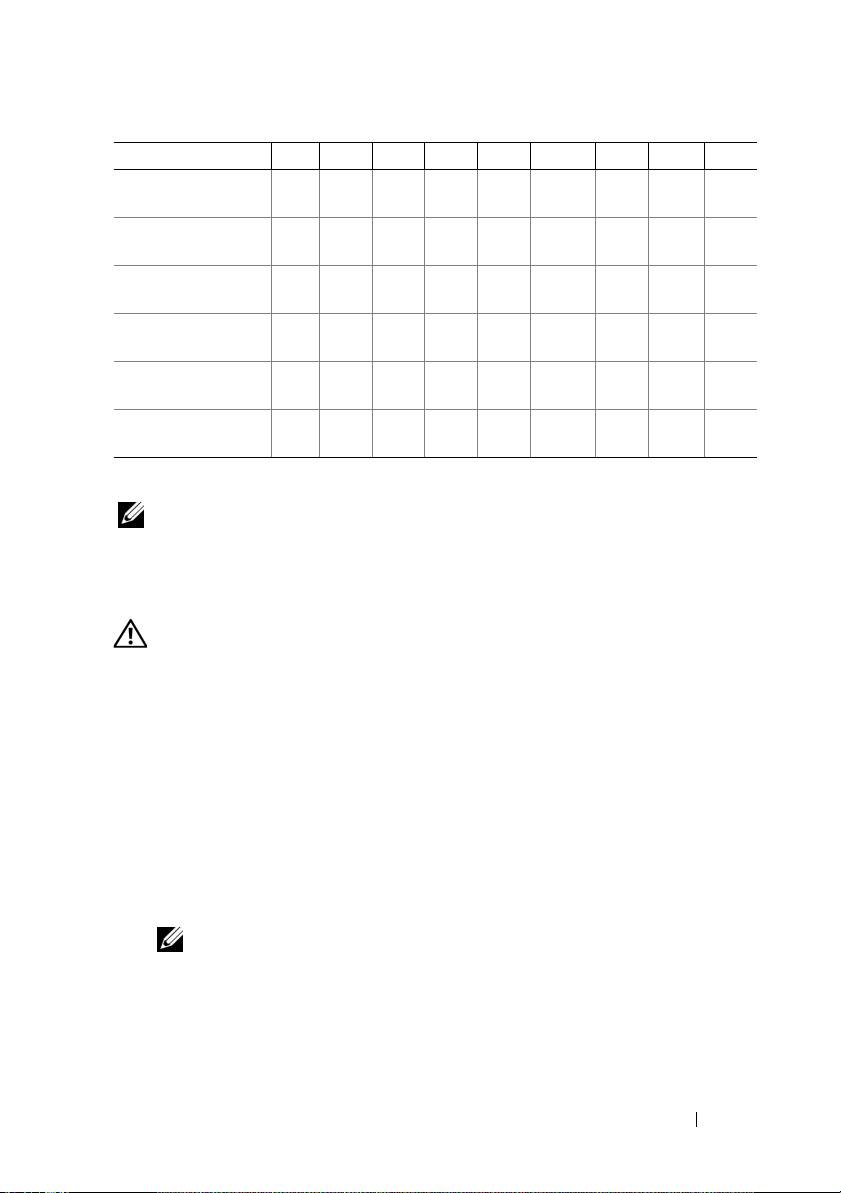
Operating System
M915
M910 M905 M805 M710
M710HD
M610 M610x M605
VMware ESX
version 4.0 Update 1
VMware ESXi
version 4.0 Update 1
VMware ESX
version 4.0 Update 2
VMware ESXi
version 4.0 Update 2
VMware ESX
version 4.1 Update 1
VMware ESXi
version 4.1 Update 1
—Supported
NOTE: For the latest information on supported operating systems for all
PowerEdge systems, see dell.com/ossupport.
Other Information You May Need
WARNING: Before performing the following procedure, review the safety
instructions that came with the system.
• The
Configuration Guide
provides information on configuring the system
enclosure and the blades.
•
Rack Installation Instructions
included with your rack solution describes
how to install your system into a rack.
• The
Hardware Owner’s Manual
provides information about system
features and describes how to troubleshoot the system and install or
replace system components.
• Dell systems management application documentation provides
information about installing and using the systems management software.
NOTE: Always check for updates on support.dell.com/manuals and read the
updates first because they often supersede information in other documents.
Getting Started With Your System 11
