
Dell K788N: Finding Information
Finding Information: Dell K788N
Table of contents
- Getting Started With Your System
- Notes and Warnings
- System Features
- Finding Information
- Installation and Startup Unpacking the System
- Identifying the UPS Figure 1. The Dell Tower UPS Figure 2. UPS Rear Panel (1000W, 120V Rear Panel)
- Removing the UPS Front Cover Removing the Battery Cover
- Connecting the Internal Battery Connector
- Connecting the Equipment
- Connecting the Power Cord
- Starting the UPS Completing the Startup
Finding Information
CAUTION: The Safety, Environmental, and Regulatory Information document provides important safety and
regulatory information.
What are You Looking For?
Find It Here
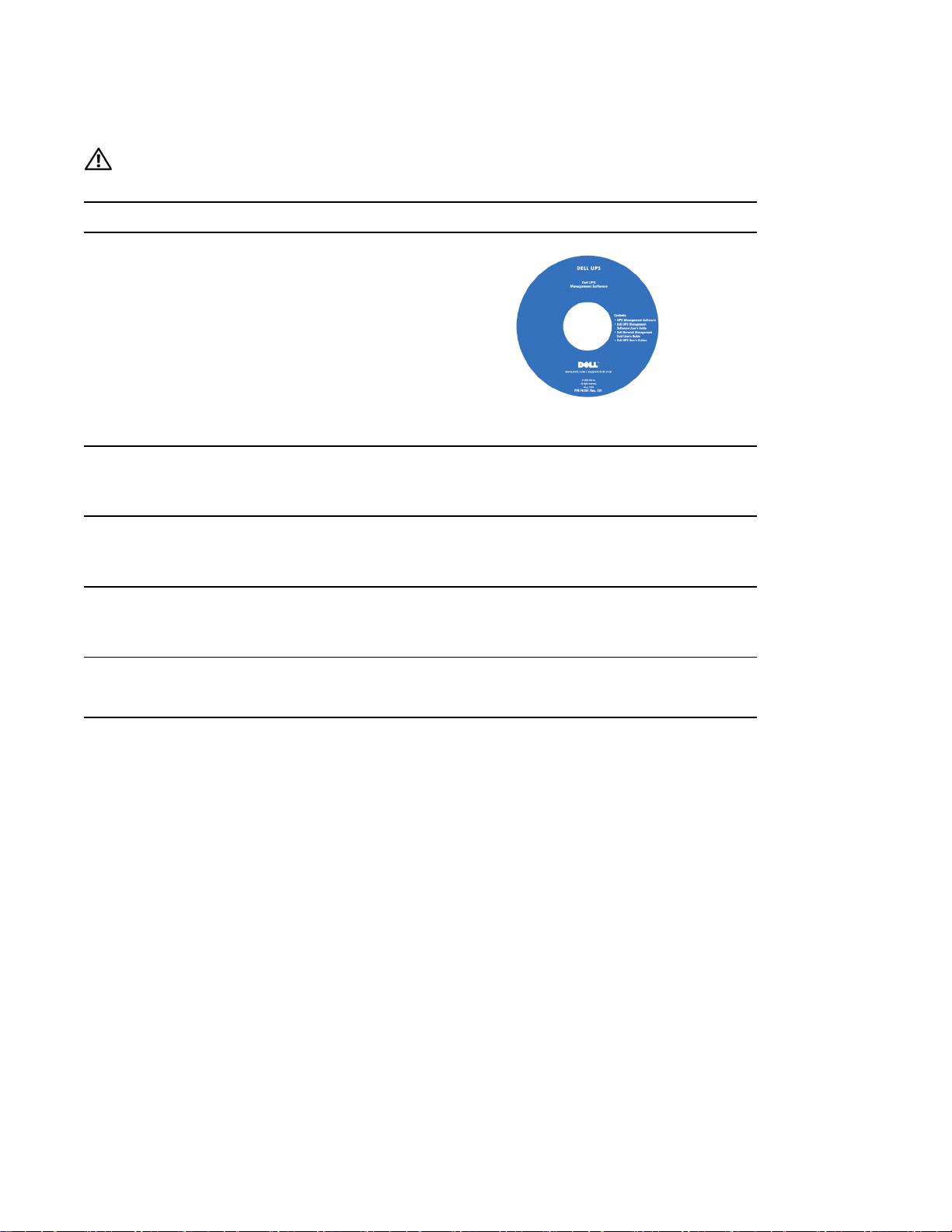
S The user's guide for my UPS
Dell UPS Disc
S The user's guide for the Dell Network Management
Card
S Dell UPS Management Software
NOTE: Documentation and software updates can be
found at
support.dell.com.
S Specifications
Dell UPS User's Guide
S How to configure UPS settings
The user's guide is available on the Dell UPS disc and
S How to troubleshoot and solve problems
on support.dell.com.
S Safety instructions
Safety, Environmental, and Regulatory Information
S Regulatory information
S Recycling information
S Warranty information
Dell Warranty and Support Information
S Terms and Conditions (U.S. only)
S End User License Agreement
S Support information Dell Support Website — support.dell.com
NOTE: Select your region or business segment to view
the appropriate support site.
2
|
Finding Information
